
Audio in Unreal Editor for Fortnite
Audio is one of the most effective ways to create atmosphere and enhance immersion in a game. Unreal Editor for Fortnite (UEFN) gives you the tools you need to take your experiences to the next level by using audio.
Explore the following pages to learn about what you can do with audio in UEFN.
[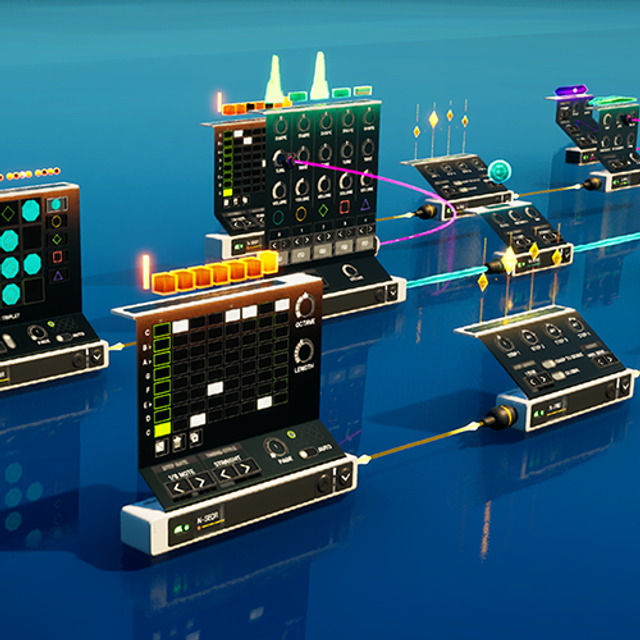
Using Patchwork in UEFN
Learn how to use the Patchwork in UEFN to make cool, fun music and other audio for your island.](/docs/documentation/en-us/fortnite/using-fortnite-patchwork-in-unreal-editor-for-fortnite.md)[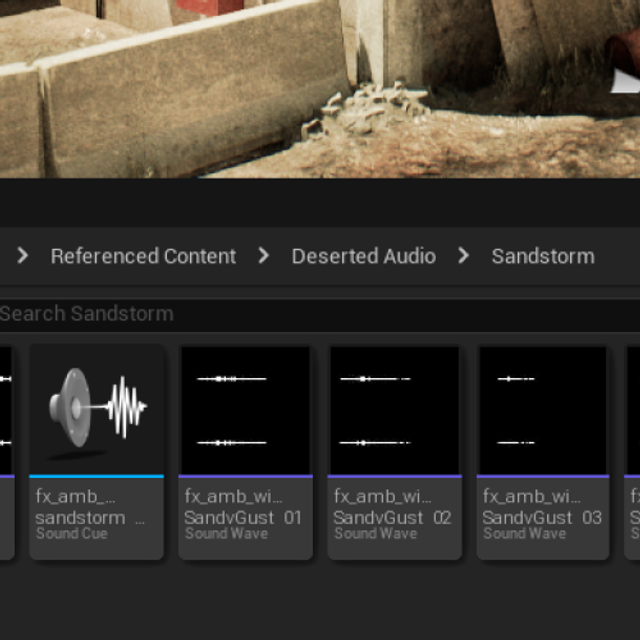
Importing Custom Audio
Import custom audio into your island and immerse players in the world of your creation.](/docs/documentation/en-us/fortnite/importing-custom-audio-in-unreal-editor-for-fortnite.md)[
Adding Audio to Your Project
Add audio to a project.](/docs/documentation/en-us/fortnite/adding-audio-to-your-project-in-unreal-editor-for-fortnite.md)[
You're reading a preview
The full reference is free for BrainDeadGuild Discord members — sign in to read it all, or open the original at the source.
Sign in with your BrainDead.TV / BrainDeadGuild Discord account for full access.