
Basics of Writing Simple Code In Verse
At the end of this lesson, you'll get a chance to actually start writing simple code — not just editing something that's already there!
But first, a little more info.
What Good Programmers Do (Instead of Remembering)
An experienced programmer will make notes in the code that are not actually part of the program, but comments about what they did or why they did it. When the program runs, these comments are ignored, but the programmer's notes, called code comments or just comments, stay in the code.
Code Comments
Writing code comments is good practice in general, but is especially useful when you're just starting to program and figuring things out as you go. These comments can be really helpful when you try to understand why you (or someone else) did something.
The simplest way to write a code comment is to put a # in front of the comment, but there are also other ways to do it:
1+2 # Hello 1+2 # Hello Copy full snippet(1 line long) |
single-line comment: Anything that appears between # and the end of line is part of the code comment. |
1<# inline comment #>+2 1<# inline comment #>+2 Copy full snippet(1 line long) |
inline block comment: Anything that appears between <# and #> is part of the code comment. Inline block comments can be between expressions on a single line and don't change the expressions. |
| ``` | |
<# Block comments nest <# like this #> #> <# Block comments nest <# like this #> #> Copy full snippet(1 line long) |
nested block comment: Anything that appears between <# and #> is part of the code comment, and they can nest. This can be useful if you want to comment out some expressions in a line for testing and debugging without changing an existing code comment. |
| ``` |
Using Conditionals to Make Decisions in Code
Remember those if .. else expressions you saw in Lesson 2? They're known as conditional expressions.
Conditional expressions, or conditionals for short, are how you tell your program to make decisions.
The if expression is testing whether something succeeded or failed. Certain code might be run if it succeeds. If it fails, other code would run instead.
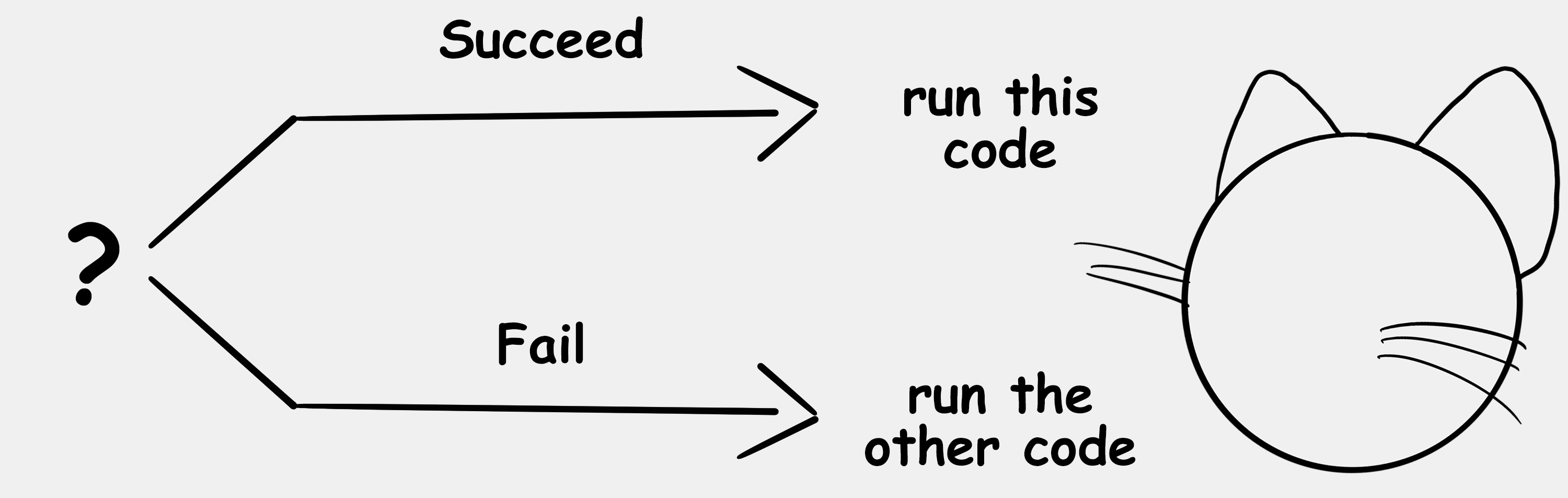
You can think of this as a way to ask your program a yes or no question.
In real life, you make decisions all the time based on the answer to a yes or no question. For example, are you tired? If the answer is yes, you go to sleep. If the answer is no (else), you stay up and watch cartoons.
If you were to program this behavior, it might look like:
|  |  |
| --- | --- |
|  | var Tired: logic = false |
|  | var WhatToWatch: string = "nothing" |
|  |  |
|  | if (Tired?): |
|  | set WhatToWatch = "your eyelids" |
|  | else: |
|  | set WhatToWatch = "cartoons" |
|  |  |
|  | Print("You should watch {WhatToWatch}") |
|  |  |
|  | # You should watch cartoons |
var Tired: logic = false var WhatToWatch: string = "nothing" if (Tired?): set WhatToWatch = "your eyelids" else: set WhatToWatch = "cartoons" Print("You should watch {WhatToWatch}")
You should watch cartoons
Collapse code Copy full snippet(11 lines long)
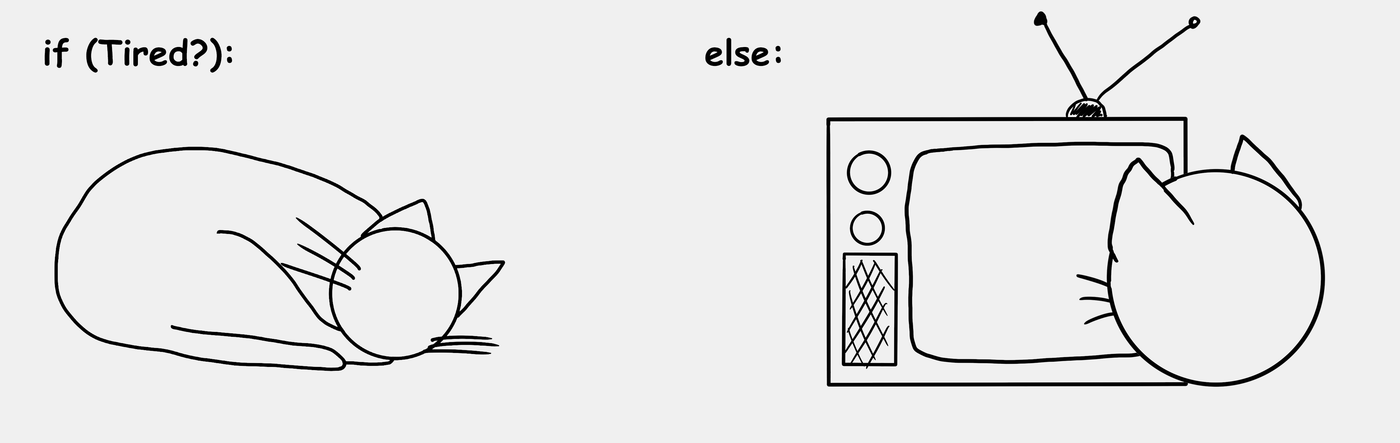
Did you notice that question mark ? in the if expression? That's how a Verse program checks to see if a logic type is true or false.
Nesting
When code is nested, this means it's indented under a keyword expression like if or else. These expressions create a new scope.
Scope refers to a chunk of code where names and their associated values can be used. The scope is contained within a block of code that is indented.
For example:
|  |  |
| --- | --- |
|  | if (Tired?): |
|  | set WhatToWatch = "your eyelids" |
|  | else: |
|  | set WhatToWatch = "cartoons" |
if (Tired?): set WhatToWatch = "your eyelids" else: set WhatToWatch = "cartoons"
Copy full snippet(4 lines long)
The set WhatToWatch = "your eyelids" line is indented under the if (Tired?): line. The same pattern repeats for the else: line.
You can nest a single line of code, or you can nest a block (multiple lines) of code.
What this means is that when the code runs, the nested code will only execute within the context of the code it's nested under.
Using Multiple Conditions
Sometimes you need to ask more than one question before you can make a decision. In Verse, this is done with the operators and and or. These are referred to as decision operators.
When using and, the conditions on both sides of the operator need to be true or succeed for the whole expression to succeed.
When using or, only one condition needs to be true or succeed for the whole expression to succeed.
| First Condition | Operator | Second Condition | Whole Expression |
|---|---|---|---|
| succeeds | and | succeeds | succeeds |
| succeeds | and | fails | fails |
| fails | and | fails | fails |
| succeeds | or | succeeds | succeeds |
| succeeds | or | fails | succeeds |
| fails | or | fails | fails |
To see how these operators work, let's revise the code.
Even if you aren't tired, it might be a good idea to sleep if you have school tomorrow. Let's check that by creating a variable named SchoolTomorrow and using or to check both logic variables.
|  |  |
| --- | --- |
|  | var Tired: logic = false |
|  | var SchoolTomorrow: logic = true |
|  | var WhatToWatch: string = "nothing" |
|  |  |
|  | if (Tired? or SchoolTomorrow?): |
|  | set WhatToWatch = "your eyelids" |
|  | else: |
|  | set WhatToWatch = "cartoons" |
|  |  |
|  | Print("You should watch {WhatToWatch}") |
|  |  |
|  | # You should watch your eyelids |
var Tired: logic = false var SchoolTomorrow: logic = true var WhatToWatch: string = "nothing" if (Tired? or SchoolTomorrow?): set WhatToWatch = "your eyelids" else: set WhatToWatch = "cartoons" Print("You should watch {WhatToWatch}")
You should watch your eyelids
Collapse code Copy full snippet(12 lines long)
Tired is still set to false, but since SchoolTomorrow is set to true, the whole expression succeeds, and WhatToWatch gets set to "your eyelids".
There's another way to check multiple conditions.
Using if ... else if ... else puts a sequence to the things you're checking. This means that if you check the first condition, you only need to check the next condition if the previous condition failed.
What if there's no school tomorrow and you're not tired? You might want to go see a movie with your friends. Let's revise the code one more time to see how this works.
Update the value of the SchoolTomorrow variable and declare a new variable, FriendsAvailable.
|  |  |
| --- | --- |
|  | var FriendsAvailable : logic = true |
|  | set SchoolTomorrow = false |
var FriendsAvailable : logic = true set SchoolTomorrow = false
Copy full snippet(2 lines long)
Next, you would update the code to check if your friends are available — but only if you aren't tired or you don't have school tomorrow.
|  |  |
| --- | --- |
|  | if (Tired? or SchoolTomorrow?): |
|  | set WhatToWatch = "your eyelids" |
|  | else if (FriendsAvailable?): |
|  | set WhatToWatch = "a movie with your friends" |
|  | else: |
|  | set WhatToWatch = "cartoons" |
if (Tired? or SchoolTomorrow?): set WhatToWatch = "your eyelids" else if (FriendsAvailable?): set WhatToWatch = "a movie with your friends" else: set WhatToWatch = "cartoons"
Copy full snippet(6 lines long)
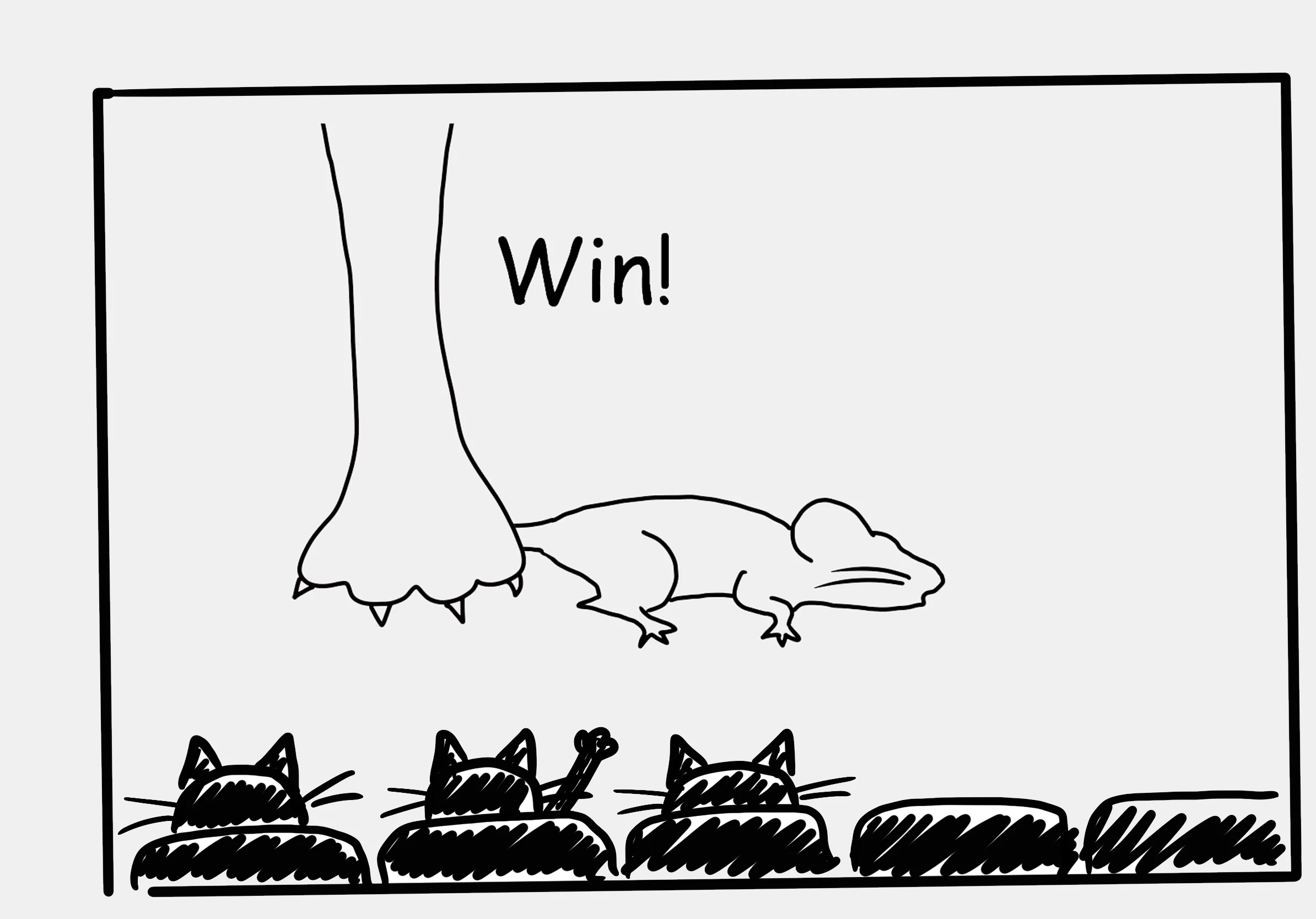
Purrfect! Now you'll only sleep if you're tired or it's a school night. If the answer to either question is no, you'll either watch a movie with your friends, or stay home and watch cartoons if your friends aren't available.
Planning your evenings just got a lot easier — thanks to Verse.
Troubleshooting
Remember in Lesson 1 when you learned about compiler errors?
Another thing you can encounter when you're writing code is bugs.
Bugs
A bug is an error in a computer program that causes it to produce an incorrect or unexpected result. The effect of a bug can be something little, like changing the color of text in a message, or more dramatic, like sending the text message to the screen at the wrong time, or even causing the program to crash.
The term was popularized by Grace Hopper, an early pioneer in computer science, when she found a moth in a computer and taped it into her handwritten troubleshooting log with a comment that read "First actual case of a bug being found".
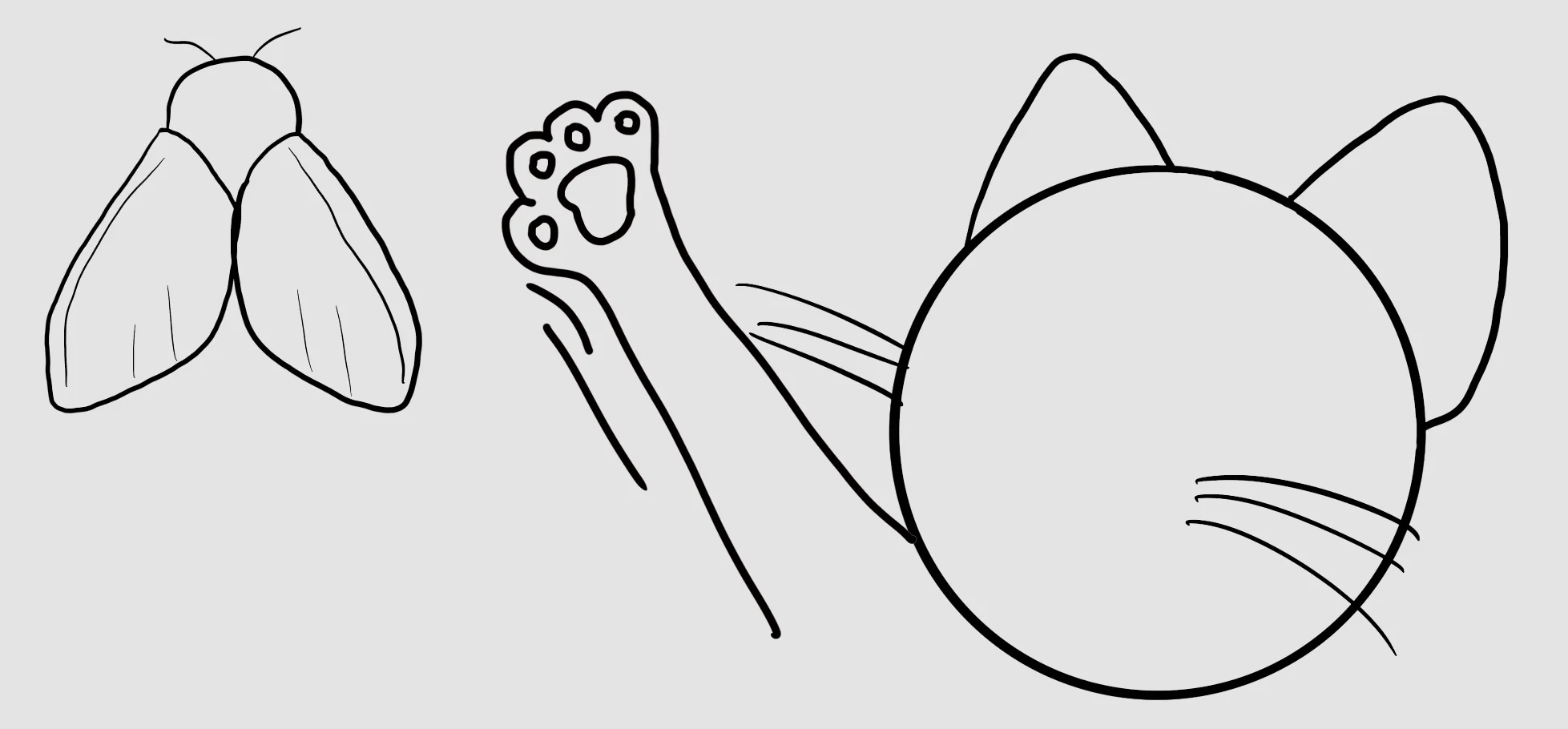
While compiler errors prevent a program from compiling, a bug won't show up until the program is running.
The process of identifying and removing bugs is called debugging, and a tool that helps to find bugs is a debugger.
Summary
- Use code comments to remember why you wrote code a specific way, and to help other programmers understand what you did, and why.
- Use constants for values that should remain constant throughout the program.
- Use variables for values that should change based on input.
- Bugs and compilation errors are caused by errors in the code.
Practice Time!
-
[

Lesson 4: Practice Time!
In this hands-on exercise, you'll get to write some code, then debug it when it doesn't work as expected!](/docs/documentation/en-us/fortnite/basics-of-writing-code-4-practice-time-in-verse.md)