
Running Your First Verse Program
By following the steps on this page, you can learn how to create, run, edit, and troubleshoot a Verse program and a SceneGraph component that says "Hello, world!" in Unreal Editor for Fortnite (UEFN).
See Launching Unreal Editor for Fortnite for how to access UEFN.
Your First Verse Program
The VKT - Verse Device Starter Games template works as an introduction to devices created with Verse, and contains multiple devices that you can look at for examples. In the steps below, you'll create and modify a new Verse device in this template.
-
In the Project Browser window, select Feature Examples to view all the UEFN Feature Examples.
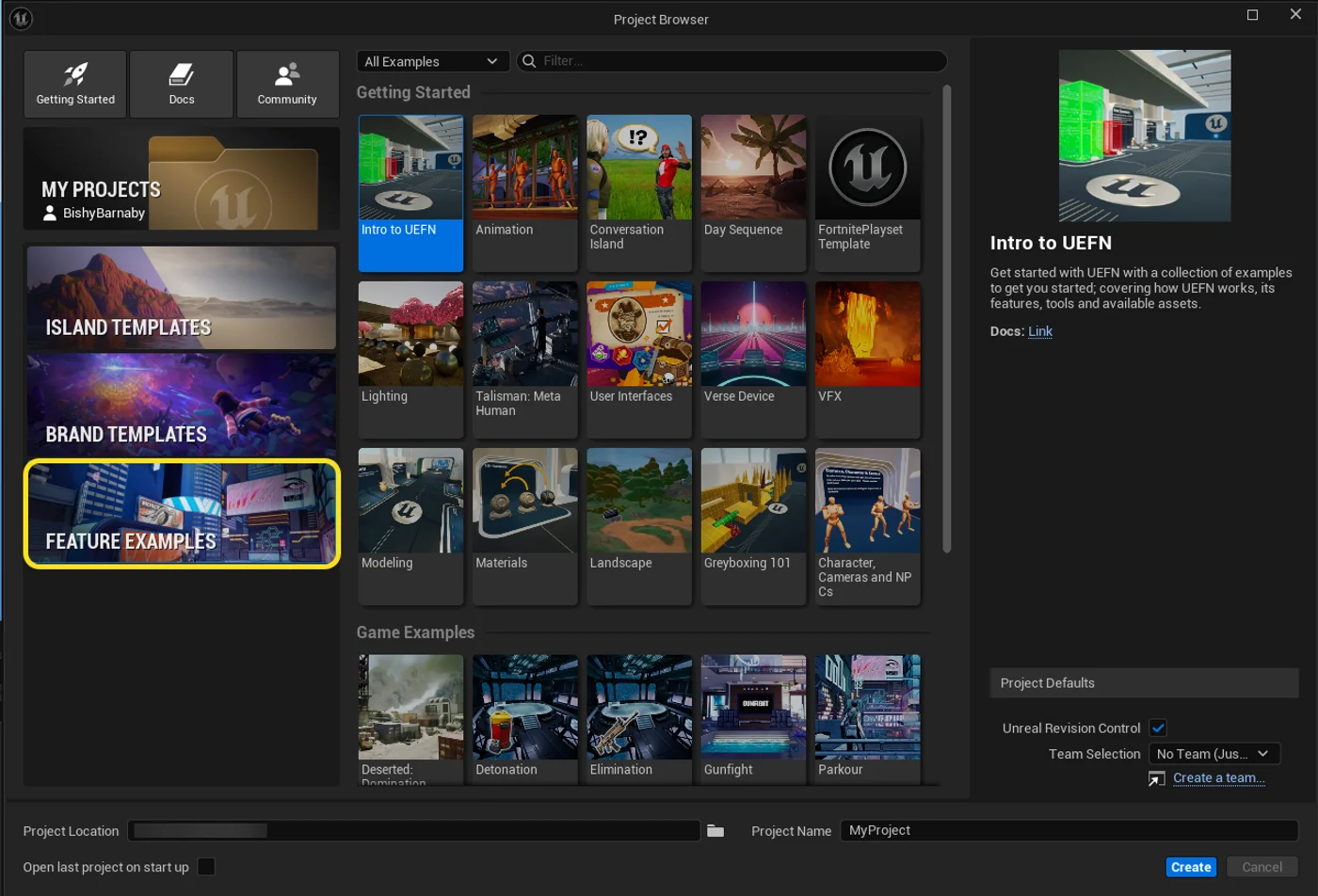
-
From the list of Feature Examples, click Verse Device to highlight.
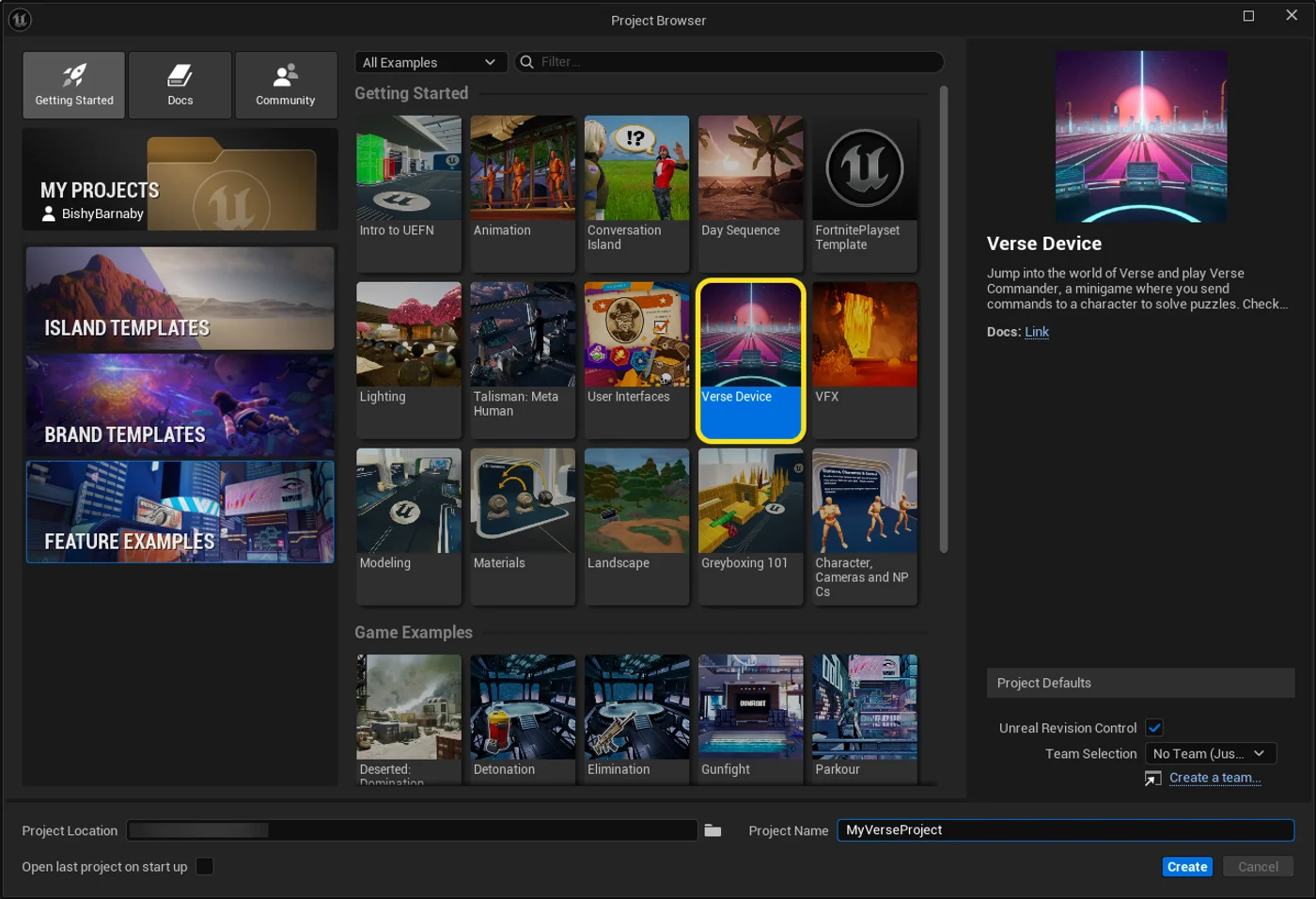
-
At the the bottom of the screen, under Project Name, name your project MyVerseProject, then click Create.
-
In the Menu Bar, go to Verse > Verse Explorer.
-
In Verse Explorer, right-click on your project name and choose Add new Verse file to project to open the Create Verse Script window.
You're reading a preview
The full reference is free for BrainDeadGuild Discord members — sign in to read it all, or open the original at the source.
Sign in with your BrainDead.TV / BrainDeadGuild Discord account for full access.