
Sculpting the Terrain
Sculpting the Terrain
The Sculpting toolset is a fast way to customize newly created terrain.
The Sculpting toolset is a fast way to customize newly created terrain.
By playing around with the different sculpting tools and brush types, you’ll quickly determine how strong a sculpt brush needs to be, the falloff size of a sculpt brush, and which sculpting tools produce which effects on the terrain.
When you open the Sculpt tools in Landscape Mode, the Sculpt option is pre-selected. This tool raises or lowers the selected area of terrain, and is the main tool you’ll use to create mountains and hills.
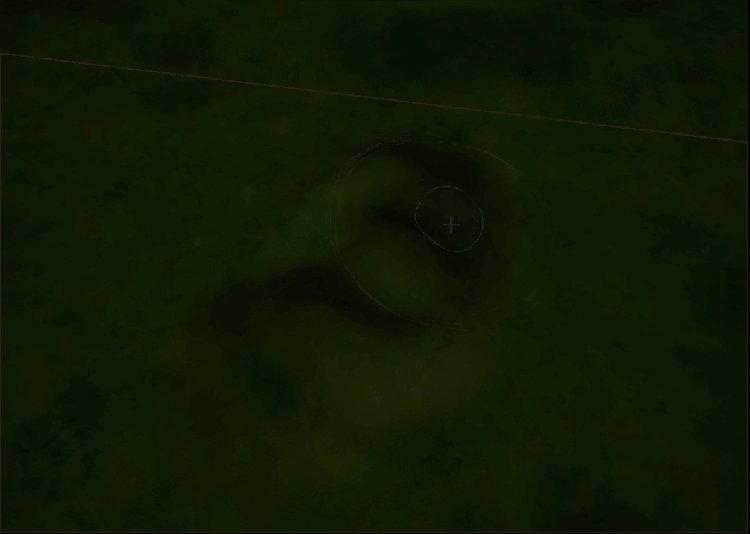
Use the following settings for the Sculpt tool.
You're reading a preview
The full reference is free for BrainDeadGuild Discord members — sign in to read it all, or open the original at the source.
Sign in with your BrainDead.TV / BrainDeadGuild Discord account for full access.