
Granting Player Rewards With Accolades
Using Accolades
Want to grant players Battle Pass XP while they play your UEFN experience? This tutorial shows you how to use the Accolade device to grant XP to players through UEFN and Verse.
Want to grant players Battle Pass XP while they play your UEFN experience? This tutorial shows you how to use the Accolade device to grant XP to players through UEFN and Verse.
For more information on how this device grants players XP, see Accolade Devices for Fortnite Creative.
Awarding XP for Zombie Eliminations
-
Launch UEFN from the Epic Game Store.
-
Create a new island or load an existing island.
-
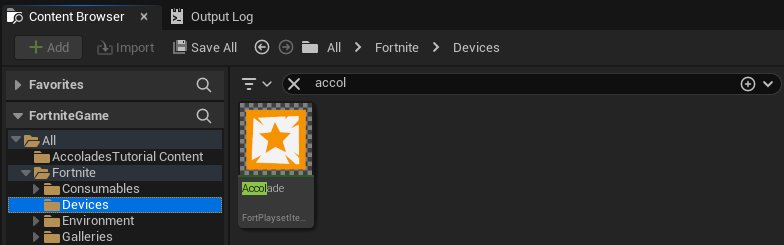
In the Content Browser, navigate to All > Fortnite > Devices and search for "accolade".
-
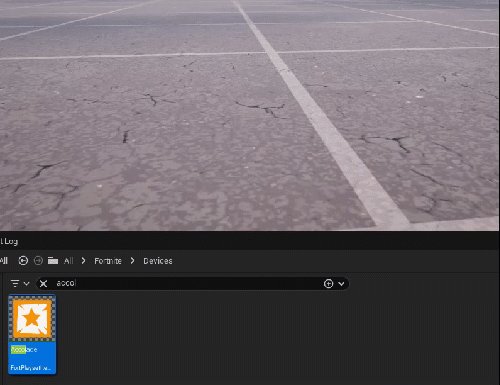
Drag the Accolade device into your level.
-
Make sure the Accolade device is selected.
-
In the Details panel, modify the following User Options:
You're reading a preview
The full reference is free for BrainDeadGuild Discord members — sign in to read it all, or open the original at the source.
Sign in with your BrainDead.TV / BrainDeadGuild Discord account for full access.