
Adding Verse Scripts to Devices
3. Add Verse Script to Devices
This section will show you how to add the Verse script and place the Verse device to customize gameplay.
This section will show you how to add the Verse script and place the Verse device to customize gameplay.
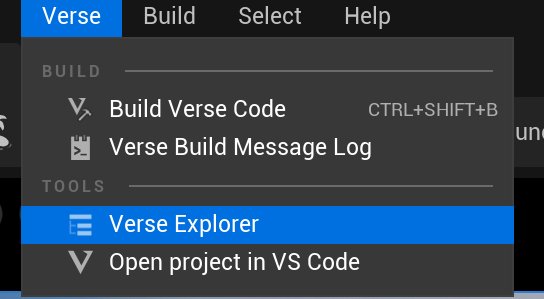
Navigate to Verse > Verse Explorer to create a Verse script.
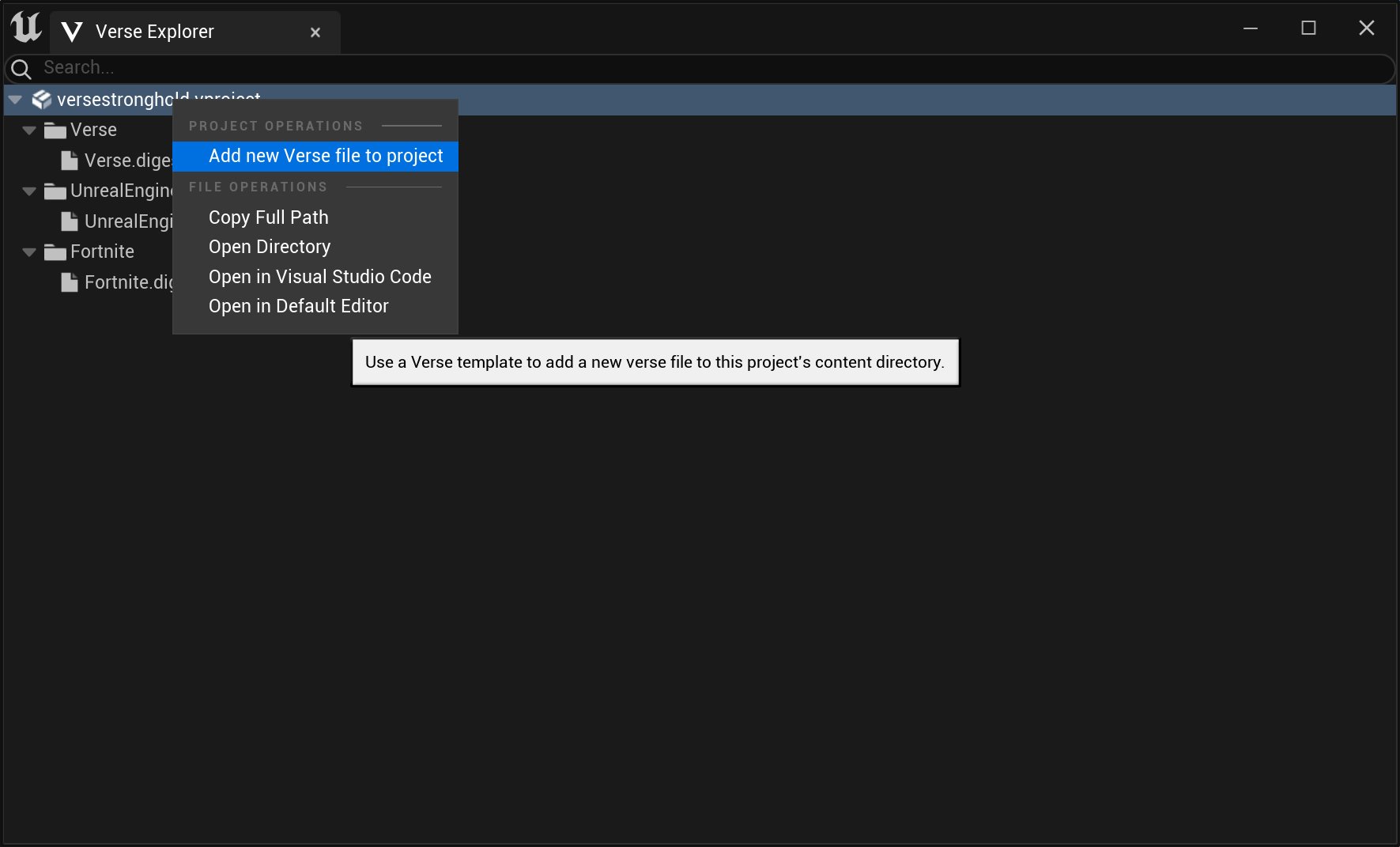
Then, right-click your project file name and select Add new Verse file to project.
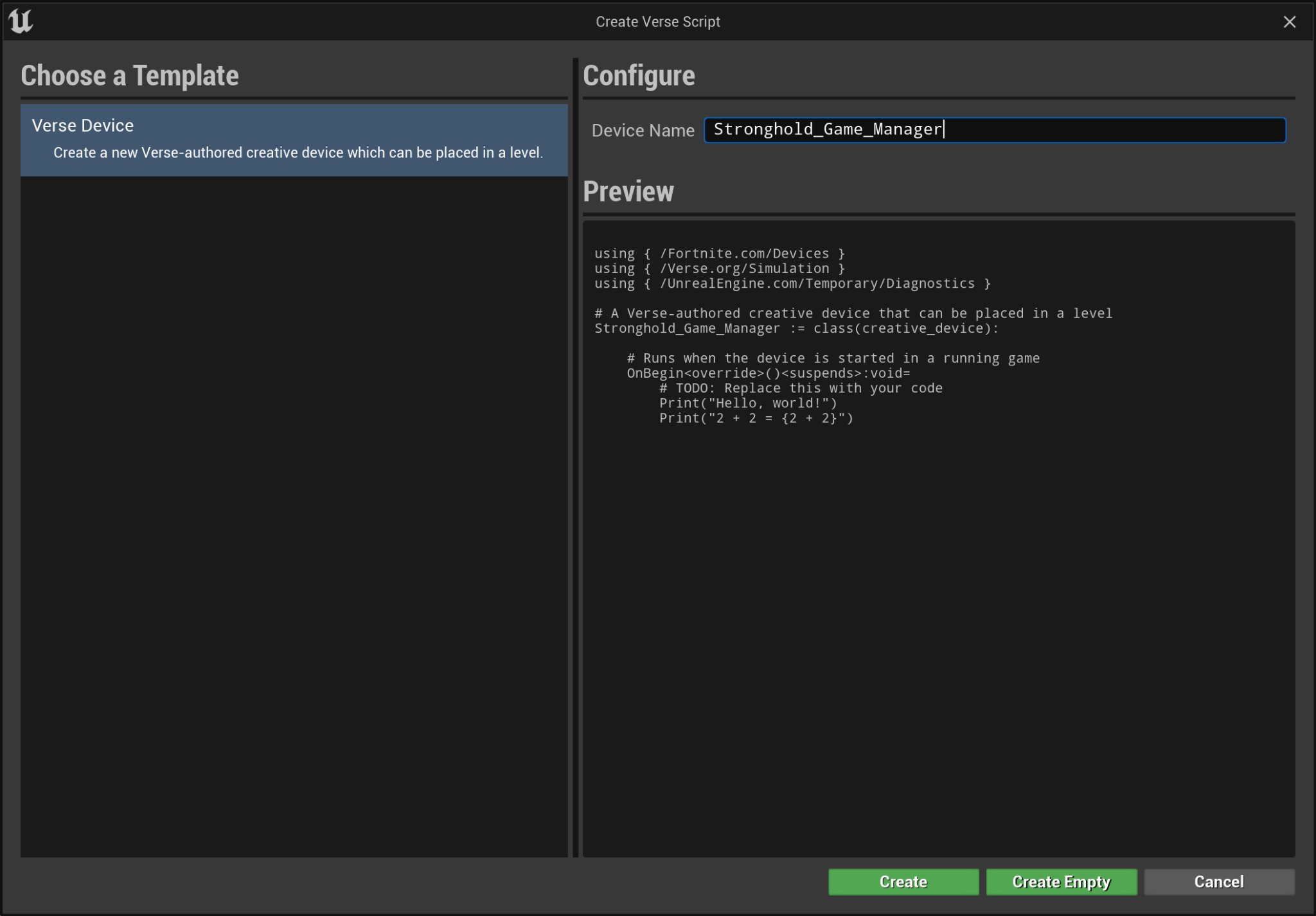
Select Verse Device and give it a name then click Create. In this tutorial, the Verse device is named Stronghold_Game_Manager.
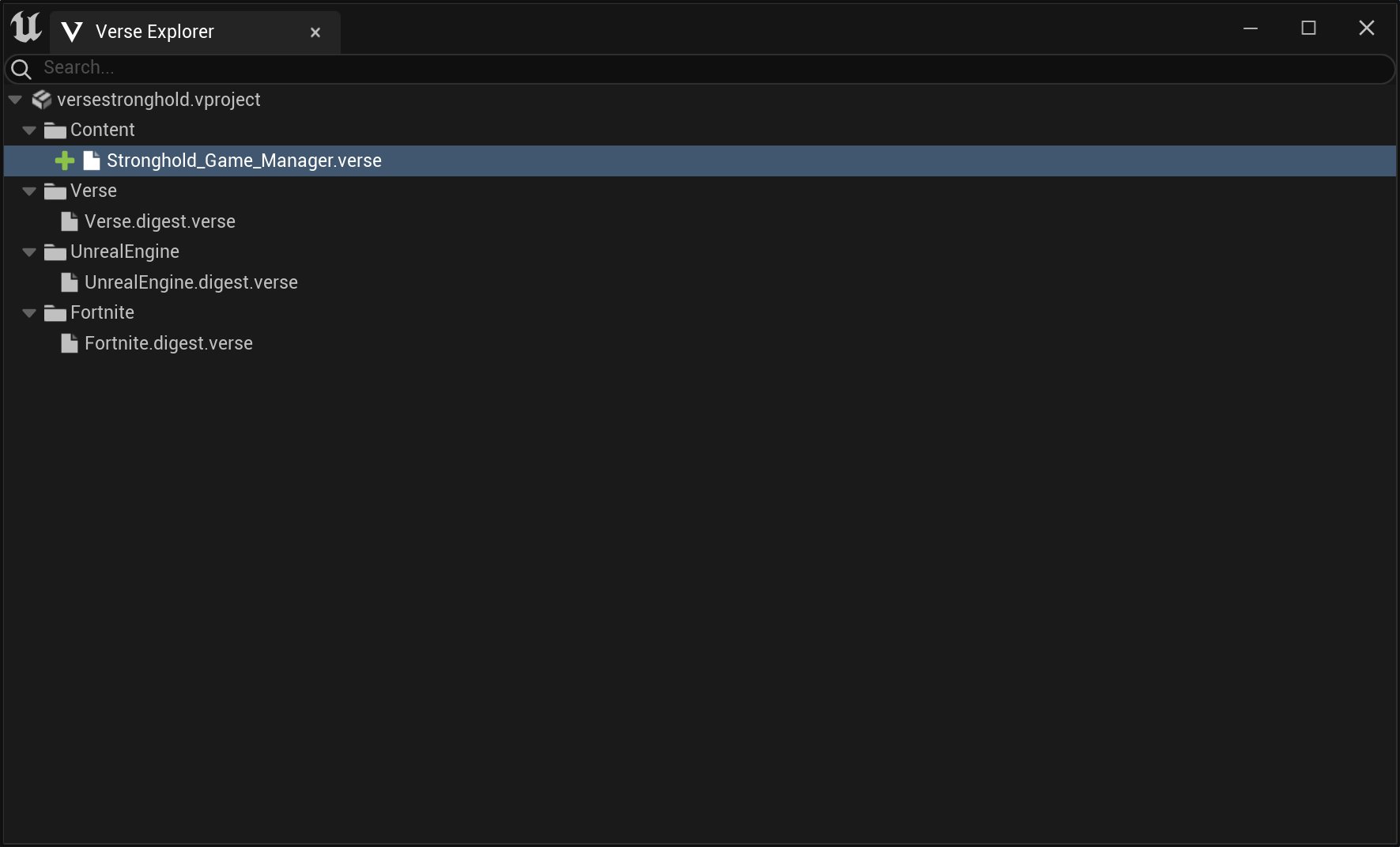
Double-click the device’s verse file to bring up the Verse script. Copy and paste the code below.
using { /Fortnite.com/AI }
using { /Fortnite.com/Characters }
using { /Fortnite.com/Devices }
using { /Fortnite.com/Game }
using { /UnrealEngine.com/Temporary/Diagnostics }
using { /UnrealEngine.com/Temporary/SpatialMath }
using { /Verse.org/Simulation }
using { /Verse.org/Verse }
You're reading a preview
The full reference is free for BrainDeadGuild Discord members — sign in to read it all, or open the original at the source.
Sign in with your BrainDead.TV / BrainDeadGuild Discord account for full access.