
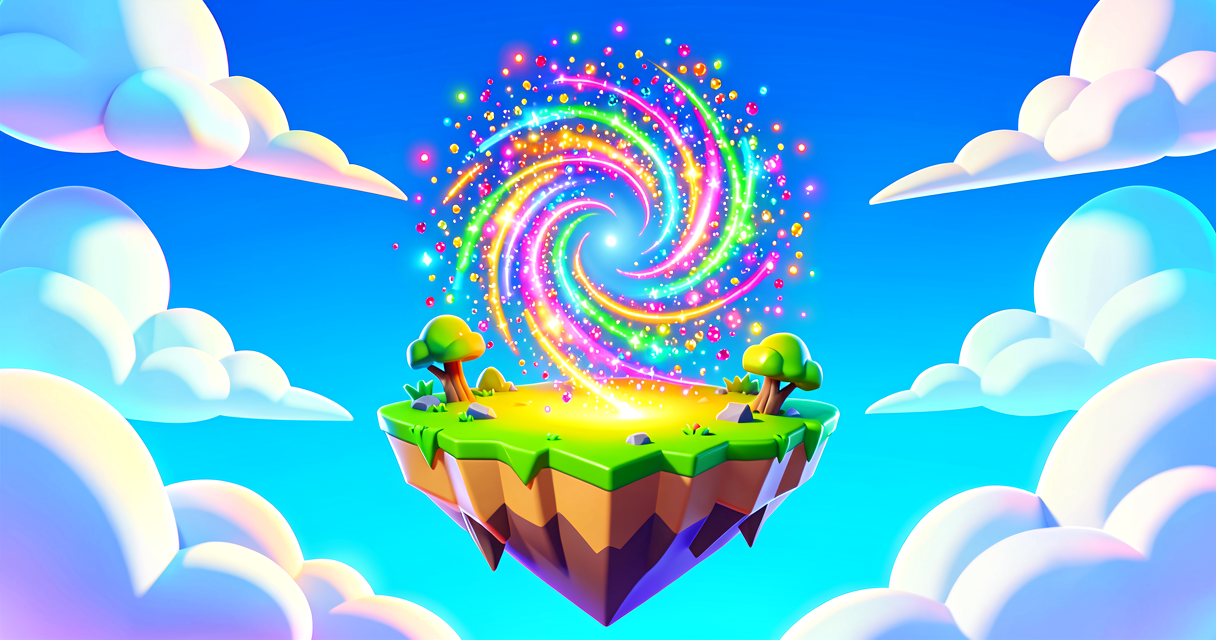
Magic Sparkles: Your First Niagara Effect
Magic Sparkles: Your First Niagara Effect
Do you want your Fortnite island to feel magical? You can make sparks fly, lights glow, and explosions happen! We will build a simple sparkle effect. It is like adding magic dust to your game.
What You'll Learn
- What a Niagara System is.
- How to add Particles to your island.
- How to make things look cool with Visual Effects.
How It Works
Niagara is a tool for making Visual Effects. Think of it like a paintbrush for the air. You do not draw every single pixel. You tell the computer to create thousands of tiny dots. These dots are called Particles.
A Niagara System is the container for your effect. It is like a box. Inside the box, you put Emitters. An Emitter is the source of the particles. It is like a sprinkler. The sprinkler shoots water. The emitter shoots sparks.
You do not need to write code for this. You use the editor tools. It is like building with LEGO blocks. You pick a block. You click it. It appears.
Let's Build It
We will make a floating sparkle effect. It will look like magic dust. Follow these steps in UEFN.
Step 1: Create the System
First, we need a place to store our effect.
- Open your Content Browser.
- Right-click in the empty space.
- Select Niagara System.
- Name it
MySparkles. - Double-click
MySparklesto open it.
Step 2: Add an Emitter
Now we add the source of the sparks.
- In the Niagara Editor, look for the Emitter section.
- Click Add Emitter.
- Select Empty Emitter.
- Rename it
SparkEmitter.
Step 3: Make It Sparkle
Now we make the particles look like sparks.
- In the Spawn module, set the Rate to
10. This means 10 sparks per second. - In the Renderer module, change the Sprite to a star or circle.
- Change the Color to bright yellow or white.
- Save your Niagara System.
Step 4: Place It on Your Island
Now we put the magic on the map.
- Go back to the Level Editor.
- Open the World Partition or Place Actor panel.
- Find your
MySparklessystem. - Drag it onto your island.
- Play the game. Look at the ground. You should see sparkles!
Verse Code Example
Niagara effects are mostly visual. You do not need Verse code to make them appear. But you can use Verse to turn them on and off. Here is a simple example.
# This is a simple Verse script
# It does not create the effect.
# It just shows how to use a trigger.

using { /Fortnite.com/Devices }
using { /Verse.org/Simulation }

# We define a device called "MagicTrigger"
# This device is like a button on the floor.
MagicTrigger := class(creative_device):

    # TriggerDevice is a trigger_device placed in the level.
    # Wire this in the UEFN editor to a Trigger Device on your island.
    @editable
    TriggerDevice : trigger_device = trigger_device{}

    # OnBegin runs automatically when the game starts.
    OnBegin<override>()<suspends> : void =
        # Wait until a player activates the trigger, then print a message.
        # trigger_device.TriggeredEvent fires each time the trigger is activated.
        loop:
            Agent := TriggerDevice.TriggeredEvent.Await()
            Print("The magic is happening!")
This code is just a placeholder. The real magic happens in the Niagara Editor. The code just tells the game when to show it.
Try It Yourself
Can you make the sparkles change color?
Hint: Look at the Color module in the Emitter settings. Try changing the number values. See what happens!
Recap
Niagara makes your island look amazing. You create a Niagara System. You add an Emitter. You set the Particles to look like sparks. It is easy and fun. Your island will shine!
References
- https://dev.epicgames.com/documentation/en-us/uefn/UE/creating-visual-effects/getting-started-in-niagara/niagara-quickstart
- https://dev.epicgames.com/documentation/en-us/uefn/UE/creating-visual-effects/getting-started-in-niagara/niagara-flipbook-baker-quick-start
- https://dev.epicgames.com/documentation/en-us/uefn/UE/creating-visual-effects/getting-started-in-niagara/niagara-overview
- https://dev.epicgames.com/documentation/en-us/fortnite/mystic-portal-1-create-spark-particles-in-unreal-editor-for-fortnite
- https://dev.epicgames.com/documentation/en-us/uefn/mystic-portal-1-spark-particles-in-unreal-editor-for-fortnite
Verse source files
- 01-device.verse · device
Turn this into a guided course
Add niagara-quickstart to your free study plan — we'll suggest related pages and stitch the lot into one compile-checked, self-guided lesson with worked examples and quizzes.
References
Original tutorial generated by Verse Island from the Verse/UEFN knowledge base, with references to the Epic Games sources above. Code is validated against the knowledge base.