

Spin to Win: Rotating Entities with the Scene Graph
Spin to Win: Rotating Entities with the Scene Graph
In Part 1 we moved an entity to a new spot. Now we keep it planted and turn it instead — the move that makes a trophy revolve on its pedestal, a coin glint as it spins, or a vault dial crank around. Same tool (the keyframed movement component), one new idea (rotation), and one genuinely surprising gotcha.
A rotation = an axis + an angle
<!-- section-art:a-rotation-an-axis-an-angle -->
Axis and Angle
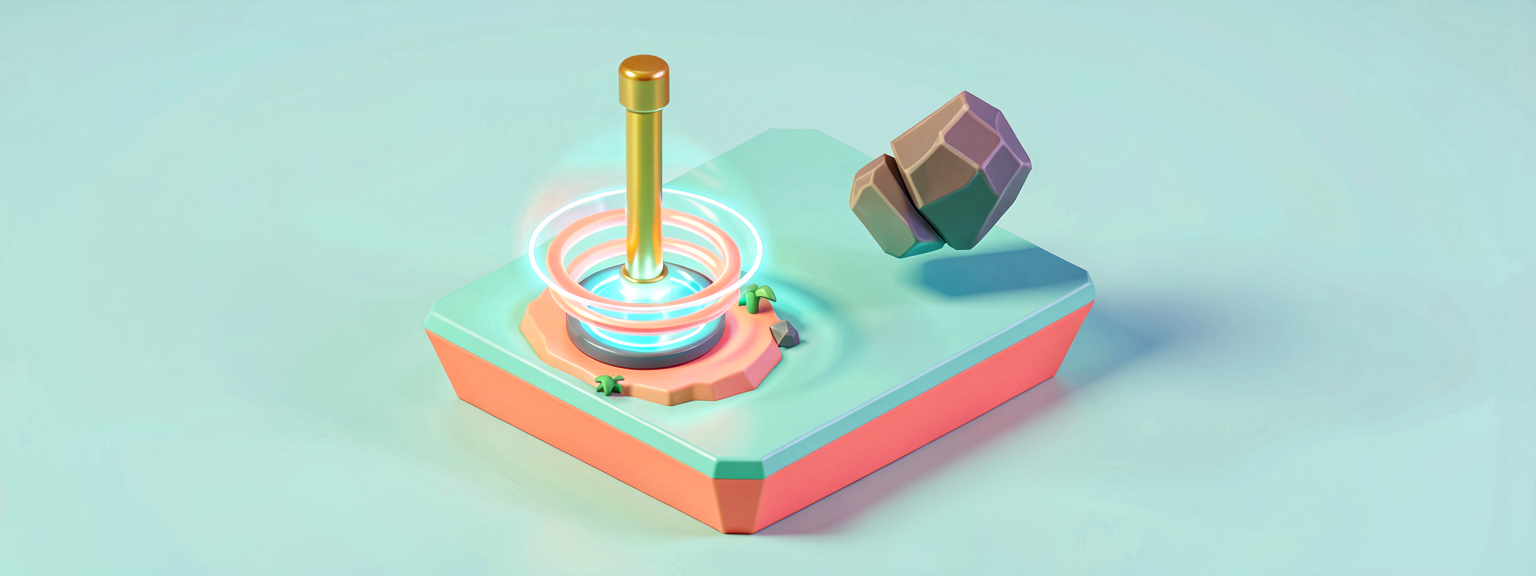
To turn something you need two things: a spin axis (the invisible pole it turns around) and an angle (how far around that pole). In Verse you build a rotation with MakeRotationDegrees:
# A rotation is built from an axis (which way the spin-pole points) and an
# angle (how far to turn around it). Up is the vertical axis, so spinning
# around Up turns a thing like a record on a turntable.
SpinAxis := vector3{ Left := 0.0, Up := 1.0, Forward := 0.0 }
HalfTurn := MakeRotationDegrees(SpinAxis, 180.0)
SpinAxis points straight Up, so rotating around it spins the entity like a record on a turntable — flat, level, around its own center. Point the axis Forward instead and it would roll like a wheel; point it Left and it would tumble end over end.
The gotcha: rotations take the shortest path
Here's the trap that catches everyone. You'd expect "rotate 360 degrees" to spin a full circle. It doesn't. A rotation describes an orientation, and the engine always turns the shortest way to reach it. A full 360° turn ends up exactly where it started — so the shortest path is don't move at all. Your spin would sit there, frozen.
Even 270° is risky: the shortest path to "270° clockwise" is "90° counter-clockwise" — it'd spin the wrong way!
The fix: never ask for a turn of 180° or more in a single keyframe. Break a full spin into smaller, unambiguous steps. We'll use three 120° hops, which the engine always reads the way we mean.
Spin forever: three hops on a loop
using { /Verse.org/SceneGraph }
using { /Verse.org/SceneGraph/KeyframedMovement }
using { /Verse.org/Simulation }
using { /Verse.org/SpatialMath }

# Bolt this onto an entity that also has a Keyframed Movement component to
# make it spin forever around its vertical axis — like a trophy on a
# rotating display, or a coin pickup catching the light.
spin_forever_component := class<final_super>(component):

    # Seconds for ONE full turn. Smaller = faster spin.
    @editable
    var SecondsPerTurn<public>:float = 4.0

    OnBeginSimulation<override>():void =
        (super:)OnBeginSimulation()

        if (Mover := Entity.GetComponent[keyframed_movement_component]):
            # The vertical axis. Spinning around Up turns us like a turntable.
            SpinAxis := vector3{ Left := 0.0, Up := 1.0, Forward := 0.0 }
            # One third of a full turn.
            ThirdTurn := MakeRotationDegrees(SpinAxis, 120.0)
            # Each step lasts a third of the total turn time.
            StepSeconds := SecondsPerTurn / 3.0

            # One 120-degree step. A constant (linear) speed keeps the spin
            # even, with no slow-down between hops.
            Step := keyframed_movement_delta:
                Duration := StepSeconds
                Easing := linear_easing_function{}
                Transform := transform:
                    Rotation := ThirdTurn

            # Three identical steps = one full circle.
            Steps := array{ Step, Step, Step }
            # Loop mode replays the three steps forever: endless smooth spin.
            Mover.SetKeyframes(Steps, loop_keyframed_movement_playback_mode{})
            Mover.Play()
The new pieces:
ThirdTurn := MakeRotationDegrees(SpinAxis, 120.0)— a safe, unambiguous 120° turn around the up-axis.- A delta with only
Rotationset — no translation, so the entity turns in place. Anything you leave out of a transform just stays as it was. linear_easing_function{}— we want constant speed here. An eased spin would stutter (slow-fast-slow) at every hop; linear makes three hops read as one smooth, continuous rotation.array{ Step, Step, Step }— three identical hops chain into a full 360°.loop_keyframed_movement_playback_mode{}— the star. Loop replays the whole list end-to-end, forever. Three hops → full circle → repeat → an eternal spin.
From lesson to playable island: a real prize wheel
The component above proves the idea. Here's the same idea wired into a playable vignette you can stand in front of and use: a casino-style prize wheel that a player spins by pressing a Button, which then awards a prize from an Item Granter.
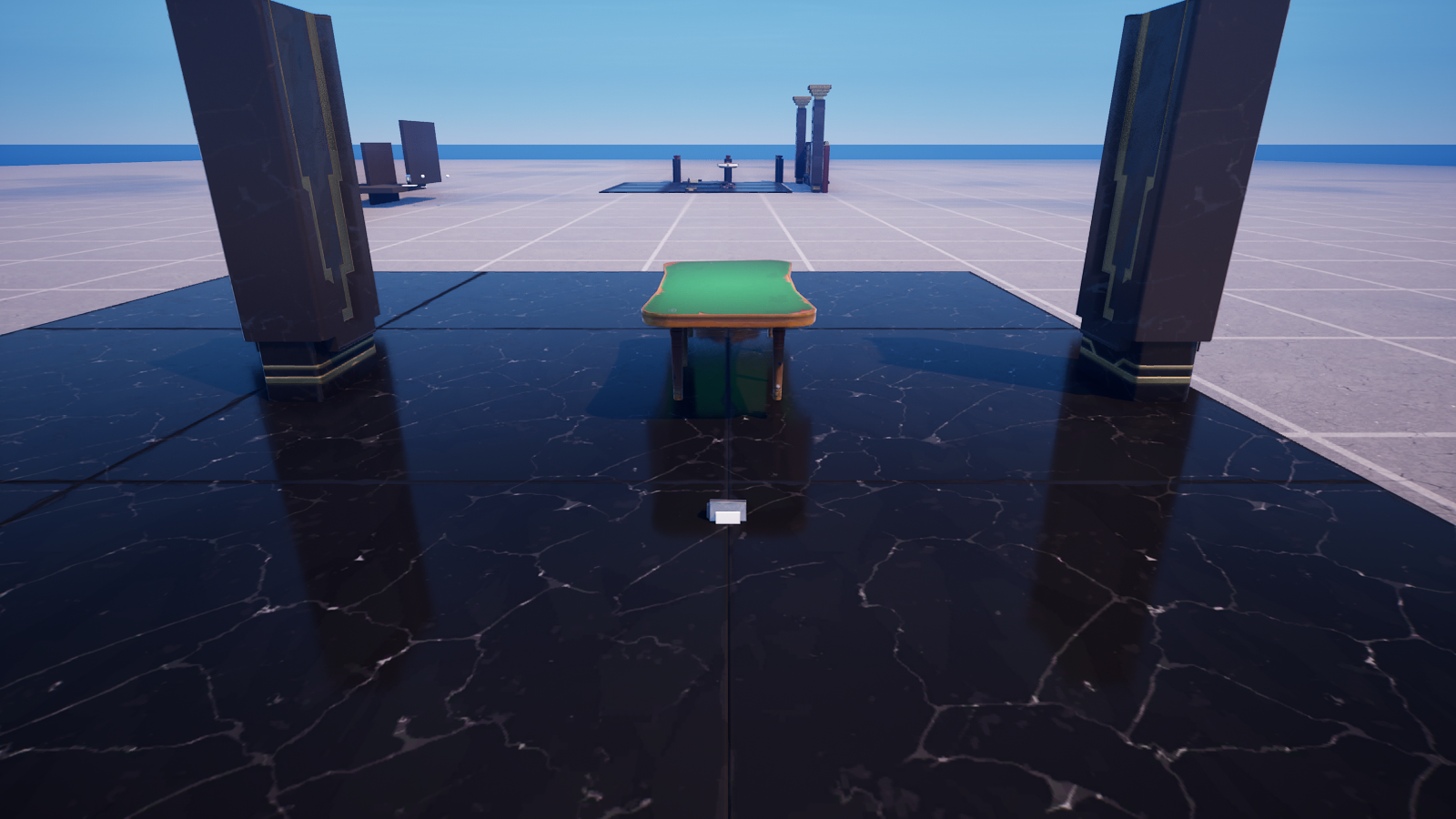
This version is a creative_device rather than a scene-graph component, because a device is what you wire to other devices (a Button, an Item Granter) and drop into a level. It keeps the lesson's two load-bearing ideas verbatim — spin around the Up axis, and never turn 180° or more in a single step — but drives a creative_prop with MoveTo instead of a keyframed-movement component:
The same gotcha discipline carries straight over: instead of one giant 1080° turn (which the shortest-path rule would collapse to nothing), we chain nine 120° hops, each composed onto the wheel's live orientation with ApplyWorldRotationZ (the Unreal-Temporal SpatialMath equivalent of spinning around Up). Because MoveTo suspends, each hop blends into the next — a smooth, continuous three-revolution spin, then a prize.
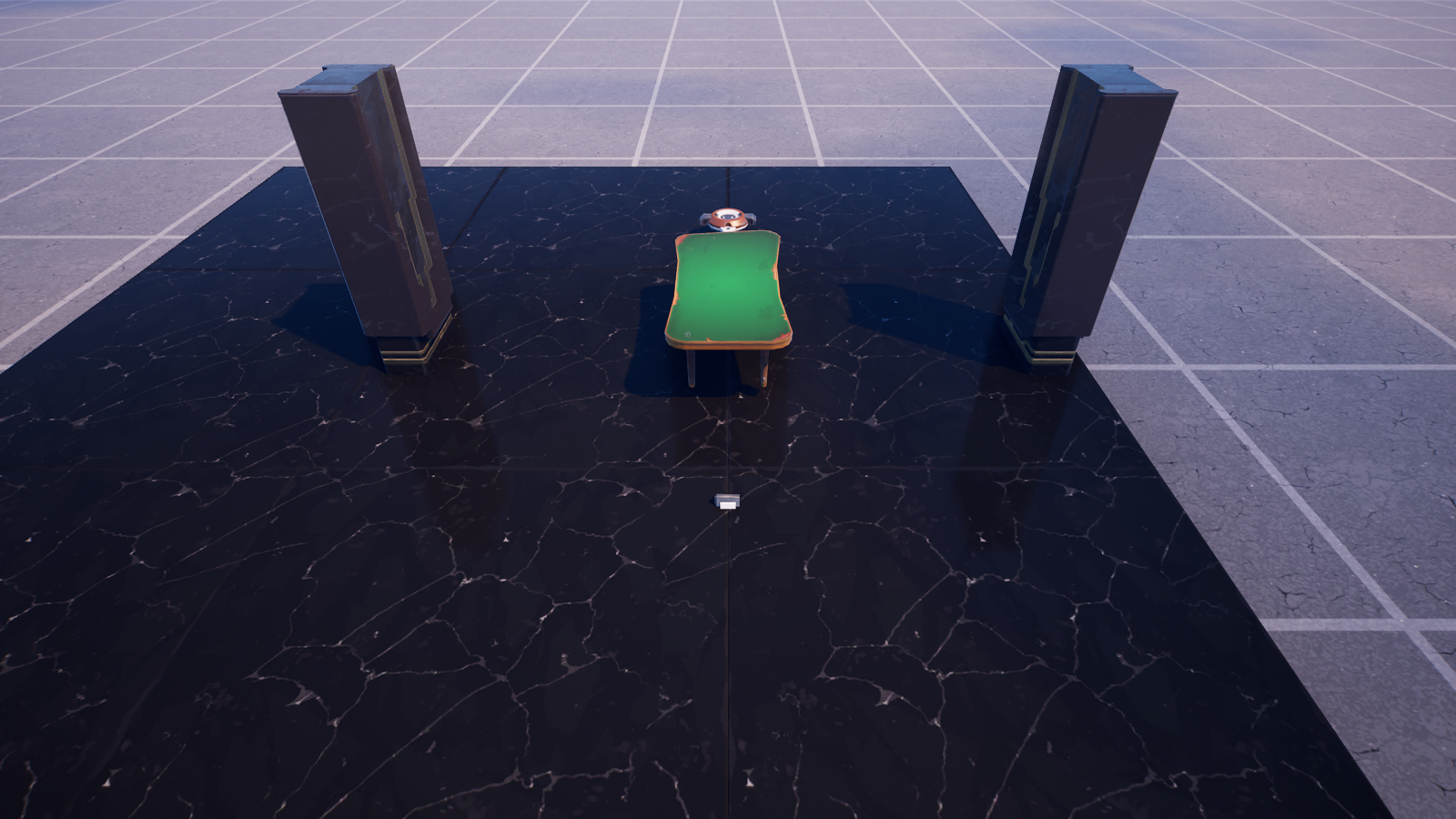
This device is compile-verified in UEFN 5.8 (the whole PipelineBuild project builds clean with it installed) — grab it from the download panel as 03-device.verse. Wire its three @editable slots in the Details panel: drag your Button into SpinButton, your wheel prop into Wheel, and an Item Granter into PrizeGranter.
Playback modes, your animation's personality
<!-- section-art:playback-modes-your-animation-s-personality -->

Spin Modes
You've now met three of the four playback modes:
| Mode | What it does |
|---|---|
oneshot... |
Play the list once, then stop (Part 1's glide) |
loop... |
Play the list, snap back, play again — forever (this spin) |
pingpong... |
Play forward, then reverse, forever (next lesson's patrol) |
Pick the mode and the same keyframes behave completely differently. That's the lever you'll reach for constantly.
Recap
- A rotation = a spin axis (
vector3) + an angle (degrees), built withMakeRotationDegrees. - Spinning around the Up axis turns an entity like a turntable.
- Gotcha: rotations take the shortest path, so a single 360° keyframe does nothing and 180°+ is ambiguous. Split big turns into small steps (we used 3 × 120°).
- A delta with only
Rotationset turns the entity in place. loopplayback repeats the keyframe list forever — perfect for an endless spin. Use linear easing so the hops blend into one smooth turn.
Next — Part 3: On Patrol — we chain several moves into a route and use ping-pong to make a guard pace back and forth.
Get the complete code — free
You've read the full walkthrough. The complete, copy-paste-ready Verse solution is free for members — sign in to unlock it.
Free with your BrainDead.TV / BrainDeadGuild Discord account. The walkthrough above is always free.
Verse source files
- 01-fragment.verse · fragment
- 02-standalone.verse · standalone
- 03-device.verse · device
Check your understanding
Test yourself with an interactive quiz and track your progress + earn XP — free for members.
Turn this into a guided course
Add Verse Scene Graph — rotations, MakeRotationDegrees, loop playback, shortest-path gotcha to your free study plan — we'll suggest related pages and stitch the lot into one compile-checked, self-guided lesson with worked examples and quizzes.
References
Original tutorial generated by Verse Island from the Verse/UEFN knowledge base, with references to the Epic Games sources above. Code is validated against the knowledge base.