
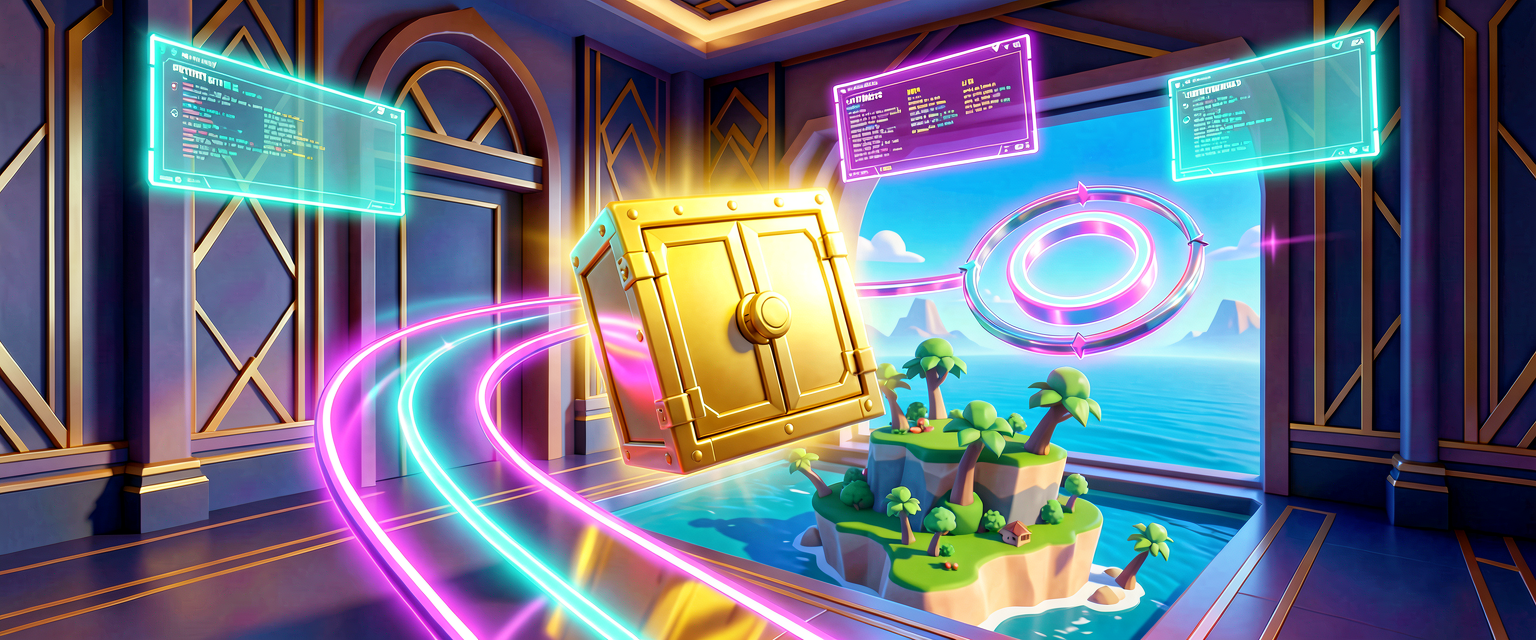
Move It! Glide an Entity to a Target Over Time
Move It! Glide an Entity to a Target Over Time
Welcome to Scene Graph: Animation. In the Verse Scene Graph series you learned what entities and components are, how they hang off each other in a tree, and that every entity carries a transform — its position, rotation, and scale. That was the still photograph. This series is the movie: we're going to make things move.
We'll do it the way real games do — not by teleporting things frame by frame, but by handing the engine a short animation and letting it play. By the end of these four lessons you'll have built a moving platform a player can ride. This first lesson is the foundation: glide one thing smoothly from where it is to somewhere new.
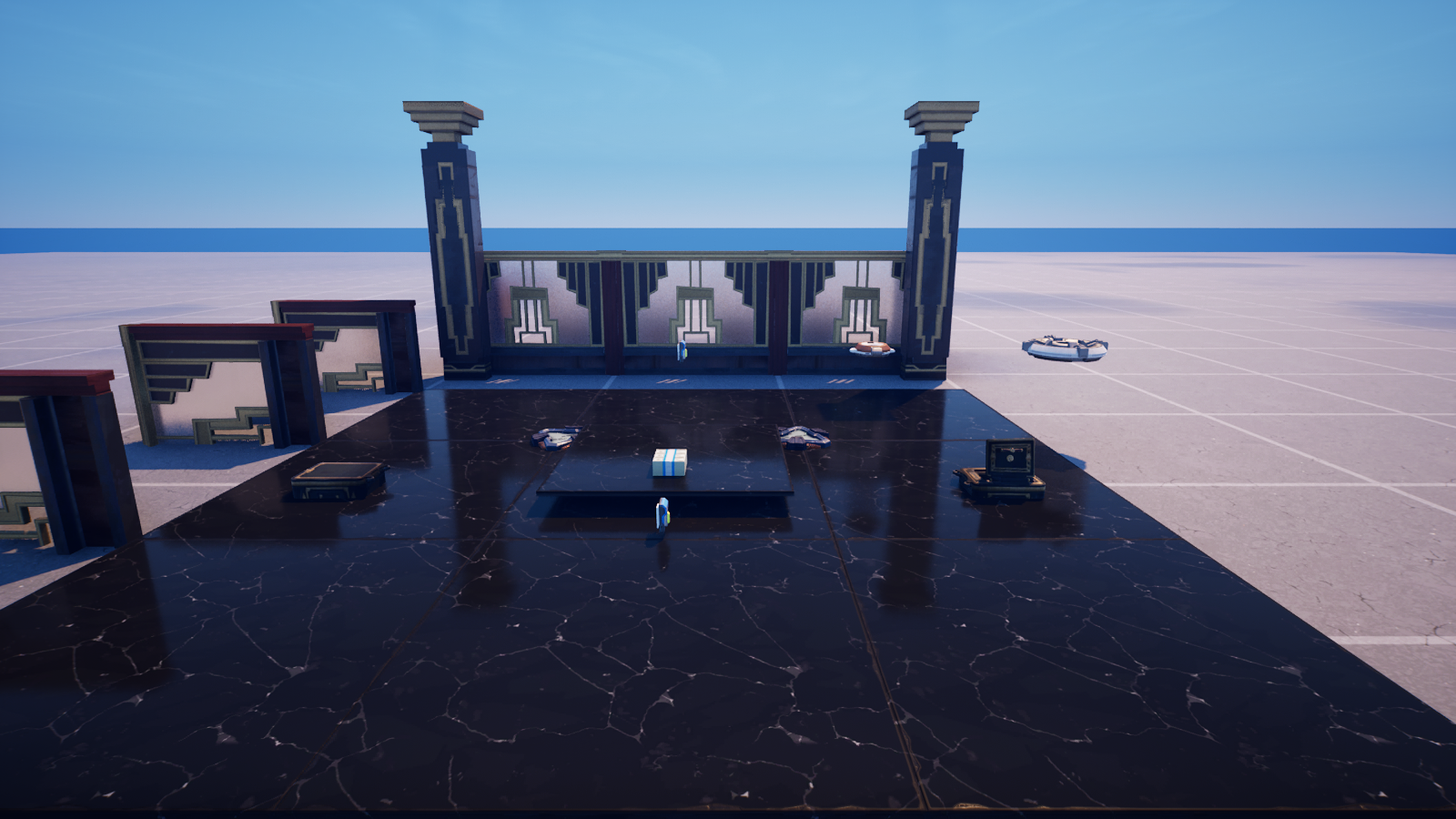
We'll set everything in an Art Deco bank vault — gold-capped pillars, a teller wall, and a polished marble floor — and animate the vault's contents.
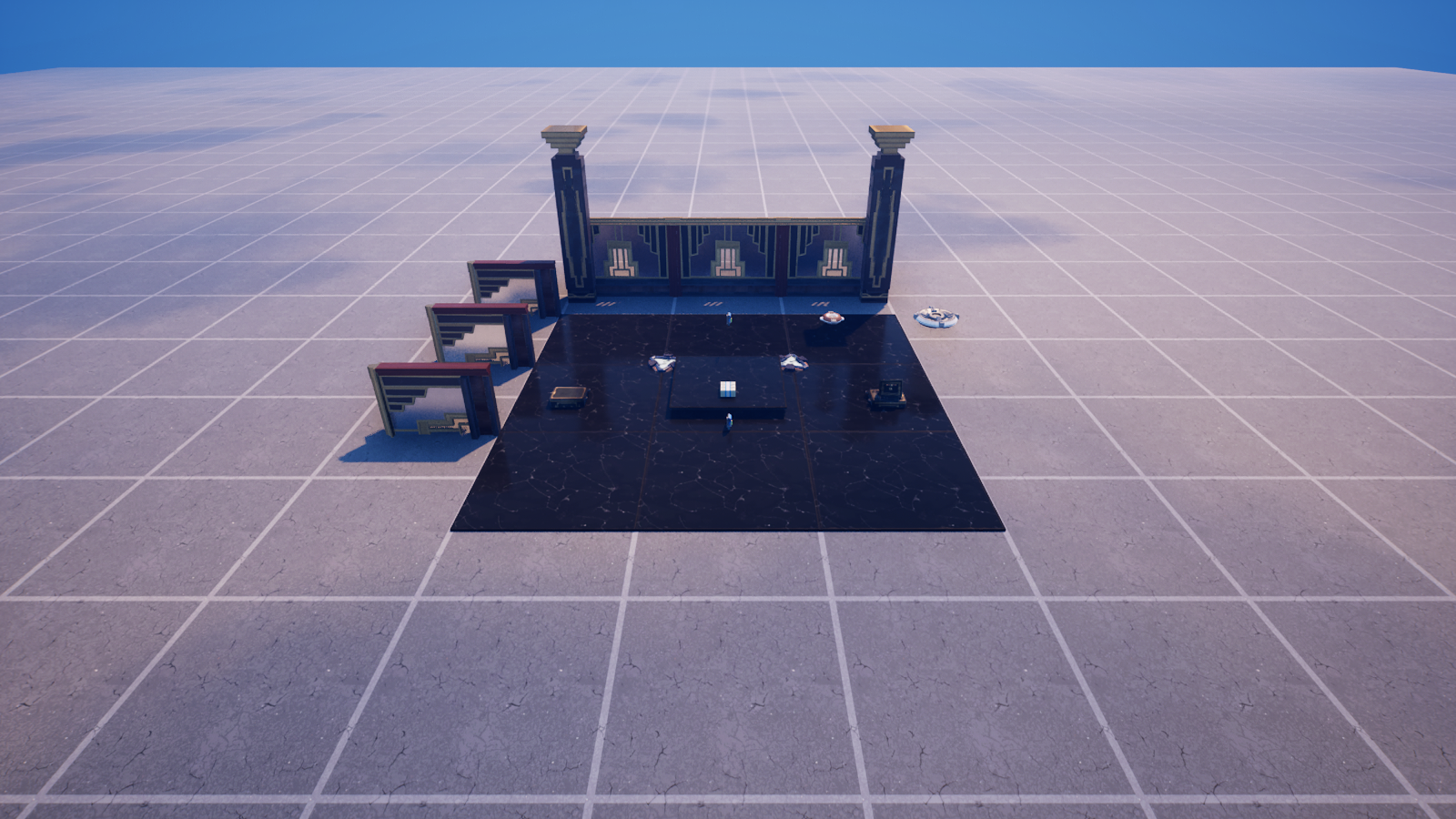
The one idea: a transform is "where a thing sits"
<!-- section-art:the-one-idea-a-transform-is-where-a-thing-sits -->

Transform Bundle
Everything that moves, moves its transform. A transform bundles three facts:
- Translation — where it is (a
vector3ofLeft,Up,Forward) - Rotation — which way it faces
- Scale — how big it is
You can read the current transform off any entity. Notice the axis names — Fortnite uses Forward, Left, and Up, not X/Y/Z:
# The transform is just three facts about where a thing sits:
# where (Translation), which way it faces (Rotation), and how big (Scale).
Here := Entity.GetLocalTransform()
Forward := Here.Translation.Forward
Up := Here.Translation.Up
Left := Here.Translation.Left
GetLocalTransform() uses round brackets — it can't fail, it always hands back a transform (the identity transform if the entity has no transform_component yet). That bracket-shape rule is exactly the one from The Grammar of Verse: round brackets never fail, square brackets can.
Don't move things by hand — let the mover do it
You could nudge an entity every tick with SetLocalTransform. But hand-animating is fiddly and easy to get wrong. The Scene Graph ships a purpose-built tool: the keyframed movement component.
A keyframed movement component plays a list of keyframe deltas for an entity. Each delta says: "change the transform THIS much, over THIS many seconds, with THIS easing." You describe the motion once; the engine animates it for you.
You add this component to an entity in the editor (select the entity → Add Component → Keyframed Movement), then your code finds it and presses Play. That split — component in the editor, behavior in code — is the whole Scene Graph philosophy.
Glide a safe across the vault
Here's the complete component. Bolt it onto the vault's safe (which also has a Keyframed Movement component), and when the round begins, the safe glides forward and eases to a stop:
Read it top to bottom:
OnBeginSimulationruns once when the component wakes up in the game. We call(super:)OnBeginSimulation()first so the basecomponentdoes its own setup — always be a polite subclass.Entity.GetComponent[keyframed_movement_component]asks "is there a mover on me?" The square brackets mean it can fail; theifguards it. No mover → nothing to do.- The delta is the heart of it.
Durationis how long;Easingshapes the speed curve (more on that next);Transform.Translationsays move 500 units forward — relative to the start, not an absolute spot in the world. SetKeyframesloads the list. We passoneshot_keyframed_movement_playback_mode{}— play once and stop.Play()starts it. The engine handles every frame from here.
Easing: the difference between "robotic" and "alive"
The Easing value decides how the speed changes across the move:
linear_easing_function{}— constant speed. Mechanical, like a conveyor.ease_in_out_cubic_bezier_easing_function{}— starts slow, speeds up, slows to a stop. This is what real, weighty objects do, and it's why our safe feels heavy instead of teleport-y.
Swapping one word changes the whole feel of the motion. That's the payoff of letting the mover animate for you.
"Relative" is your friend
<!-- section-art:relative-is-your-friend -->
Relative Motion
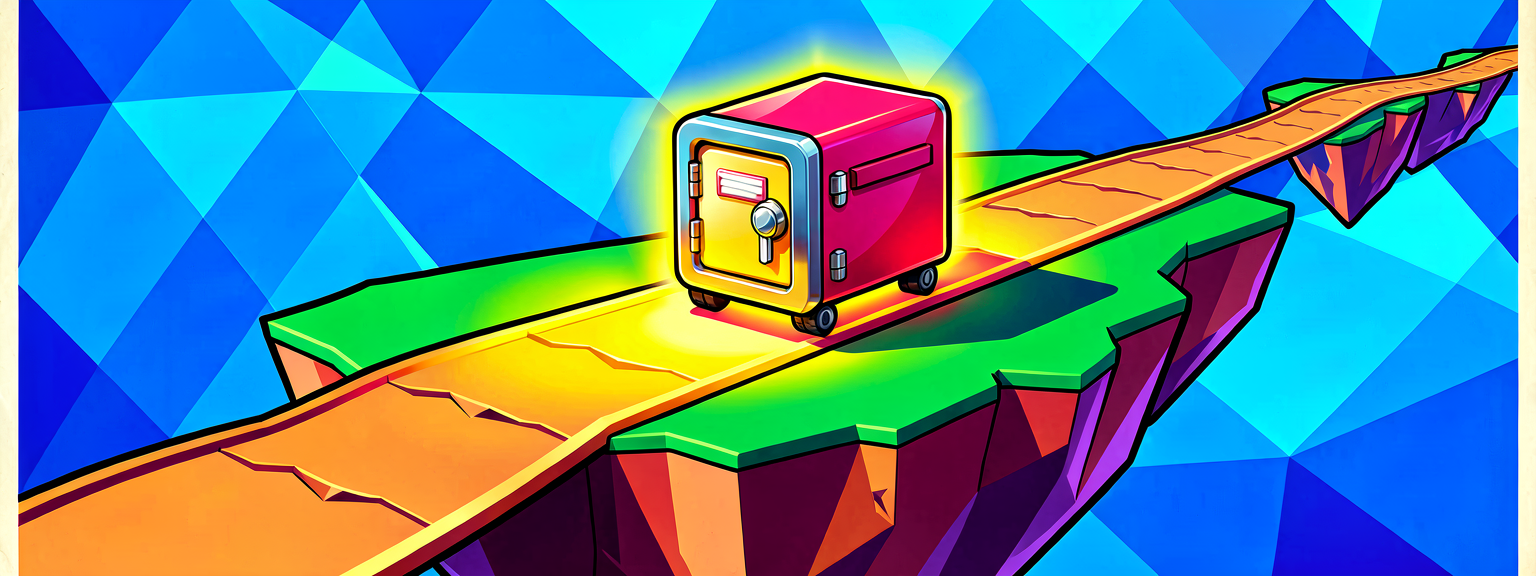
Because the delta's translation is relative, this one component works on any entity, anywhere in the vault — it always moves 500 units forward from wherever it starts. You never hard-code world coordinates. Drop the safe anywhere, the glide just works.
Recap
- A transform is position + rotation + scale; moving something means changing its transform.
- The keyframed movement component animates an entity for you — you describe keyframe deltas, it plays them.
- A delta =
Duration+Easing+ a relativeTransform. SetKeyframes(..., oneshot...{})thenPlay()runs it once.- Easing turns stiff motion into believable motion —
ease_in_outfor weight,linearfor machines.
Next up — Part 2: Spin to Win — we keep the entity in place and turn it instead, and meet a subtle gotcha about rotations taking the shortest path.
Get the complete code — free
You've read the full walkthrough. The complete, copy-paste-ready Verse solution is free for members — sign in to unlock it.
Free with your BrainDead.TV / BrainDeadGuild Discord account. The walkthrough above is always free.
Verse source files
- 01-fragment.verse · fragment
- 02-standalone.verse · standalone
Check your understanding
Test yourself with an interactive quiz and track your progress + earn XP — free for members.
Turn this into a guided course
Add Verse Scene Graph — transform interpolation, keyframed movement, easing to your free study plan — we'll suggest related pages and stitch the lot into one compile-checked, self-guided lesson with worked examples and quizzes.
References
Original tutorial generated by Verse Island from the Verse/UEFN knowledge base, with references to the Epic Games sources above. Code is validated against the knowledge base.