
Overview and Tools Settings
In Island Settings, the Overview category provides access to tools that you can use to describe and publish an island. You can also make backups and restore from those backups if needed, and reset the island to its original settings.
Click the Overview category, then click an option in the Tools subcategory to access the settings for that tool.
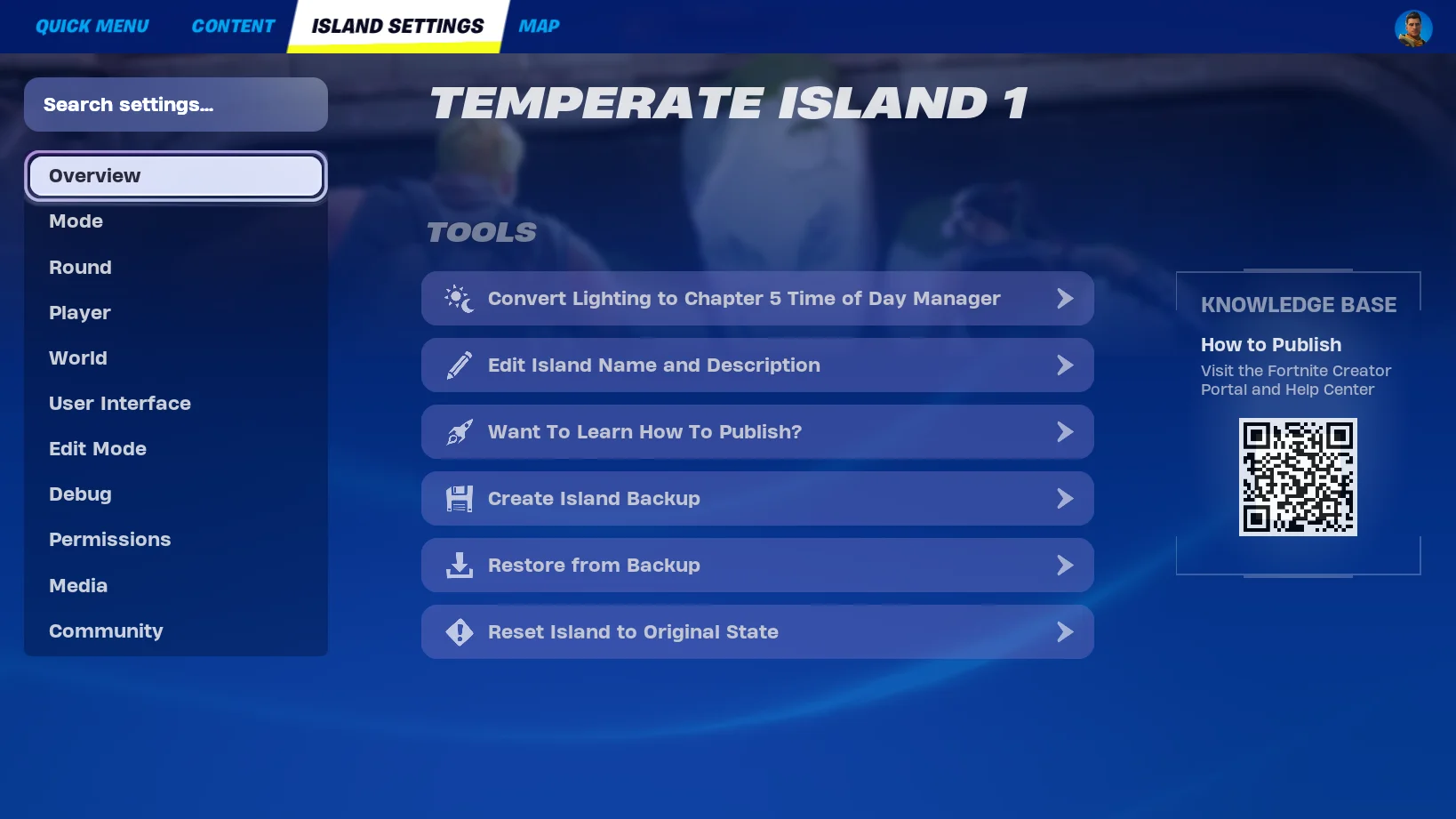
Convert Lighting to Chapter 5 Time of Day Manager
This option opens a dialog asking if you want to convert your island to the Chapter 5 Time of Day Manager. Converting your island to this Time of Day Manager gives you the same high-quality lighting available in UEFN, and gives you access to the Day Sequence device in Creative.
Conversion to the Chapter 5 Time of Day Manager is permanent and cannot be reversed! Keep in mind the following:
- Before converting, duplicate your island to preserve its existing lighting settings.
- Any Skydome devices on your island will be replaced by Day Sequence devices.
- Not all options set in Skydome devices will be migrated.
You're reading a preview
The full reference is free for BrainDeadGuild Discord members — sign in to read it all, or open the original at the source.
Sign in with your BrainDead.TV / BrainDeadGuild Discord account for full access.