
Island Settings Overview and Tools
In Island Settings, the Overview category provides access to tools that you can use to describe and publish an island. You can also make backups and restore from those backups if needed, and reset the island to its original settings.
Click the Overview category, then click an option in the Tools subcategory to access the settings for that tool.
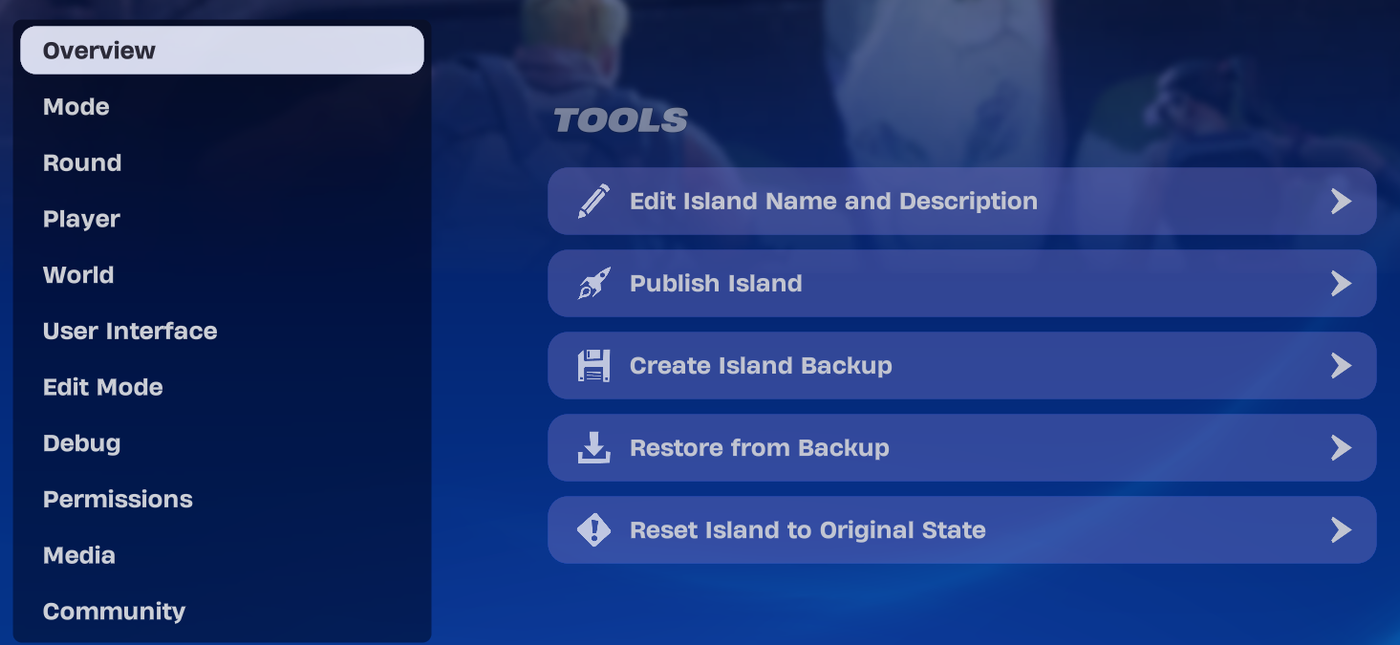
Edit Island Name and Description
This option opens a window where you can edit the island name and description.
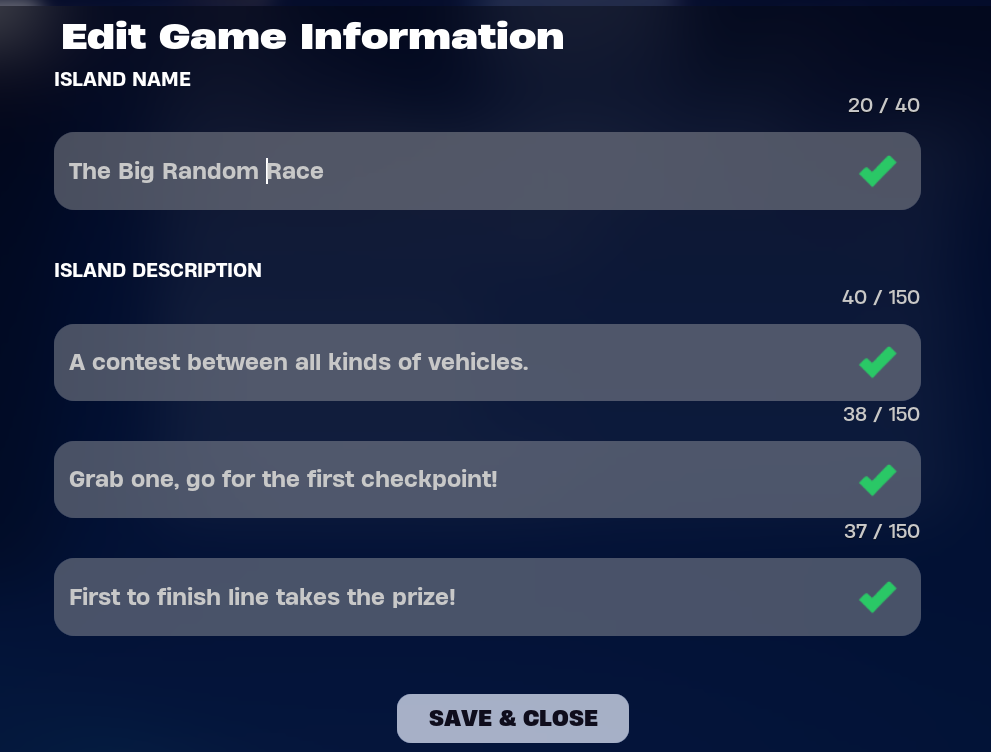
Your island name can be up to 40 characters.
Each line of the island description can take up to 150 characters, for a total of 450. This is a perfect place to start onboarding players.
When you change the name here, the new name appears in your console on the hub next time you access Creative. It also shows up in Discover when you look at an island details screen.
You're reading a preview
The full reference is free for BrainDeadGuild Discord members — sign in to read it all, or open the original at the source.
Sign in with your BrainDead.TV / BrainDeadGuild Discord account for full access.