VerseIsland
Feed Learn Leaderboard Guides Reference Explore Search Docs Verse Library
Sign in
Feed Learn 📖 Codex Leaderboard Guides Reference Explore Search Docs Verse Library
Fortnite › Player · Up to Fortnite · Player · 6 of 142 in Player
Browse Fortnite

Class Setup In An Arena Gameplay Example

The Class Setup in an Arena gameplay example shows you how to set up multiple devices and zones which, when interacted with or walked through by a player, change many of their attributes, including health, shields, movement modifier, jump height, and items in inventory.
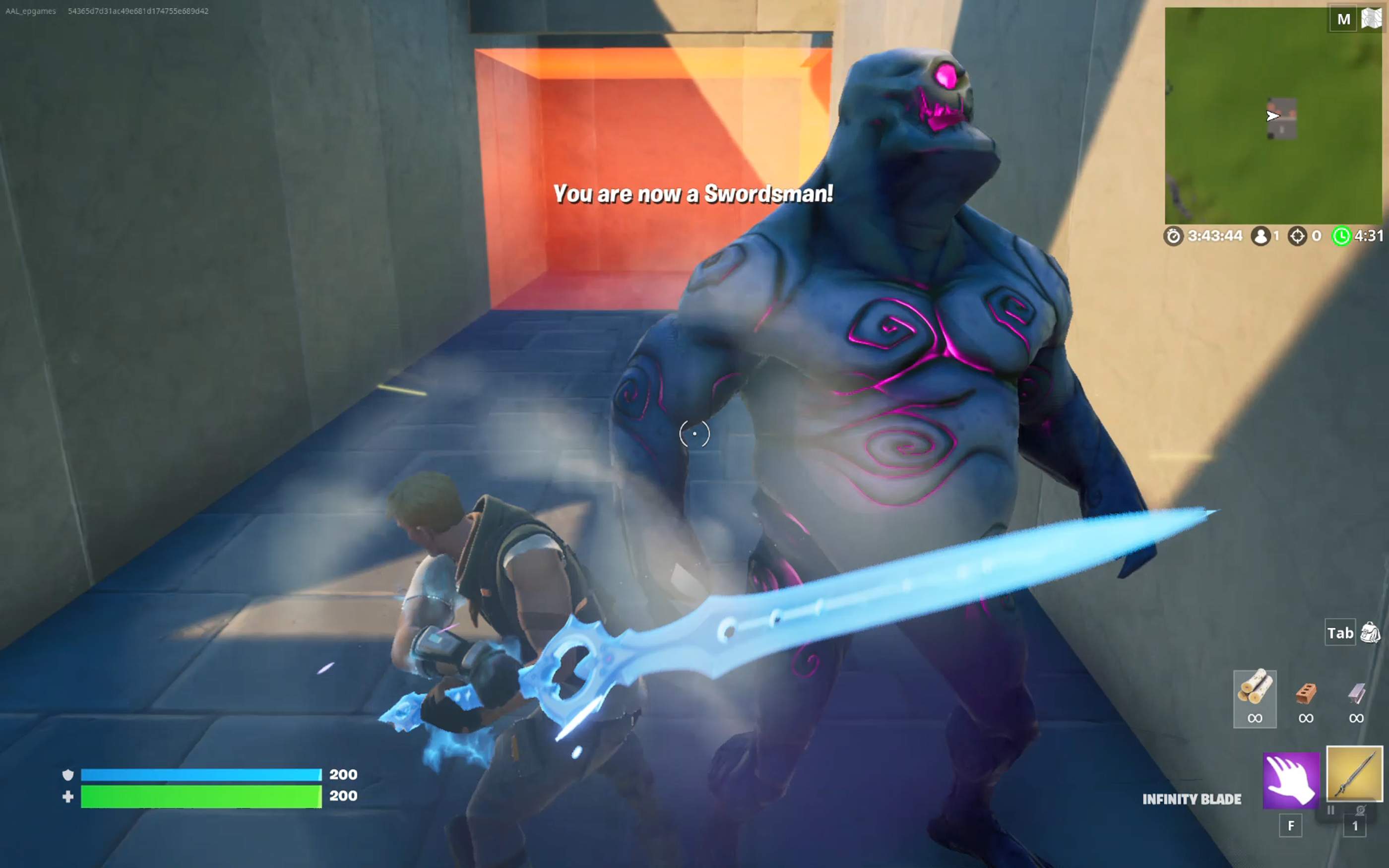
Switching to swordsman to fight a brute.

This example also shows how to send a message to the player’s HUD.

Some devices and zones are visible, while others are invisible but triggered when a player enters the area or defeats an enemy.

As you follow this tutorial, you will learn how to build your own Class Setup In an Arena using the following devices:

  • Class Designer
  • Class Selector
  • Mutator Zone (to trigger class changes)
  • Explosive (to trigger class changes)
  • Collectible Object (to trigger class changes)
  • HUD Message

You're reading a preview

The full reference is free for BrainDeadGuild Discord members — sign in to read it all, or open the original at the source.

Sign in with Discord — free for members Read the original at Epic Games

Sign in with your BrainDead.TV / BrainDeadGuild Discord account for full access.

Comments

    Sign in to vote, comment, or suggest an edit. Sign in
    📄
    Source
    Epic Games

    © Epic Games. Official Epic developer documentation, shown here as a reference with a link to the original. All rights remain with Epic Games. Terms ↗

    View original Sources & licensing
    Request removal
    Last updated Feb 11, 2026
    Keep exploring
    More in Player · 6 of 142
    Prev
    class selector
    Next
    creating teams in creator portal in unreal editor for fortnite
    Browse all files in this folder (A–Z)
    Next up
    • Fortnite Creative Glossary
    • Devices Used
    • Devices Used
    • challenges, and so are described only in passing. Refer to their device pages for more on how to use them.
    • games.com/fortnite/en-US/creative/docs/using-barrier-devices-in-fortnite-creative) **devices**
    • e/en-US/creative/docs/using-billboard-devices-in-fortnite-creative) **devices**
    Related topics
    • Class Setup In A Hole In Fortnite Creative Player
    • Using Class Selector Devices In Fortnite Creative Devices
    • Using Class Designer Devices In Fortnite Creative Devices
    • Using Class Designer Devices In Fortnite Creative Devices
    • Fortnite Glossary Verse Language

    Related

    Open in graph →

    Linked docs

    • Fortnite Creative Glossary

    Related topics

    • Class Setup In A Hole In Fortnite Creative
    • Using Class Selector Devices In Fortnite Creative
    • Using Class Designer Devices In Fortnite Creative
    • Using Class Designer Devices In Fortnite Creative
    VerseIsland · an archipelago of Verse & UEFN knowledge
    🗺️ Island atlas Learn Guides History About & Press Sources & Licensing Status

    Not affiliated with Epic Games. Fortnite, UEFN, Unreal Engine, and Verse are trademarks of Epic Games, Inc. Content is attributed to its source — see Sources & Licensing.

    🦜

    Scout · your island guide

    The Isle of Verse