
Create Dust Particle Materials
Dust particles are a simple way to add impactful visual elements to your project. In this section, you’ll learn how to use an image to create a floating particle effect, then once the material is ready, to create a system from an emitter template that will serve as the basis for your dust effect.
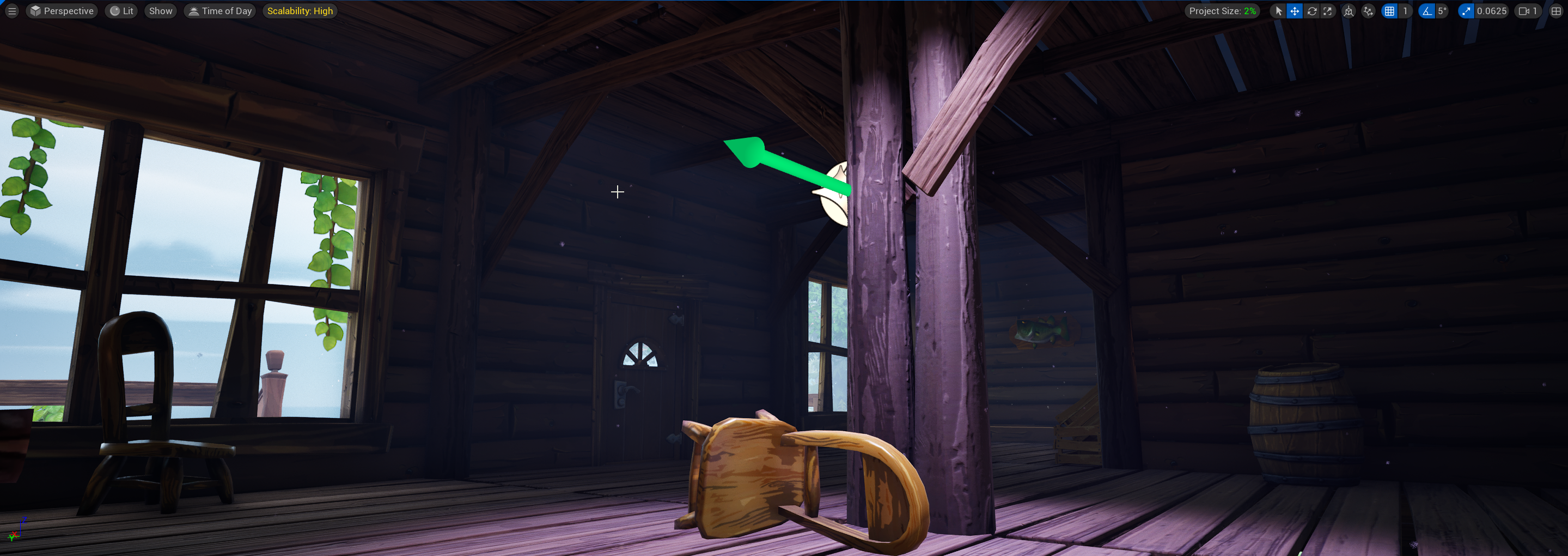
Create the Dust Particle Material
Begin by creating a custom image for your dust material, you can import a texture image file or use the image provided below to create your dust material.
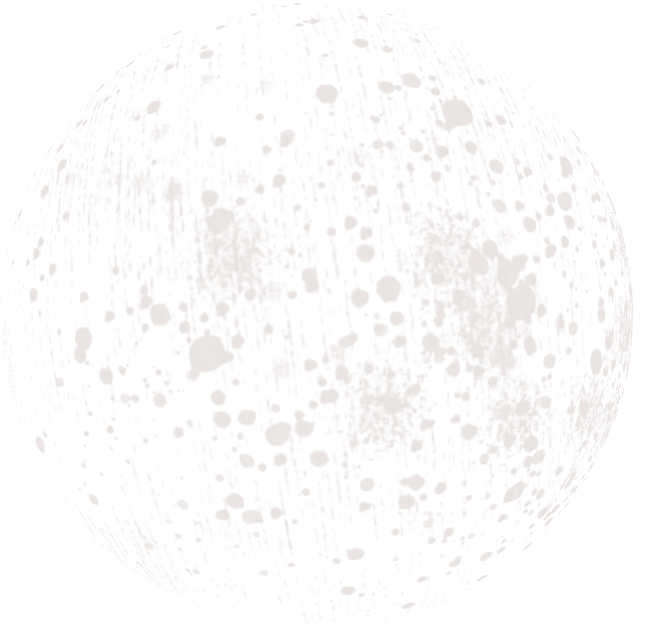
- Create a folder in the Content Browser called Materials, then double-click the folder to open it.
- Right-click inside the Content Browser and select Material from the dropdown menu.
- Name the material Dust_Mat.
You're reading a preview
The full reference is free for BrainDeadGuild Discord members — sign in to read it all, or open the original at the source.
Sign in with your BrainDead.TV / BrainDeadGuild Discord account for full access.