
Generating New Terrain
When creating your own terrain, consider what type of landscape works best for the island you want to build. In Landscape Mode, you can determine the size of the terrain, or even create multiple pieces of terrain using smaller sections.
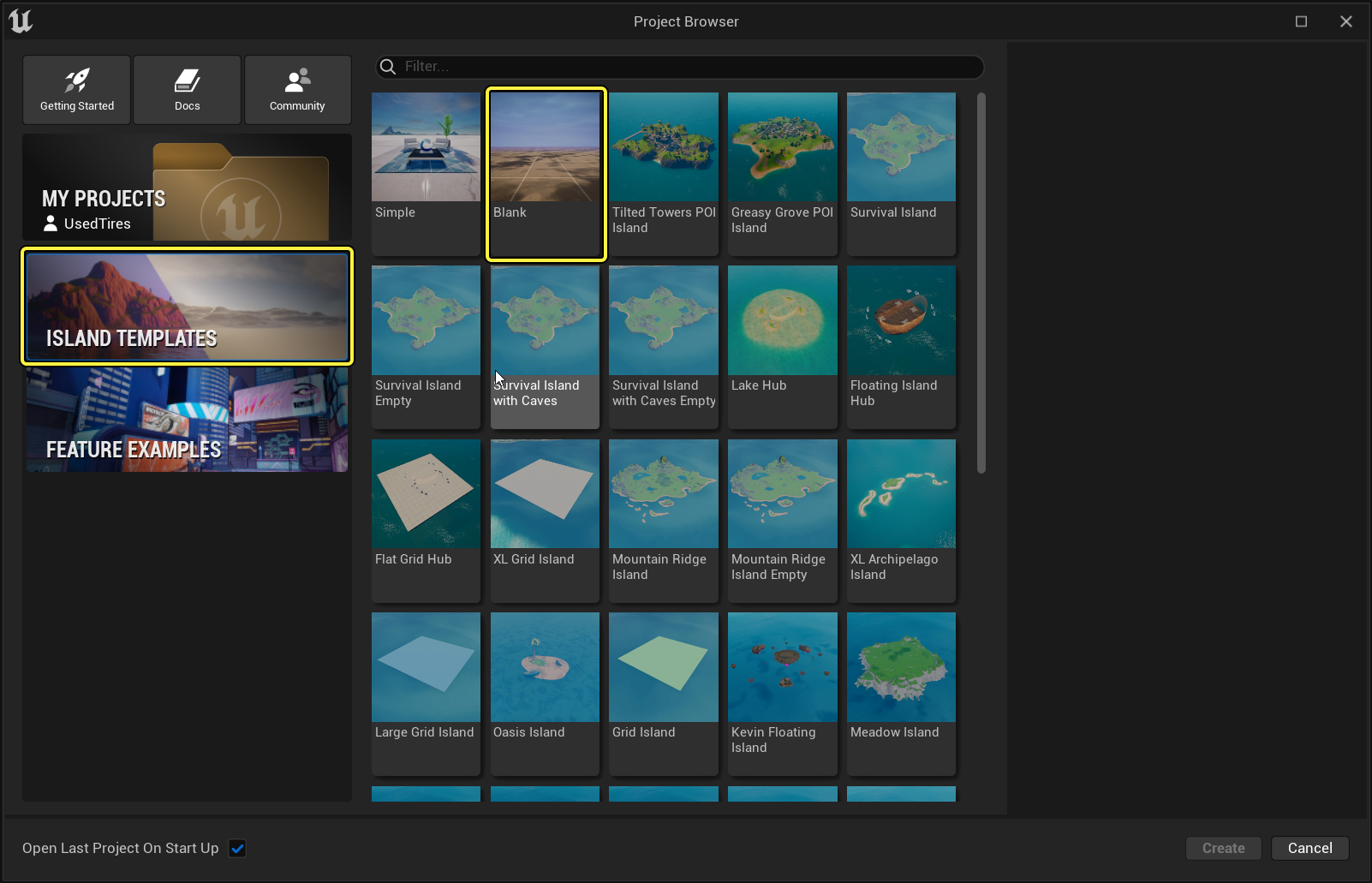
Select the Blank island template from the Project Browser screen.
Once the project opens, delete the existing grid plane by clicking a grid then pressing the Delete key. Repeat for any remaining grid planes.
Create a Landscape Streaming Proxy
Once you've removed the grid plane, it is replaced by a Landscape Streaming Proxy. This proxy can be edited with the Landscape Mode tools to build a custom landscape, unlike the grid plane, that will only let you place objects on it.
You're reading a preview
The full reference is free for BrainDeadGuild Discord members — sign in to read it all, or open the original at the source.
Sign in with your BrainDead.TV / BrainDeadGuild Discord account for full access.