
Import And Play Mesh Animations In UEFN
You can use Unreal Editor for Fortnite (UEFN) to animate skeletal meshes.
This tutorial shows you how to import skeletal meshes, animations attached to the meshes, and how the animations on a mesh work in UEFN.
Import a Skeletal Mesh and Associated Assets
UEFN does not come preloaded with skeletal meshes or animations, so you will have to create or import them.
For an in-depth look at handling custom assets in Unreal Engine, check out the Working with Content section, with attention to the FBX Content Pipeline pages.
-
Open your UEFN project.
-
In the Content Browser, open the project’s content folder and create a Characters folder for your skeletal meshes.
-
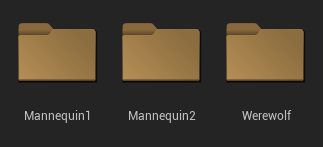
Make a subfolder for each type of character you want to import. Double-click the folder to open it.
You're reading a preview
The full reference is free for BrainDeadGuild Discord members — sign in to read it all, or open the original at the source.
Sign in with your BrainDead.TV / BrainDeadGuild Discord account for full access.