
Making Widgets Interactable in Fortnite
You can make your widgets interactable by:
- Adding the argument
player_ui_slot{InputMode := ui_input_mode.All }when you add a widget using the functionAddWidget(). - Binding an event handler to the widget’s event.
Currently, you can make the following widgets interactable:
The following sections are examples of how to make these widgets interactable.
Button Interactions
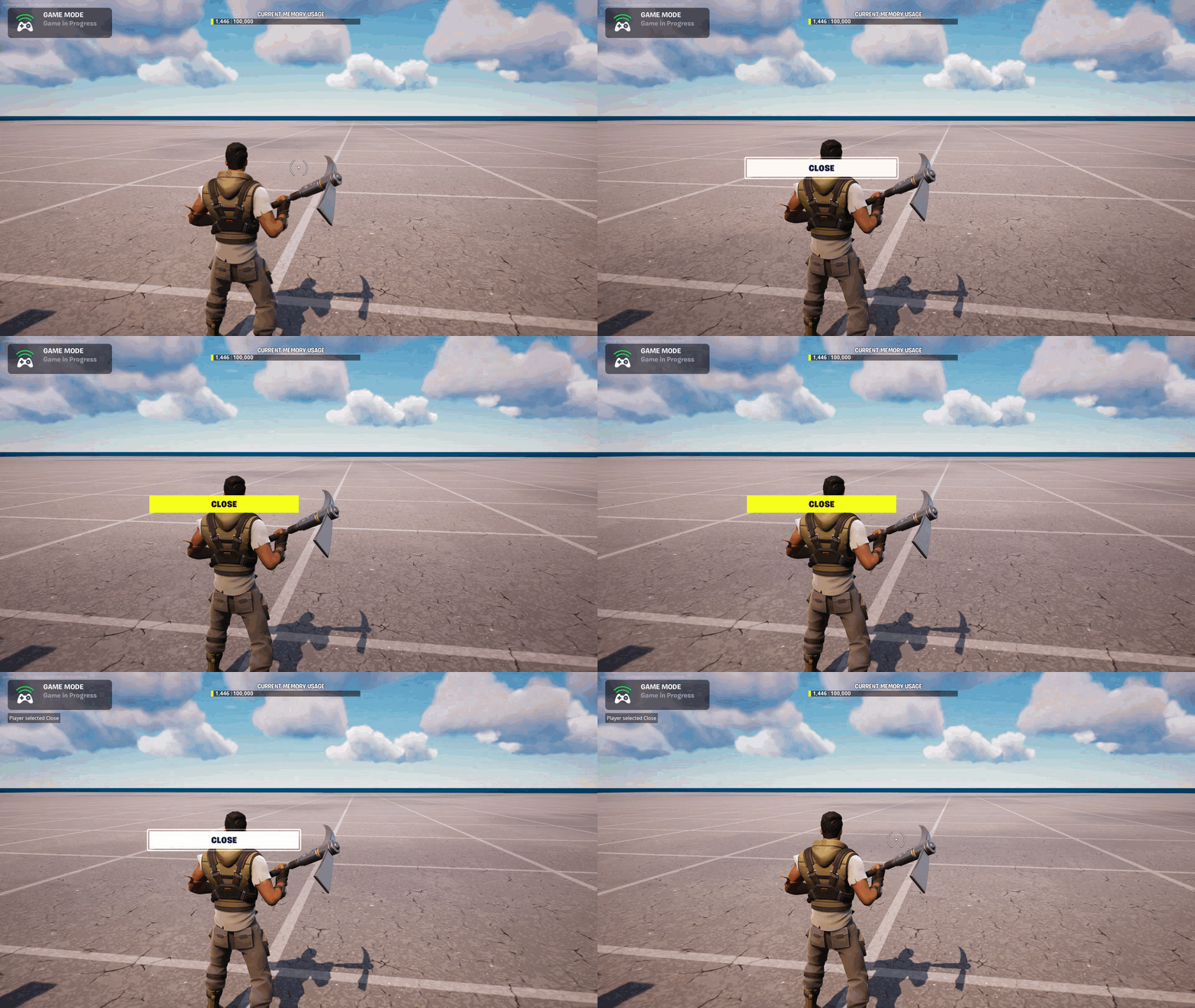
Follow these steps to create a UI with a button, and add behavior that prints the selected button text to the screen when the player interacts with the button:
- Open the Verse file you created in Removing a Widget.
- Create a function named
CreateMyUI()where you’ll create the UI.CreateMyUI() : canvas = MyUIButton : button_loud = button_loud{DefaultText := TextForMyUI} MyInteractableButtons : canvas = canvas: Slots := array: canvas_slot: Anchors := anchors{Minimum := vector2{X := 0.25, Y := 0.5}, Maximum := vector2{X := 0.5, Y := 0.5}} Offsets := margin{Top := 0.0, Left := 0.0, Right := 0.0, Bottom := 0.0} Alignment := vector2{X := 0.5, Y := 0.5} SizeToContent := true Widget := MyUIButton return MyInteractableButtons - Change the type for
MaybeMyUIPerPlayerto[player]?canvas:var MaybeMyUIPerPlayer : [player]?canvas = map{} - Change the assignment for
NewUIto call your new functionCreateMyUI().
You're reading a preview
The full reference is free for BrainDeadGuild Discord members — sign in to read it all, or open the original at the source.
Sign in with your BrainDead.TV / BrainDeadGuild Discord account for full access.