
TWDU Custom HUD Vitals And Items
The Walking Dead Universe (TWDU) feature set introduces user interface (UI) assets that you can add to your islands for a unique heads up display (HUD). The custom UI includes a player's vitals and their selected item. The Walker NPC template uses this design element to let players know that Walkers mean serious business!
Access UI Assets
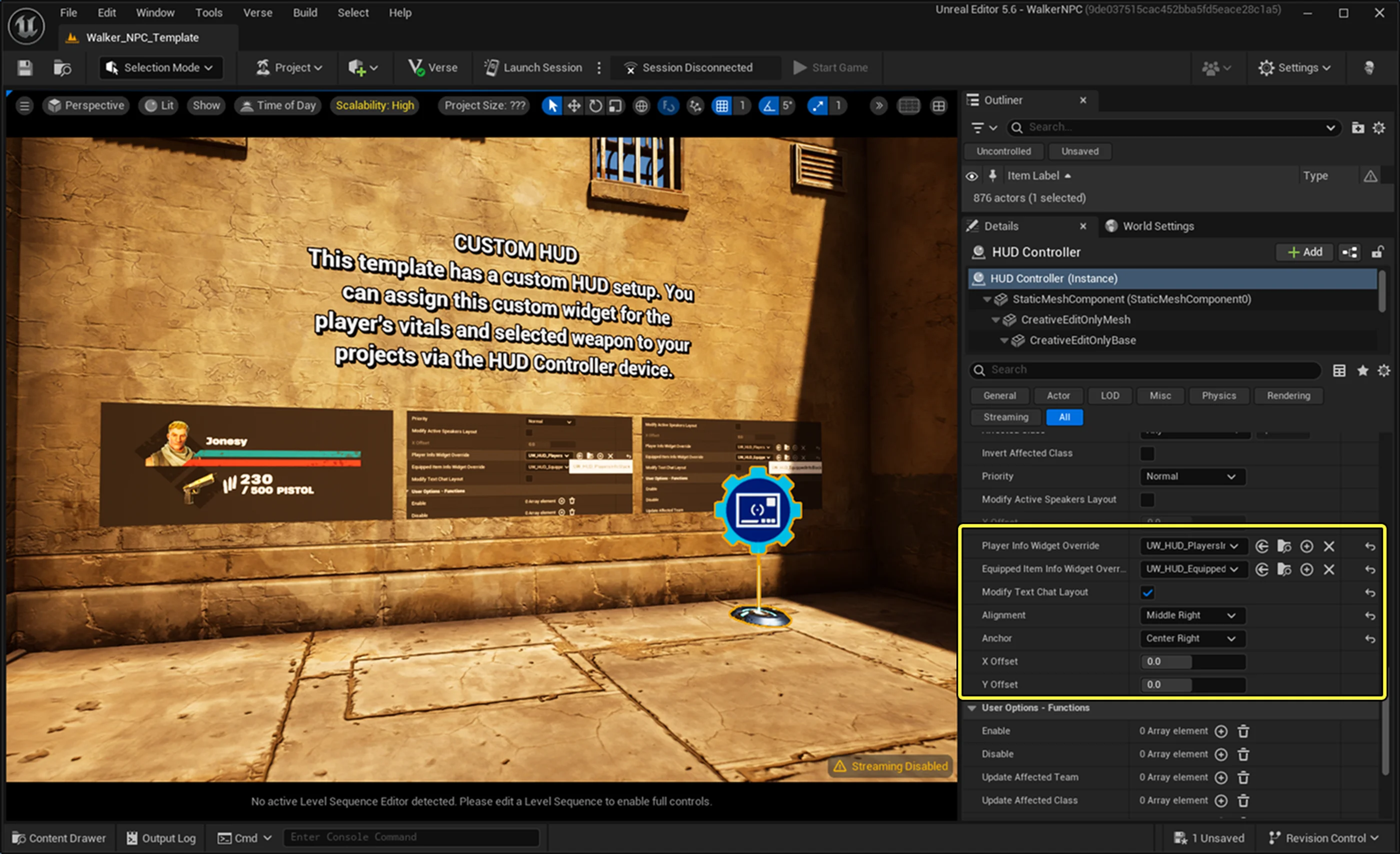
HUD Controller device with attached custom widgets.
The UI assets are available in UEFN from the Content Drawer > The Walking Dead Universe Content > UI folder.
The UI folder contains material instances, textures, and general materials that form to create elements in the Unreal Motion Graphics (UMG) user widgets.
You can not copy the files in the UI folder to your project folder. You must reference the files for use. The table below describes the available UMG widgets in the Widgets folder.
| Widget | Description |
| UW HUD EquippedInfo Block | Element for your selected item. Includes ammo when applicable. |
| UW HUD PlayerInfoBlock | Element design that shows the player's health and shield. This file is connected to the UW HUD TeammateInfo widget. |
| UW HUD TeammateInfo | Element design that shows the health and shield for the player's teammates. |
| UW HUD PlayersInfoStack | Combines the player and their teammates information. |
You're reading a preview
The full reference is free for BrainDeadGuild Discord members — sign in to read it all, or open the original at the source.
Sign in with your BrainDead.TV / BrainDeadGuild Discord account for full access.