
TMNT Custom Player Info UI
In this section, you will learn how to create fully customized UI overlays for your games by following the steps to recreate the TMNT Arcade Template player UI.
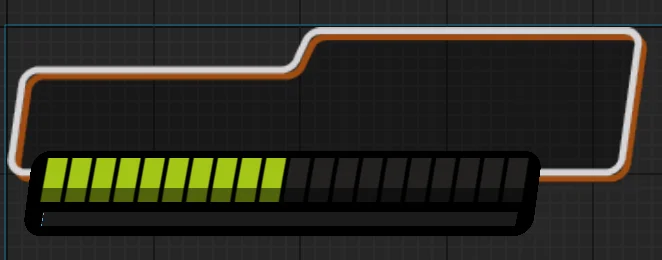
The basic breakdown of the steps is:
- Set up the look of your custom widgets.
- Add view bindings to each interactive widget element.
- Create a player info stack for multiple concurrent players.
- Set up the HUD Controller device to display the custom UI.
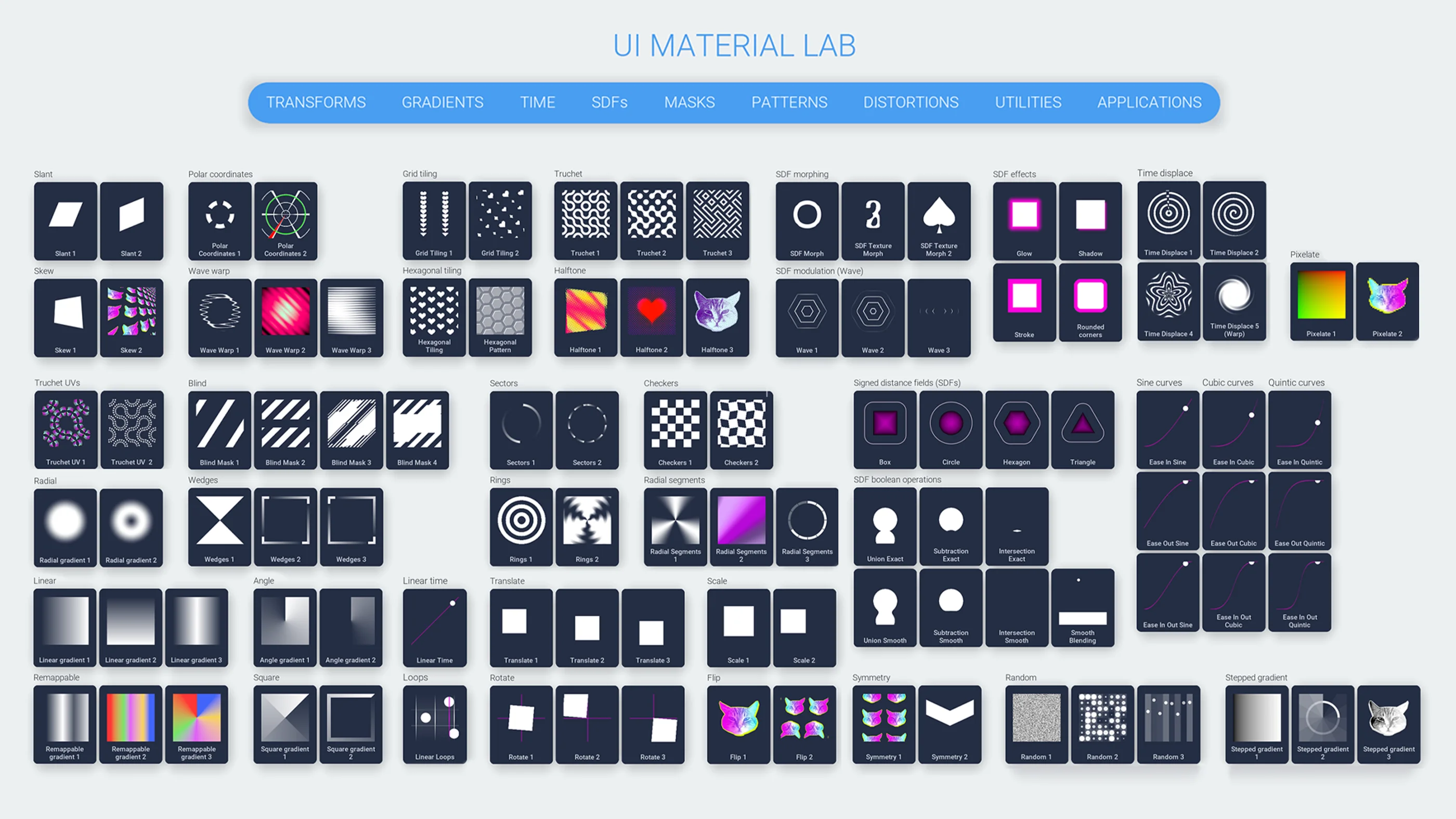
Download the UI Material Lab texture pack for free and experiment with your own UI configurations!
You're reading a preview
The full reference is free for BrainDeadGuild Discord members — sign in to read it all, or open the original at the source.
Sign in with your BrainDead.TV / BrainDeadGuild Discord account for full access.