
User Interface Feature Template
The User Interface Feature Template showcases what’s possible when creating custom user interfaces (UI) with Unreal Motion Graphics (UMG). You can find this template in the Project Templates section of the Feature Examples in the Project Browser.
This companion tutorial will familiarize you with Fortnite Creative devices that add custom a UI to the heads up display (HUD), how to build UI widgets from design to device functionality, and how the materials, textures, and material functions in the feature template were used to create the custom look of the UI samples.
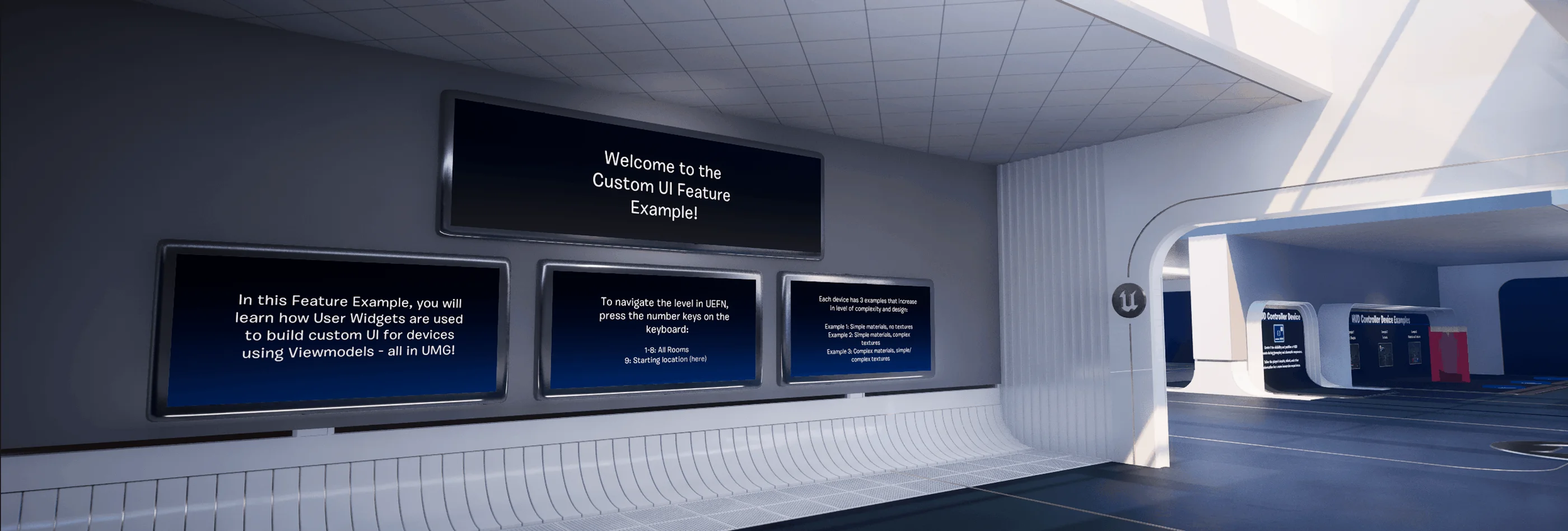
Spawning point of the UI Feature template.
UI sample content is packaged in the Content Browser in the UI folder, then by device in the Devices folders. Each device folder contains the following asset folders:
You're reading a preview
The full reference is free for BrainDeadGuild Discord members — sign in to read it all, or open the original at the source.
Sign in with your BrainDead.TV / BrainDeadGuild Discord account for full access.