
Moving UVs
Moving UVs
You can create a moving material with a panning effect that causes the material to slide by using material nodes plugged into the Base Color input of the Main Material node.
You can create a moving material with a panning effect that causes the material to slide by using material nodes plugged into the Base Color input of the Main Material node.
Before beginning this tutorial, you should already have made a basic material using the Creating and Using Material Instance page. You will expand upon your basic material with the tutorial below.
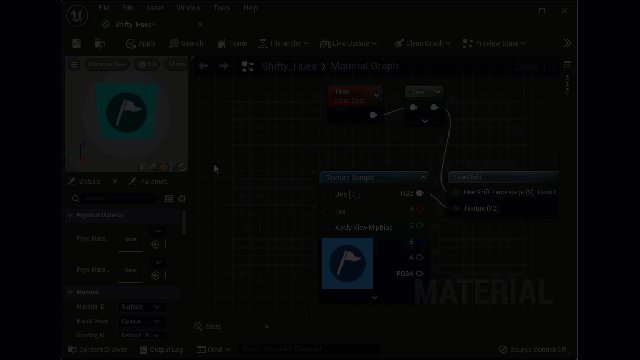
- Add a Panner node to your Color node configuration above and plug it into the UV input of the Texture Sample node.
- Change the Speed coordinates from 0.0 to 0.1 for the X coordinate.
The Panner node moves UV coordinates along any axis of your choosing, and pans from any direction, based on the numerical values you add to the Speed axis coordinates. But you can do even more dynamic movements in your base material by adding a few more material nodes.
You're reading a preview
The full reference is free for BrainDeadGuild Discord members — sign in to read it all, or open the original at the source.
Sign in with your BrainDead.TV / BrainDeadGuild Discord account for full access.