
Creating Custom UI with Material Instances
Create custom UI with the base M_UI_Shape_Rectangle material by making material instances from the base material to be used in UMG widgets. The shape material also provides a way for you to make flat shapes that can be used to create unique UI designs. The M_UI_Shape_Rectangle material is located in the Content Browser under the Fortnite folder in UI > Materials.
Material instances can be used to fill a widget like paint. Materials are preferable to adding textures to widgets because materials use less memory than imported textures. Materials are also a better way to design UI in UEFN and UE, especially for a flat UI design because it's easier to render, not to mention you can get fancy with 3D and dynamic materials.
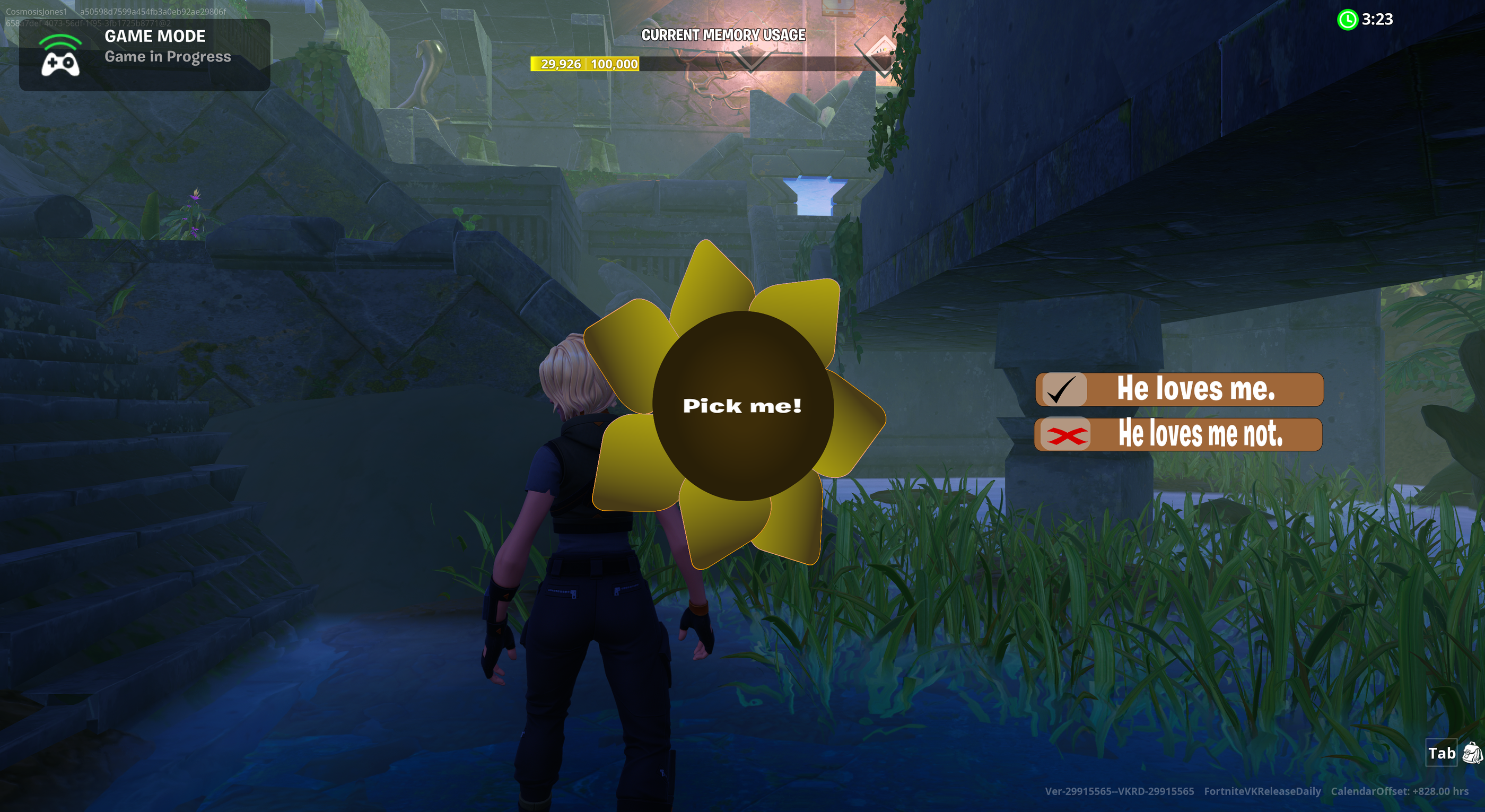
UMG widgets are referenced in special UI settings on a few devices in Unreal Editor for Fortnite (UEFN). The UMG widgets replace the default Fortnite UI in the heads-up display (HUD).
For more tutorials on using materials to create UI, refer to the following:
You're reading a preview
The full reference is free for BrainDeadGuild Discord members — sign in to read it all, or open the original at the source.
Sign in with your BrainDead.TV / BrainDeadGuild Discord account for full access.