
Customizing Player Spawns
8. Customizing Player Spawns
This section will show you how to set the devices needed to spawn players into different teams with VFX (visual effects) attached to players. You will also set the teleporters which will move players from the lobby to the game area.
This section will show you how to set the devices needed to spawn players into different teams with VFX (visual effects) attached to players. You will also set the teleporters which will move players from the lobby to the game area.
Devices used:
- ~16 x Player Spawn Pads
- 9 x Teleporters
Player Spawn Pad Devices
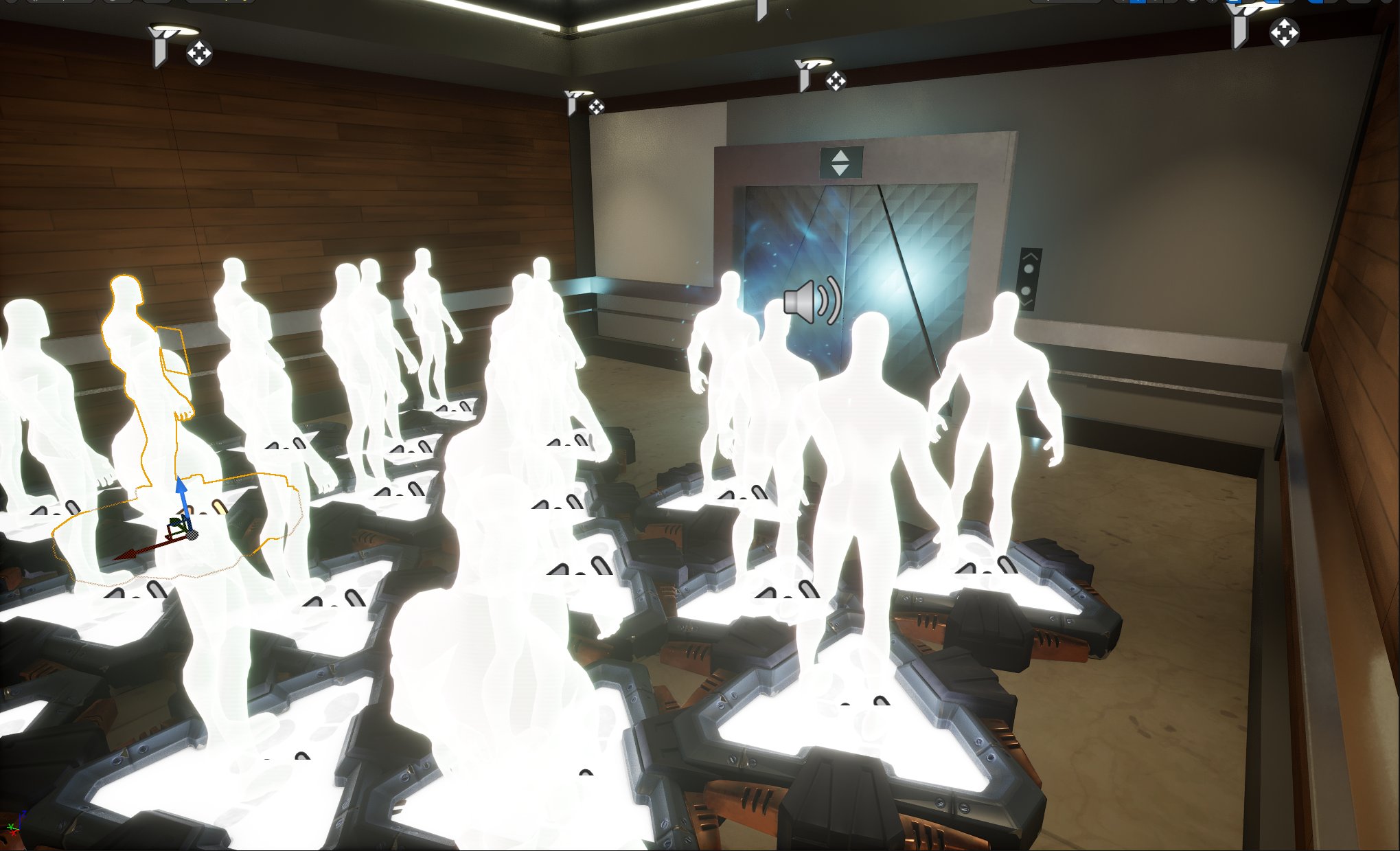
It’s a good idea to place extra spawners to ensure spawning is registered for every player.
Place your spawn pads in an area away from the arena where the gameplay will be carried out. For this template, players spawn in an area designed to look like an elevator lobby that leads to the area where the gameplay will take place.
You're reading a preview
The full reference is free for BrainDeadGuild Discord members — sign in to read it all, or open the original at the source.
Sign in with your BrainDead.TV / BrainDeadGuild Discord account for full access.