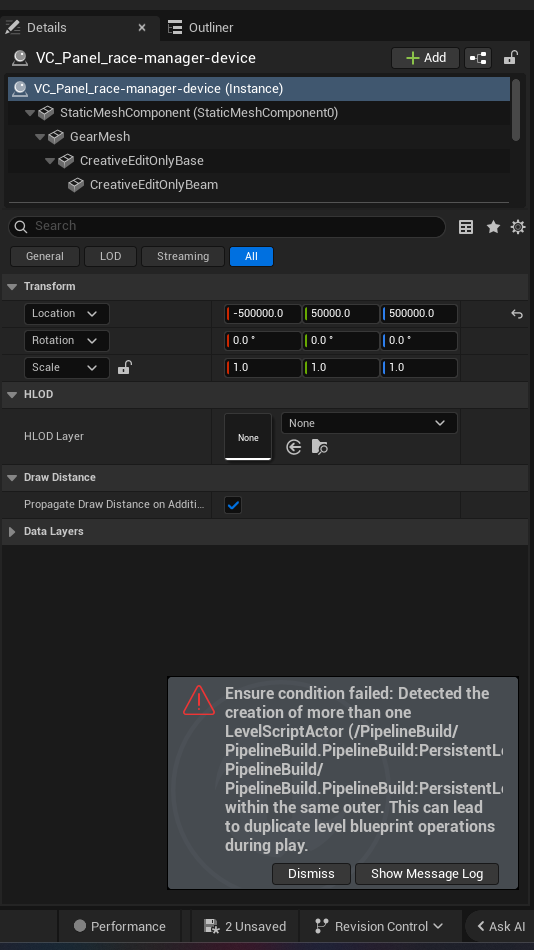
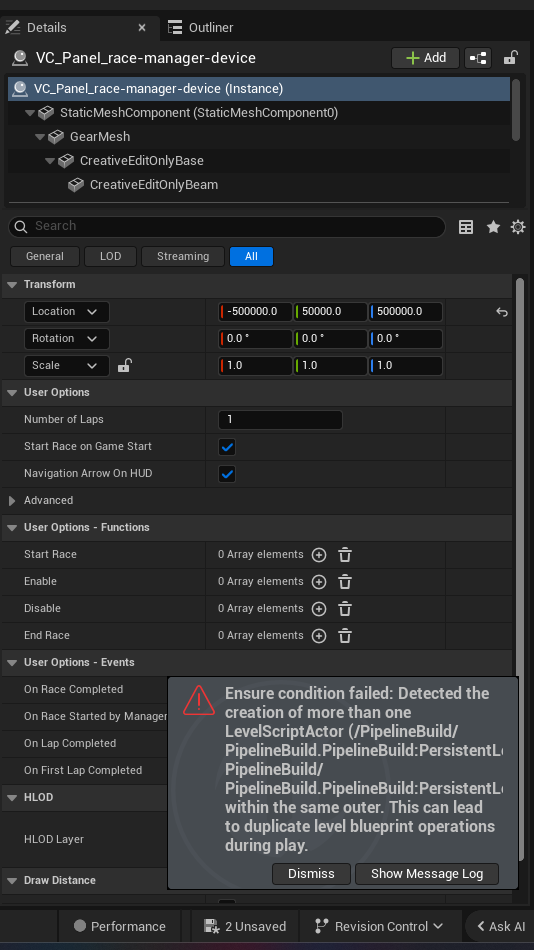
Overview
The race_manager_device works hand-in-hand with race_checkpoint_devices to build advanced racing modes. The checkpoints define the track; the race manager tracks each agent's progress around it — counting laps, detecting the first lap, and signaling when somebody crosses the finish line.
Reach for it whenever you want a lap race (speedway, go-kart circuit, parkour lap challenge) and you need code to react to race events: start a countdown timer when the race begins, grant a boost item when a player finishes their first lap, award points the instant someone completes the final lap, or shut the whole race down when the round ends.
The device gives you four events — RaceBeganEvent, FirstLapCompletedEvent, LapCompletedEvent, RaceCompletedEvent — and four methods — Enable, Disable, Begin, End. Each event hands you the agent it concerns, so you always know who started, lapped, or finished.
API Reference
race_manager_device
Used with the
race_checkpoint_deviceto create more advanced racing modes.
Full public surface, resolved verbatim from the live Epic digest (Fortnite.digest.verse).
race_manager_device<public> := class<concrete><final>(creative_device_base):
Events (subscribe a handler to react):
| Event | Signature | Description |
|---|---|---|
RaceBeganEvent |
RaceBeganEvent<public>:listenable(agent) |
Signaled when the race begins. Sends the agent that started the race. |
RaceCompletedEvent |
RaceCompletedEvent<public>:listenable(agent) |
Signaled when an agent finishes the race. Sends the agent that finished the race. |
FirstLapCompletedEvent |
FirstLapCompletedEvent<public>:listenable(agent) |
Signaled when an agent completes their first lap. Sends the agent that finished the lap. |
LapCompletedEvent |
LapCompletedEvent<public>:listenable(agent) |
Signaled when an agent completes a lap. Sends the agent that finished the lap. |
Methods (call these to make the device act):
| Method | Signature | Description |
|---|---|---|
Enable |
Enable<public>():void |
Enables this device. |
Disable |
Disable<public>():void |
Disables this device. |
Begin |
Begin<public>():void |
Begins the race. |
End |
End<public>():void |
Ends the race. |
Walkthrough
Let's build a complete go-kart circuit loop. When the round starts we enable the manager and Begin the race. A HUD message announces who started it. The first time a racer completes a lap, we grant them a speed-boost item. Every lap we keep a running count, and when a racer finishes the whole race we award points and, once the first finisher comes in, End the race so the next round can start.
race_loop_manager := class(creative_device):

    # The race brain — drag the placed Race Manager here in the Details panel.
    @editable
    RaceManager:race_manager_device = race_manager_device{}

    # Hands out a boost item the first time a racer laps.
    @editable
    BoostGranter:item_granter_device = item_granter_device{}

    # Awards score to finishers.
    @editable
    ScoreAwarder:score_manager_device = score_manager_device{}

    # Shows race announcements.
    @editable
    Announcer:hud_message_device = hud_message_device{}

    # Localized-text helper: message params need a localized value, not a raw string.
    Msg<localizes>(S:string):message = "{S}"

    OnBegin<override>()<suspends>:void =
        # Wire up handlers BEFORE we start the race so nothing is missed.
        RaceManager.RaceBeganEvent.Subscribe(OnRaceBegan)
        RaceManager.FirstLapCompletedEvent.Subscribe(OnFirstLap)
        RaceManager.LapCompletedEvent.Subscribe(OnLapCompleted)
        RaceManager.RaceCompletedEvent.Subscribe(OnRaceCompleted)

        # Make sure the device is on, then kick off the race.
        RaceManager.Enable()
        RaceManager.Begin()

    OnRaceBegan(Starter:agent):void =
        # Announce to everyone that the race is live.
        Announcer.Show()

    OnFirstLap(Racer:agent):void =
        # Reward the racer's first completed lap with a boost item.
        BoostGranter.GrantItem(Racer)

    OnLapCompleted(Racer:agent):void =
        # Fires on EVERY lap (including the first). Give a small score nudge per lap.
        ScoreAwarder.Activate(Racer)

    OnRaceCompleted(Finisher:agent):void =
        # A racer crossed the finish line for good — award the big payoff.
        ScoreAwarder.Activate(Finisher)
        # End the race so the round can wrap up after the first finisher.
        RaceManager.End()
Line by line:
- The
@editablefields let you drag your placed devices in from the Outliner.RaceManageris the star; the others (granter, score manager, HUD) are the rewards and feedback. Msg<localizes>is the standard pattern for producing amessage— any device method that wants displayed text needs a localized value, never a rawstring.- In
OnBeginwe subscribe every handler first, thenEnable()andBegin(). Subscribing beforeBegin()guarantees we catch theRaceBeganEvent. - Each handler receives a plain
agent(these events arelistenable(agent), notlistenable(?agent)), so noif (A := Agent?)unwrap is needed here. OnFirstLaponly ever fires once per racer — perfect for a one-time reward.OnLapCompletedfires for every lap, so it's where per-lap score lives.OnRaceCompletedfires when someone finishes the full race; we award points andEnd()the race to close it out.
Common patterns
Pattern 1 — Gate the race behind a start button. Don't Begin() automatically; wait for a button so a host can launch the race when everyone's ready.
race_start_gate := class(creative_device):

    @editable
    RaceManager:race_manager_device = race_manager_device{}

    @editable
    StartButton:button_device = button_device{}

    OnBegin<override>()<suspends>:void =
        # Keep the race disabled until the host presses the button.
        RaceManager.Disable()
        StartButton.InteractedWithEvent.Subscribe(OnStartPressed)

    OnStartPressed(Presser:agent):void =
        RaceManager.Enable()
        RaceManager.Begin()
Pattern 2 — Stop the race on a timer expiring. Use End() to cut a race short when a time limit runs out, then disable the manager.
race_time_limit := class(creative_device):

    @editable
    RaceManager:race_manager_device = race_manager_device{}

    @editable
    LimitTimer:timer_device = timer_device{}

    OnBegin<override>()<suspends>:void =
        RaceManager.Enable()
        RaceManager.Begin()
        # When the round timer succeeds, stop the race.
        LimitTimer.SuccessEvent.Subscribe(OnTimeUp)

    OnTimeUp(Agent:?agent):void =
        # SuccessEvent is listenable(?agent) — unwrap is optional since we don't need the agent.
        RaceManager.End()
        RaceManager.Disable()
Pattern 3 — Track laps per racer with LapCompletedEvent. Build a live tally to drive a leaderboard or detect the final lap yourself.
lap_tracker := class(creative_device):

    @editable
    RaceManager:race_manager_device = race_manager_device{}

    # Running lap count keyed by agent.
    var LapCounts:[agent]int = map{}

    OnBegin<override>()<suspends>:void =
        RaceManager.LapCompletedEvent.Subscribe(OnLap)
        RaceManager.Enable()
        RaceManager.Begin()

    OnLap(Racer:agent):void =
        # Read the current count (default 0) and bump it.
        Current := LapCounts[Racer] or 0
        if (set LapCounts[Racer] = Current + 1) {}
Gotchas
- Subscribe before you
Begin(). If you callBegin()before wiring upRaceBeganEvent, the begin signal fires into the void. InOnBegin, do all.Subscribe(...)calls first, thenEnable()thenBegin(). Enable()vsBegin()are different.Enable/Disableturn the device on/off;Begin/Endstart and stop an actual race. A disabled device won't run a race even if you callBegin()— enable it first.- Race events give a plain
agent, the timer'sSuccessEventgives?agent. The four race events arelistenable(agent)so the handler param isagentdirectly. But cross-device events liketimer_device.SuccessEventarelistenable(?agent)— those handlers take?agentand you unwrap withif (A := Agent?):when you need the agent. messageparams need localized text. Any HUD/announcement method that takes amessagewon't accept a raw string. Declare a<localizes>helper likeMsg<localizes>(S:string):message = "{S}"and passMsg("Go!"). There is noStringToMessage.FirstLapCompletedEventalso triggersLapCompletedEvent. Completing lap one signals BOTH events. If you reward in both handlers you'll double-grant on the first lap — put one-time rewards only inOnFirstLap.- You must declare the device as an
@editablefield. Callingrace_manager_device{}.Begin()on a literal does nothing useful — you need the placed device assigned through the Details panel so events actually flow.