
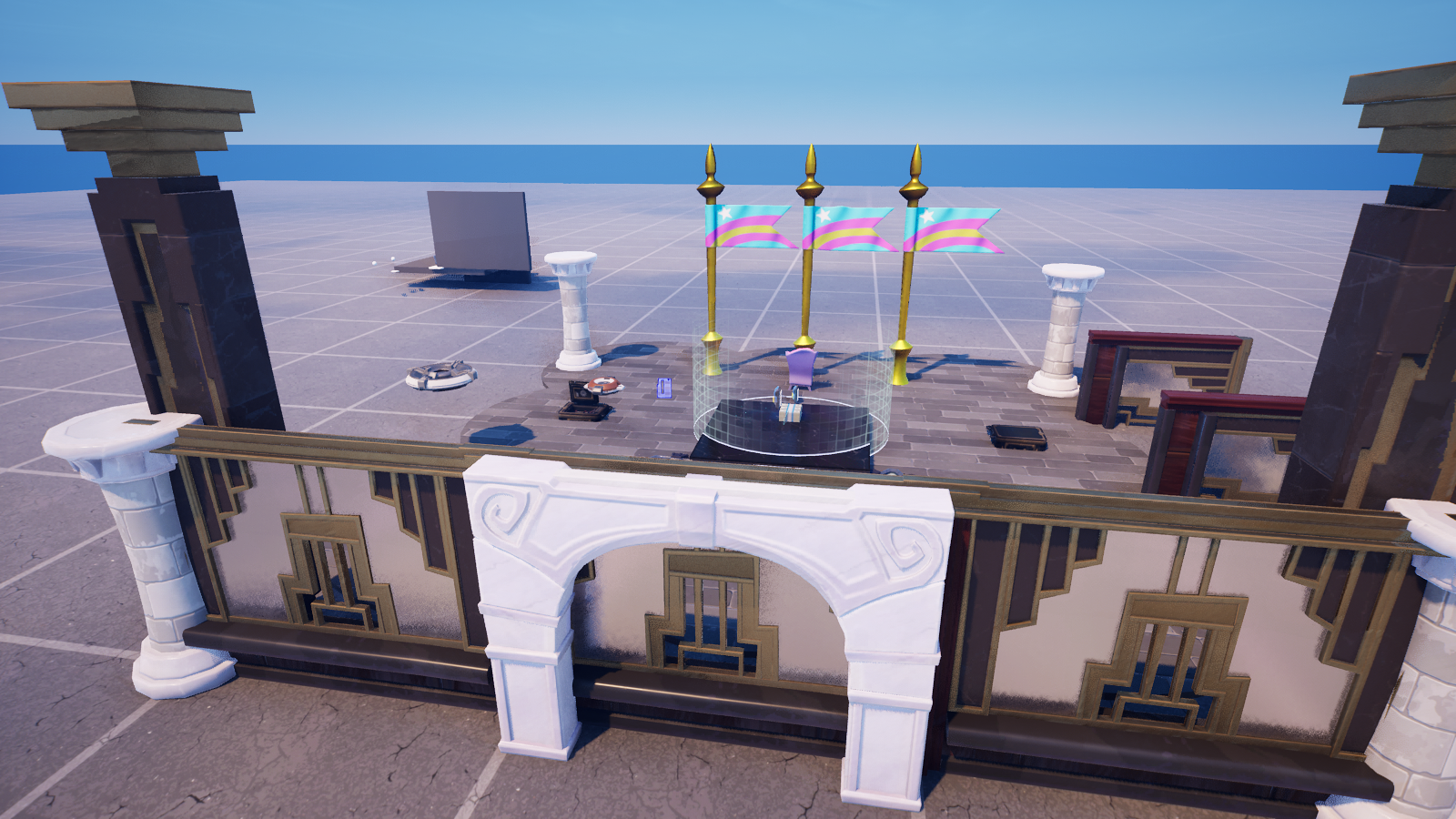
Capstone: The Bounce Arena
Capstone: The Bounce Arena
This is where the series pays off. You can find a player's character (Part 1), move it (Part 2), and react to what it does (Part 3). Now we wire all three into one playable minigame: the Bounce Arena.
The rules: press a Button to arm the arena. From then on, every time a player jumps, they get launched higher and score a point. And if anyone falls below the kill-floor, they're found and sent home to a respawn pad. No trigger volumes, no hand-wired launch pads — the character API runs the whole thing.
The insight: three small systems, one device
<!-- section-art:the-insight-three-small-systems-one-device -->
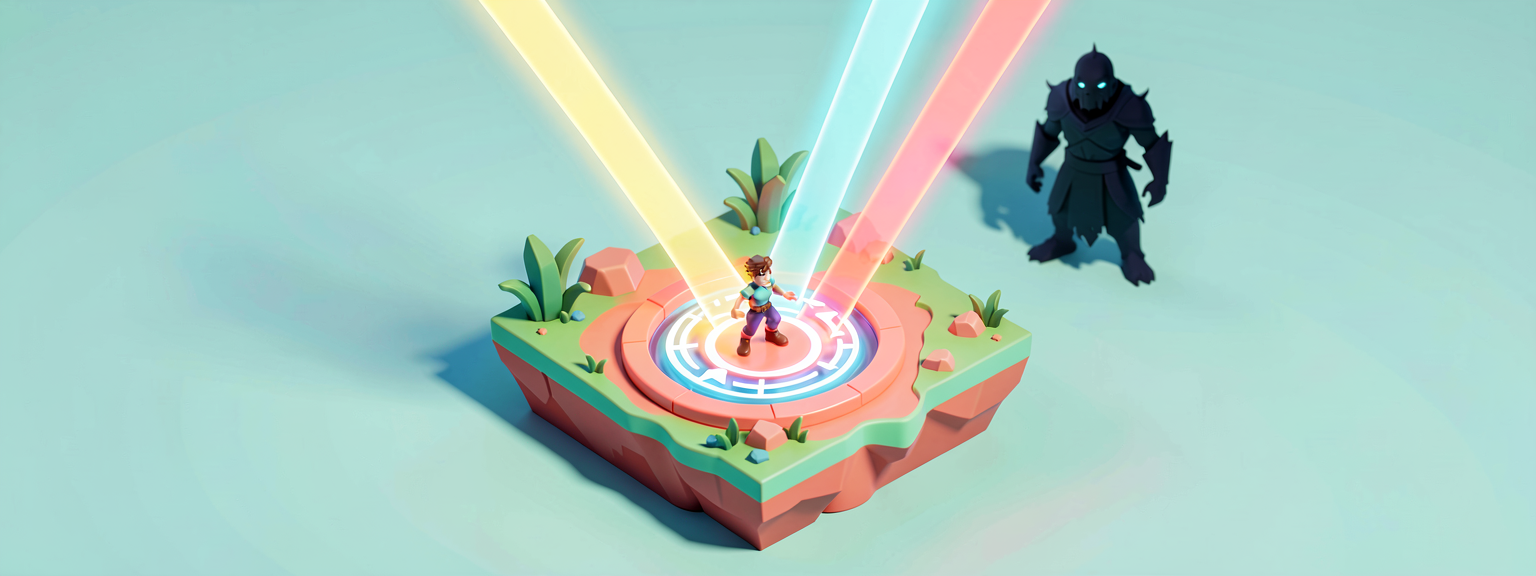
Converged Systems
The arena is the three series skills, combined:
- FIND —
GetPlayspace().GetPlayers()→P.GetFortCharacter[](Part 1) - MOVE —
SetLinearVelocitywith aForward/Left/Upvector3 (Part 2) - REACT —
Body.JumpedEvent().Subscribe(...)(Part 3)
Plus one new trick — a background watcher — and one device handoff — a Teleporter for the respawn.
Arming the arena
Pressing the Button flips an Armed flag (so a second press does nothing), hooks up every player's jump, and kicks off the fall-watcher in the background:
OnArm(Presser : agent) : void =
    if (not Armed?):
        set Armed = true
        Playspace := GetPlayspace()
        for (P : Playspace.GetPlayers()):
            HookUp(P)                                  # players here now
        Playspace.PlayerAddedEvent().Subscribe(HookUp) # latecomers
        spawn { WatchForFalls() }                      # background loop
spawn { ... } launches a <suspends> function to run concurrently — it ticks away in the background while the rest of the device keeps responding to jumps. That's how one device does two jobs at once.
React + move: the bounce
The jump handler does both of the middle skills at once — launch the jumper, then score them:
OnJumped(Jumper : fort_character) : void =
    Up := vector3{ Forward := 0.0, Left := 0.0, Up := BounceSpeed }
    Jumper.SetLinearVelocity(Up)         # MOVE — pop them higher
    if (Who := Jumper.GetAgent[]):       # bridge to agent
        BounceScore.Activate(Who)        # REACT — award a point
A jump triggers the handler (Part 3), the handler launches the body (Part 2), and the agent bridge (GetAgent[]) lets us score them. Three lessons in five lines.
Find + respawn: the kill-floor catcher
The background watcher loops forever, checking every half-second whether anyone has dropped below the kill-floor height. If so, it hands them to a Teleporter device — which avoids the two-vector3-types juggling from Part 2, because Teleport(agent) takes an agent, not a position:
WatchForFalls()<suspends> : void =
    loop:
        Sleep(0.5)
        for (P : GetPlayspace().GetPlayers(), Body := P.GetFortCharacter[]):
            Here := Body.GetTransform().Translation   # FIND — where are they?
            if (Here.Z < KillFloorZ, Who := Body.GetAgent[]):
                RespawnPad.Teleport(Who)              # device-native respawn
Sleep(0.5) paces the loop so it checks twice a second instead of melting the CPU. The if (Cond, Bind := ...) packs a comparison and a failable bind into one guard — both must hold for the block to run.
The full Bounce Arena device
Wiring it up in the editor
- Place a Button (the arm switch), a Score Manager, and a Teleporter (at your safe respawn spot).
- Add a Verse device running
bounce_arena_device. - Drag the Button into ArmButton, the Score Manager into BounceScore, the Teleporter into RespawnPad.
- Tune BounceSpeed (higher = bigger air) and KillFloorZ (the fall-out height) in the Details panel.
- Press play, arm it, and start jumping — every hop pops you higher and scores. Jump off the edge and you'll be caught and returned.
You did it
<!-- section-art:you-did-it -->

Arena Mastery
You started this series unable to even name the player's body. Now you can find any player's fort_character, push it around three different ways, listen to everything it does, and assemble those into a complete, self-contained minigame. That same toolkit drives parkour courses, knockback arenas, stealth detection, fall-damage systems, and a hundred other character mechanics. The castle was just the arena.
Recap
- The arena assembles FIND (
GetFortCharacter[]), MOVE (SetLinearVelocity), and REACT (JumpedEvent().Subscribe) into one device. spawn { WatchForFalls() }runs a<suspends>loop concurrently, so the device watches for falls and reacts to jumps at the same time.Sleep(0.5)paces a forever-loopso it polls without burning the CPU.- Handing fallen players to a
teleporter_device.Teleport(agent)sidesteps the two-vector3-types issue — it wants anagent, not a position. GetAgent[]keeps bridging body→agent whenever a device API needs the agent.
Get the complete code — free
You've read the full walkthrough. The complete, copy-paste-ready Verse solution is free for members — sign in to unlock it.
Free with your BrainDead.TV / BrainDeadGuild Discord account. The walkthrough above is always free.
Verse source files
- 01-fragment.verse · fragment
- 03-device.verse · device
Check your understanding
Test yourself with an interactive quiz and track your progress + earn XP — free for members.
Turn this into a guided course
Add UEFN Verse characters capstone — combining GetFortCharacter, SetLinearVelocity, JumpedEvent, kill-floor catcher, teleporter_device, spawn loop to your free study plan — we'll suggest related pages and stitch the lot into one compile-checked, self-guided lesson with worked examples and quizzes.
References
Original tutorial generated by Verse Island from the Verse/UEFN knowledge base, with references to the Epic Games sources above. Code is validated against the knowledge base.