
Animation Arc I — TeleportTo and MoveTo Basics
In this lesson you'll learn to
- ✓Student can reposition players and props from Verse with TeleportTo[] and MoveTo (positionals, rotation, failure contexts) — the start of the animation arc.
Student can reposition players and props from Verse with TeleportTo[] and MoveTo (positionals, rotation, failure contexts) — the start of the animation arc.
📖 Reference & full walkthrough: Animation Arc I — TeleportTo and MoveTo Basics
🔁 Builds on: north-jungle: failure contexts for TeleportTo[]
🧩 Your capstone piece: Teleport players into the crater arena at wave start; respawn placement
Move That Character: Launch, Shove, Teleport
In Part 1 we got a hold of the player's fort_character. Now we move it. A character moves three ways from Verse, each with its own personality:
| Verb | Feel | Use it for |
|---|---|---|
SetLinearVelocity |
Hard, immediate | Launch pads, dashes — replace their motion |
ApplyLinearImpulse |
Soft, physics-y | Nudges, knockback — add to their motion |
TeleportTo |
Instant blink | Checkpoints, respawns, "you fell, go back" |
We'll build a bounce pad with the first one, then meet the single gotcha that catches everybody.
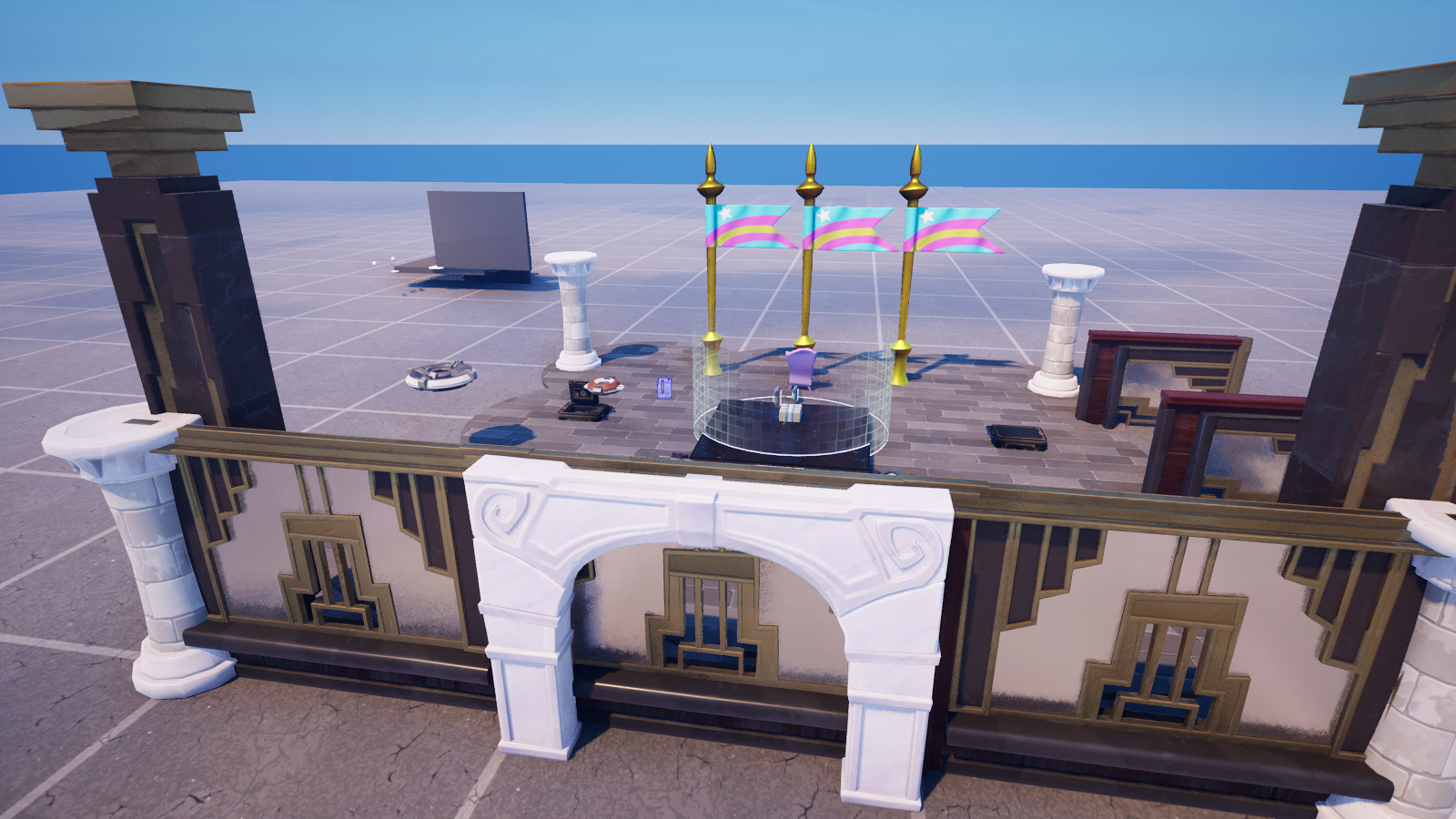
The bounce pad: set an upward velocity
<!-- section-art:the-bounce-pad-set-an-upward-velocity -->

Vertical Launch
SetLinearVelocity takes a vector3 in meters per second and replaces the character's current velocity. To pop a player straight up, you set only the vertical component:
# Pop straight up at 15 m/s.
Up := vector3{ Forward := 0.0, Left := 0.0, Up := 15.0 }
Body.SetLinearVelocity(Up)
Look closely at that vector3. The fields are Forward, Left, Up — not X, Y, Z.
The gotcha: two vector3 types, two sets of field names
This is the thing to internalize. UEFN ships two vector3 types, and they have different field names:
/Verse.org/SpatialMathvector3→ fields areForward,Left,Up(the modern Scene Graph convention — the same one you used in the Animation series)./UnrealEngine.com/Temporary/SpatialMathvector3→ fields areX,Y,Z(the older engine convention).
They are genuinely different structs, and different functions want different ones. SetLinearVelocity wants the /Verse.org/SpatialMath vector3 — so you write Forward/Left/Up.
The trap: if you using both SpatialMath modules in the same file, the name vector3 becomes ambiguous and the compiler refuses a bare vector3{...}. The fix is simple — import only the SpatialMath you need. For character velocity that's /Verse.org/SpatialMath, and then a plain vector3{ Forward := ..., Left := ..., Up := ... } just works.
using { /Verse.org/SpatialMath }   # gives the Forward/Left/Up vector3
# Do NOT also import /UnrealEngine.com/Temporary/SpatialMath here —
# two vector3s in scope makes `vector3{...}` ambiguous.
A softer option: shove instead of slam
SetLinearVelocity overwrites motion — a running player loses their forward speed and just goes up. If you want to add a push while keeping their momentum, use ApplyLinearImpulse (measured in Newton-seconds, a physics impulse):
# Add an upward shove without erasing their run — they arc forward.
Push := vector3{ Forward := 0.0, Left := 0.0, Up := Strength }
Body.ApplyLinearImpulse(Push)
Same axis fields, different feel: SetLinearVelocity is a launch pad; ApplyLinearImpulse is a gust of wind.
The full bounce-pad device
using { /Fortnite.com/Devices }
using { /Fortnite.com/Characters }
using { /Verse.org/Simulation }
using { /Verse.org/SpatialMath }
using { /UnrealEngine.com/Temporary/Diagnostics }

char_launcher_device := class(creative_device):

    @editable
    LaunchButton : button_device = button_device{}

    # Upward launch speed in meters/second. Designer-tunable.
    @editable
    LaunchSpeed : float = 15.0

    OnBegin<override>()<suspends> : void =
        LaunchButton.InteractedWithEvent.Subscribe(OnLaunch)

    OnLaunch(Presser : agent) : void =
        Playspace := GetPlayspace()
        # Fetch-and-filter in the for-clause: players with no body are skipped.
        for (P : Playspace.GetPlayers(), Body := P.GetFortCharacter[]):
            Up := vector3{ Forward := 0.0, Left := 0.0, Up := LaunchSpeed }
            Body.SetLinearVelocity(Up)
            Print("Launched a player upward at {LaunchSpeed} m/s")

    # A gentler alternative — adds to current motion instead of replacing it.
    Nudge(Body : fort_character, Strength : float) : void =
        Push := vector3{ Forward := 0.0, Left := 0.0, Up := Strength }
        Body.ApplyLinearImpulse(Push)
Notice the for (P : ..., Body := P.GetFortCharacter[]) — the failable bind sits right in the for-clause, so the loop body only runs for players who have a body. Clean.
And the third verb: TeleportTo
<!-- section-art:and-the-third-verb-teleportto -->

Instant Teleport
The instant blink — Body.TeleportTo[Position, Rotation] — moves a character somewhere immediately. It's failable ([]): it fails if the spot is blocked or out of bounds, so you guard it. One wrinkle: TeleportTo wants the other vector3 (the /UnrealEngine.com/Temporary/SpatialMath one, with X/Y/Z), so mixing it with velocity code means dealing with both types. We sidestep that in the capstone by handing fallen players to a Teleporter device instead — cleaner, and no type juggling. For now, just know the verb exists and is failable.
This bounce-pad device is compile-verified in UEFN 5.8 (0 errors). Grab 03-device.verse, wire a Button into LaunchButton, and tune LaunchSpeed in the Details panel.
Recap
- A character moves three ways:
SetLinearVelocity(replace motion),ApplyLinearImpulse(add a physics shove),TeleportTo(instant blink, failable). - Gotcha: there are two
vector3types. The/Verse.org/SpatialMathone usesForward/Left/Up; the Temporary one usesX/Y/Z. Importing both makesvector3ambiguous — import only the one you need. - For velocity/impulse, that's
/Verse.org/SpatialMath→ writeForward/Left/Up. Up is vertical, so an upward pop sets onlyUp. - Put the failable
GetFortCharacter[]right in the for-clause to fetch-and-filter in one line.
Next — Part 3: Reacting to the Player — instead of pushing characters, we listen to them: jumps, crouches, sprints, all broadcast as events.
Keep going — free
You've read the intro. The rest of this lesson is free for members. Sign in to continue and track your progress.
Sign in free to continue this lessonSources
/guides/verse-char-move-teleportBiloxi Studios original lesson
Add this lesson to your free study plan.
🧭 The Keeper’s log
Quest complete? Chart your next heading from the 🐉 East Volcano expedition.
⛵ Take me there