
Exploring the Content Browser Menu
The Content browser is where you can access the Fortnite Creative inventory and tools to create your gameplay experiences.
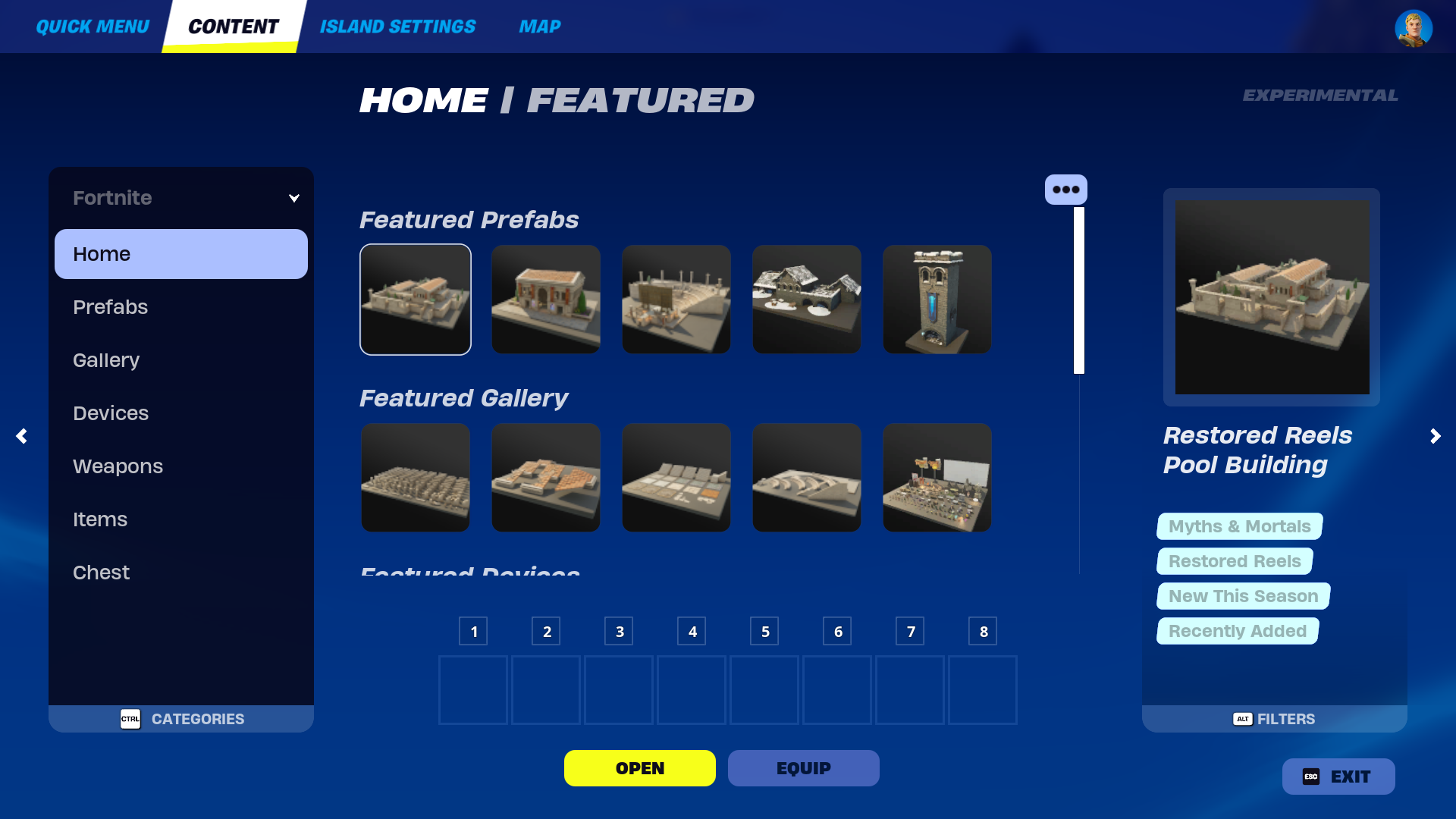
Follow the steps below to access the Content browser.
- Spawn into your Creative island.
- Press ~ on your keyboard to select the Phone Tool.
- Press Tab on your keyboard to open the Content browser.
The assets within the Content browser are updated with every update. With this growing inventory, you can easily use sidebars and filters to find assets by name, theme, and even tags.
Content Browser Sidebars
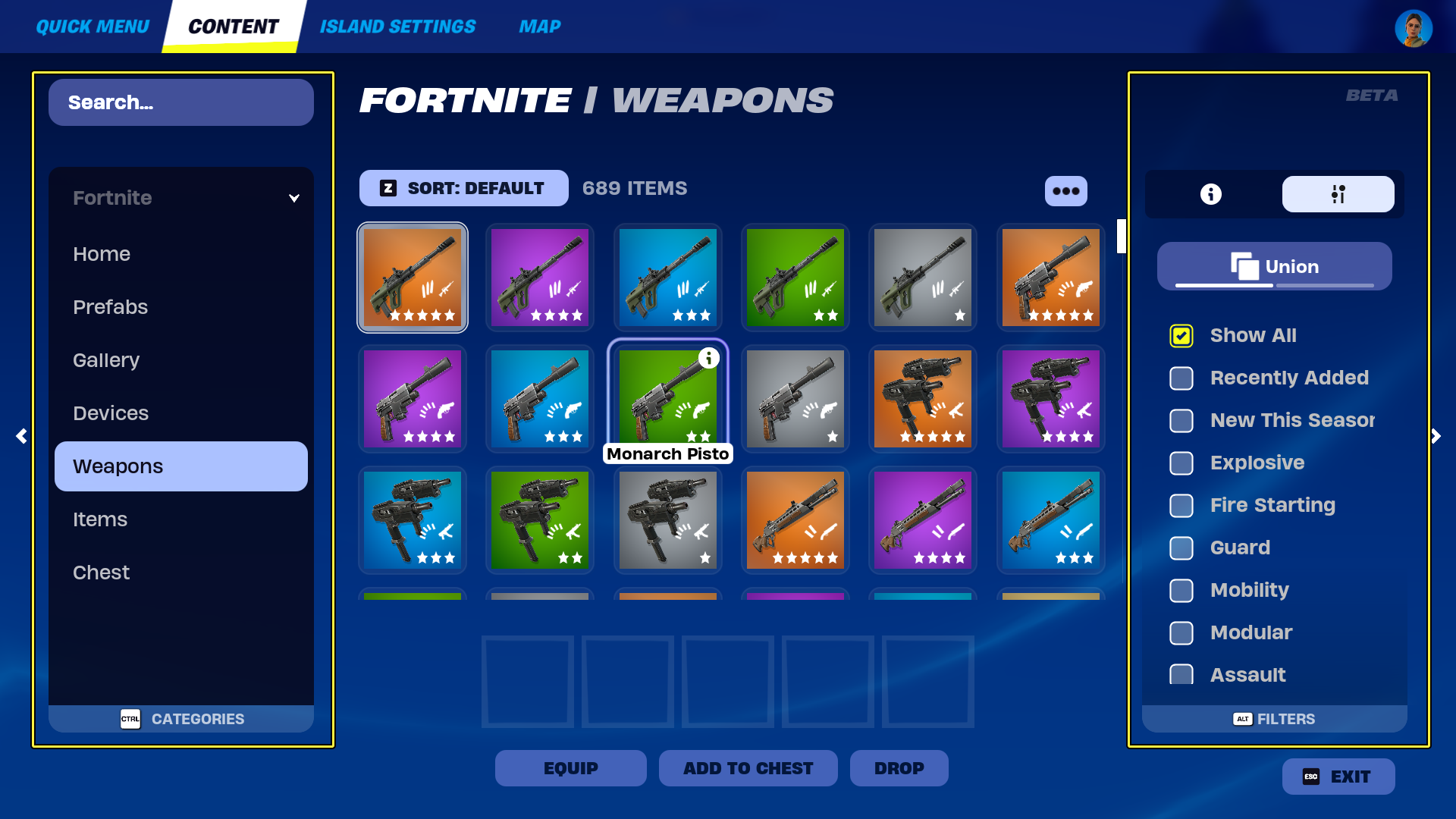
The Creative inventory holds all of the assets to create both the environment and mechanics of your unique gameplay experiences.
Because of the wide range of tools offered, you can easily navigate through assets using the left and right sidebars.
The left sidebar displays the Categories panel, which contains a search bar and categories to help you locate the assets offered. The right sidebar displays both the Details panel and Filters tabs to sort through assets by tags.
You're reading a preview
The full reference is free for BrainDeadGuild Discord members — sign in to read it all, or open the original at the source.
Sign in with your BrainDead.TV / BrainDeadGuild Discord account for full access.