
Build Your First Island in Fortnite
Ready for your first foray into Unreal Editor for Fortnite? Follow the steps in this tutorial and at the end, you'll have a sweet little one-person shooter mini-game!
Get the basics of how to build a game in Unreal Editor for Fortnite (UEFN), how to playtest the game in Fortnite, and even a taste of how you can use Verse to tweak your gameplay.
Before you know it, you should have a playable shooting gallery mini-game — but even better, you'll have a smooth introduction to UEFN and how it works to help you put a game together!
You'll learn how to:
- Create and save a project.
- Find and place assets (also sometimes called objects).
- Customize your gameplay with devices.
- Playtest your game.
- Streamline device interactions with Verse.
- Use set dressing to establish a theme.
Complete each of the steps below in sequence to create a working single player shooting gallery mini-game!
Ready to Jump In?
-
[
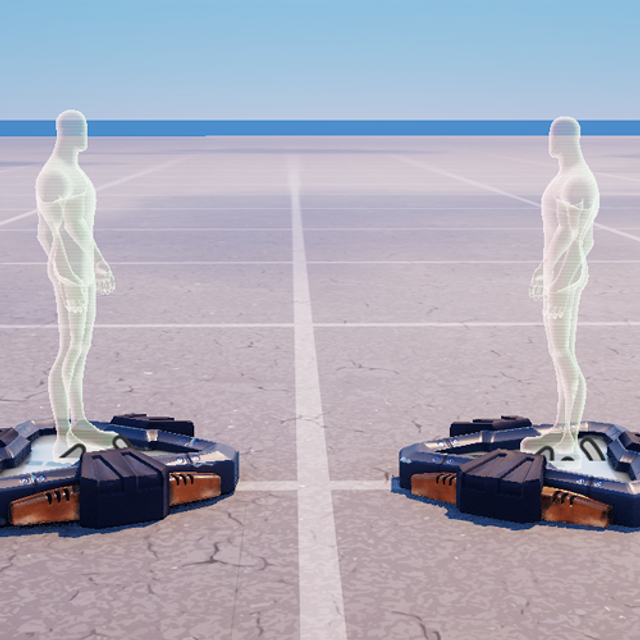
- Create and Explore a Project
Set up your project, navigate the viewport and change some island settings from UEFN!](/docs/documentation/en-us/fortnite/first-island-01-create-and-explore-a-project-in-fortnite.md)
-
[
You're reading a preview
The full reference is free for BrainDeadGuild Discord members — sign in to read it all, or open the original at the source.
Sign in with your BrainDead.TV / BrainDeadGuild Discord account for full access.