VerseIsland
Feed Learn Leaderboard Guides Reference Explore Search Docs Verse Library
Sign in
Feed Learn 📖 Codex Leaderboard Guides Reference Explore Search Docs Verse Library
Fortnite › Tutorials · Up to Fortnite · Tutorials · 45 of 107 in Tutorials
Browse Fortnite

LEGO Action Adventure In Unreal Editor For Fortnite

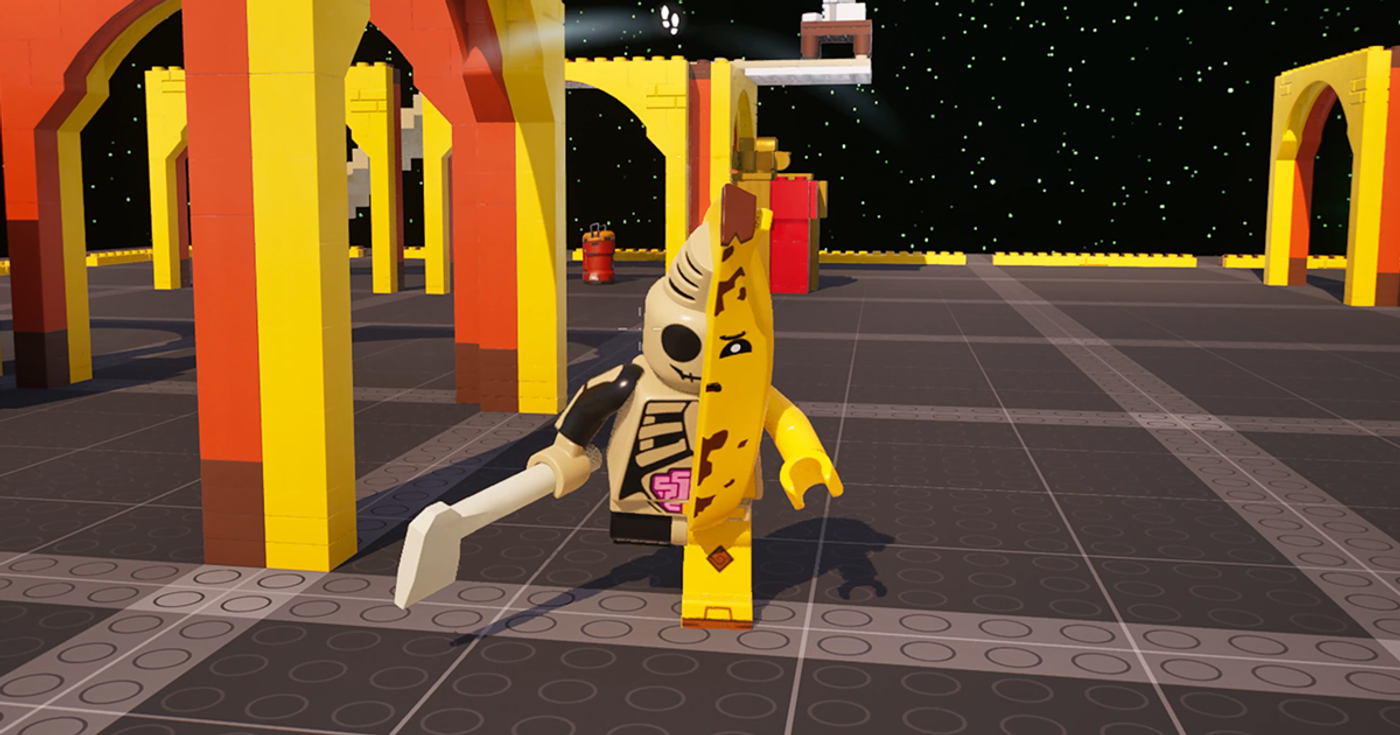
The LEGO® Action Adventure Template provides the building blocks for a classic action-adventure gameplay complete with quests, combat, and puzzles. Most of all, this template showcases the LEGO® Assembly Devices device so you can prove to the world that you're a certified LEGO professional builder. Lock into this experience while enjoying its relaxing vibes and soothing sounds.

In this gameplay, there is one universe - but many worlds to save and many hats to wear. Become a Warrior, Blaster, or Thief, and unlock quests that utilize unique tools as you change your play style for each class persona. With each class, carry out your heroic duty to save the universe as you combat pesky enemies.

In the land of LEGO, it pays to be a hero. Your actions can award studs which you can use to assemble props that unlock new areas, fulfill quest requirements, and unlock in-game trophies. As you progress through each class, you will encounter rewarding trials that keep you on your toes as you navigate through obstacles.
You're reading a preview

The full reference is free for BrainDeadGuild Discord members — sign in to read it all, or open the original at the source.

Sign in with Discord — free for members Read the original at Epic Games

Sign in with your BrainDead.TV / BrainDeadGuild Discord account for full access.

Comments

    Sign in to vote, comment, or suggest an edit. Sign in
    📄
    Source
    Epic Games

    © Epic Games. Official Epic developer documentation, shown here as a reference with a link to the original. All rights remain with Epic Games. Terms ↗

    View original Sources & licensing
    Request removal
    Last updated May 12, 2026
    Keep exploring
    More in Tutorials · 45 of 107
    Prev
    learn with lego fortnite
    Next
    lego bloom tycoon in fortnite
    Browse all files in this folder (A–Z)
    Next up
    • Using Lego Assembly Devices In Fortnite Creative
    • You can create a Verse device to set up quests within your game and grant items such as **[LEGO® Collectible
    • 1. In the Viewport toolbar, [create a Verse device
    • 7. From the **Content Browser**, navigate to **Fortnite**> **Devices**> **!Beta**, and drag an [NPC Spawner
    • 4. Under the **Quest** array, navigate to **TrackerDevice**, and set the option to **tracker\_main\_quest**.
    • 1. From the content folder of your project, create a [Character Definition
    Related topics
    • Lego Action Adventure In Unreal Editor For Fortnite Tutorials
    • Lego Templates In Fortnite Tutorials
    • Lego Pvp Extraction Template In Unreal Editor For Fortnite Tutorials
    • Lego Brick Editor Template In Fortnite Materials/Vfx
    • Lego Tips And Tricks Of Building In 3d Space In Fortnite Building & Props

    Related

    Open in graph →

    Related topics

    • Lego Action Adventure In Unreal Editor For Fortnite
    • Lego Templates In Fortnite
    • Lego Pvp Extraction Template In Unreal Editor For Fortnite
    • Lego Brick Editor Template In Fortnite
    • Lego Tips And Tricks Of Building In 3d Space In Fortnite
    VerseIsland · an archipelago of Verse & UEFN knowledge
    🗺️ Island atlas Learn Guides History About & Press Sources & Licensing Status

    Not affiliated with Epic Games. Fortnite, UEFN, Unreal Engine, and Verse are trademarks of Epic Games, Inc. Content is attributed to its source — see Sources & Licensing.

    🦜

    Scout · your island guide

    The Isle of Verse