
Managing Projects In Creator Portal
Learn how to manage your projects using Creator Portal, including an explanation of the project navigation menu, and descriptions of the analytics page for your project, the page showing any in-game offers in your project, and the Verse runtime errors page. You can also learn about sharing links, and A/B testing for your islands' thumbnail images.
[
Project Navigation Menu
Everything you need to manage a project once you select it from the Project page.](/docs/documentation/en-us/fortnite/project-navigation-menu-in-fortnite.md)[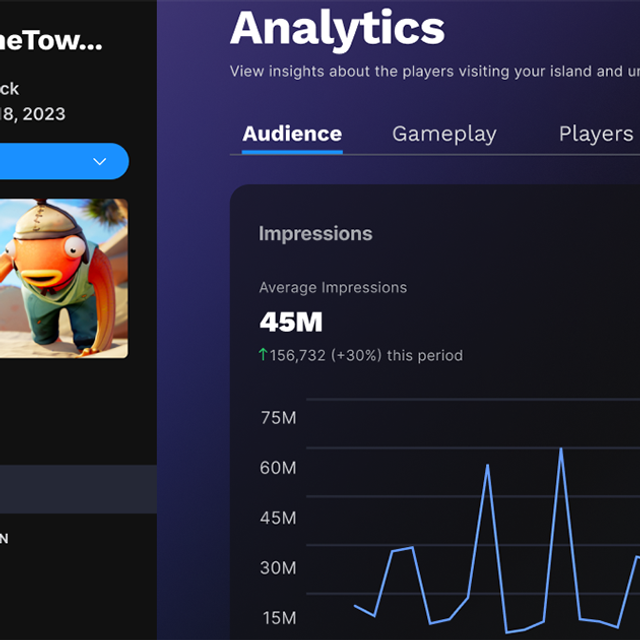
Project Analytics
Use these metrics to gain insight into how players respond to your thumbnails and descriptions, and how long they stick to your island.](/docs/documentation/en-us/fortnite/project-analytics-for-fortnite-games.md)[
You're reading a preview
The full reference is free for BrainDeadGuild Discord members — sign in to read it all, or open the original at the source.
Sign in with your BrainDead.TV / BrainDeadGuild Discord account for full access.