
Project Navigation Menu in Creator Portal
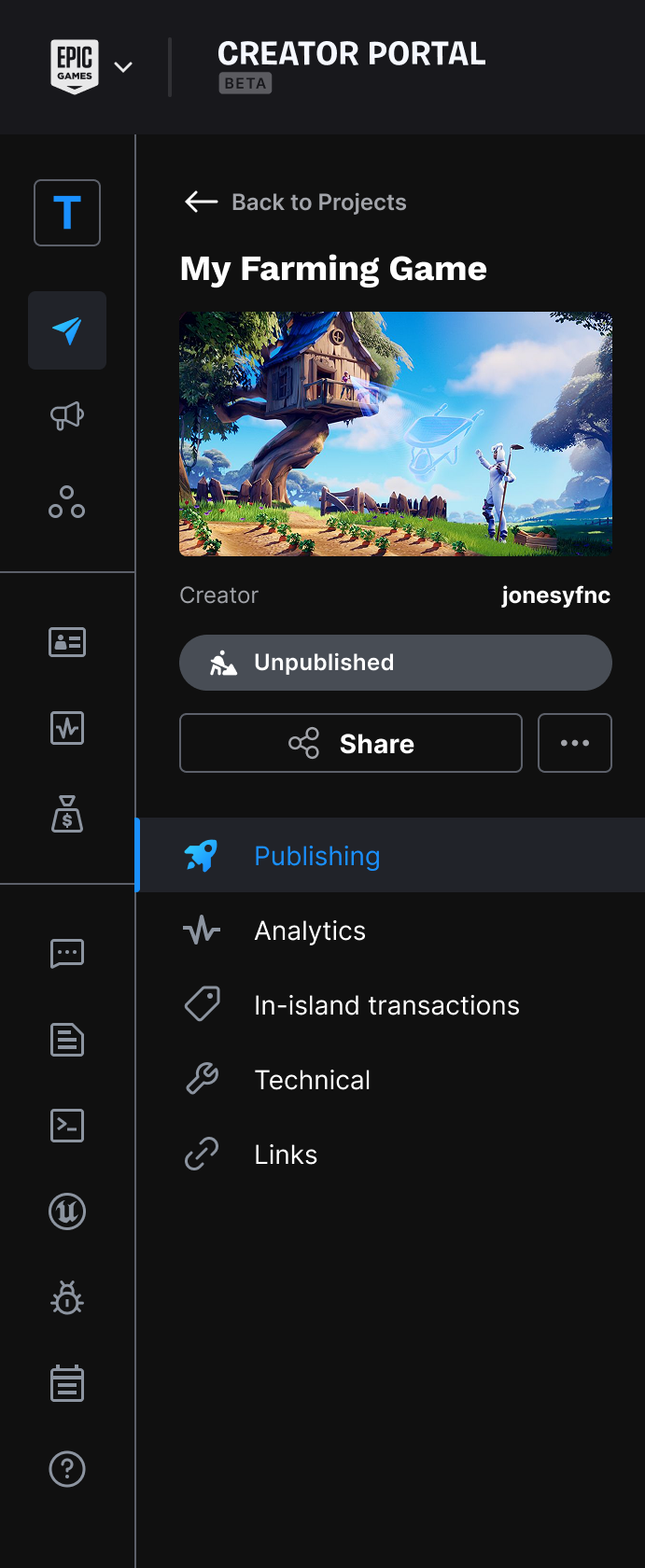
Once you select a project from the Projects page in Creator Portal, you can use the project navigation menu to access publishing information, analytics for the project, any in-game items available in this project, and any Verse runtime errors generated.
Start by selecting a project from the Projects page.
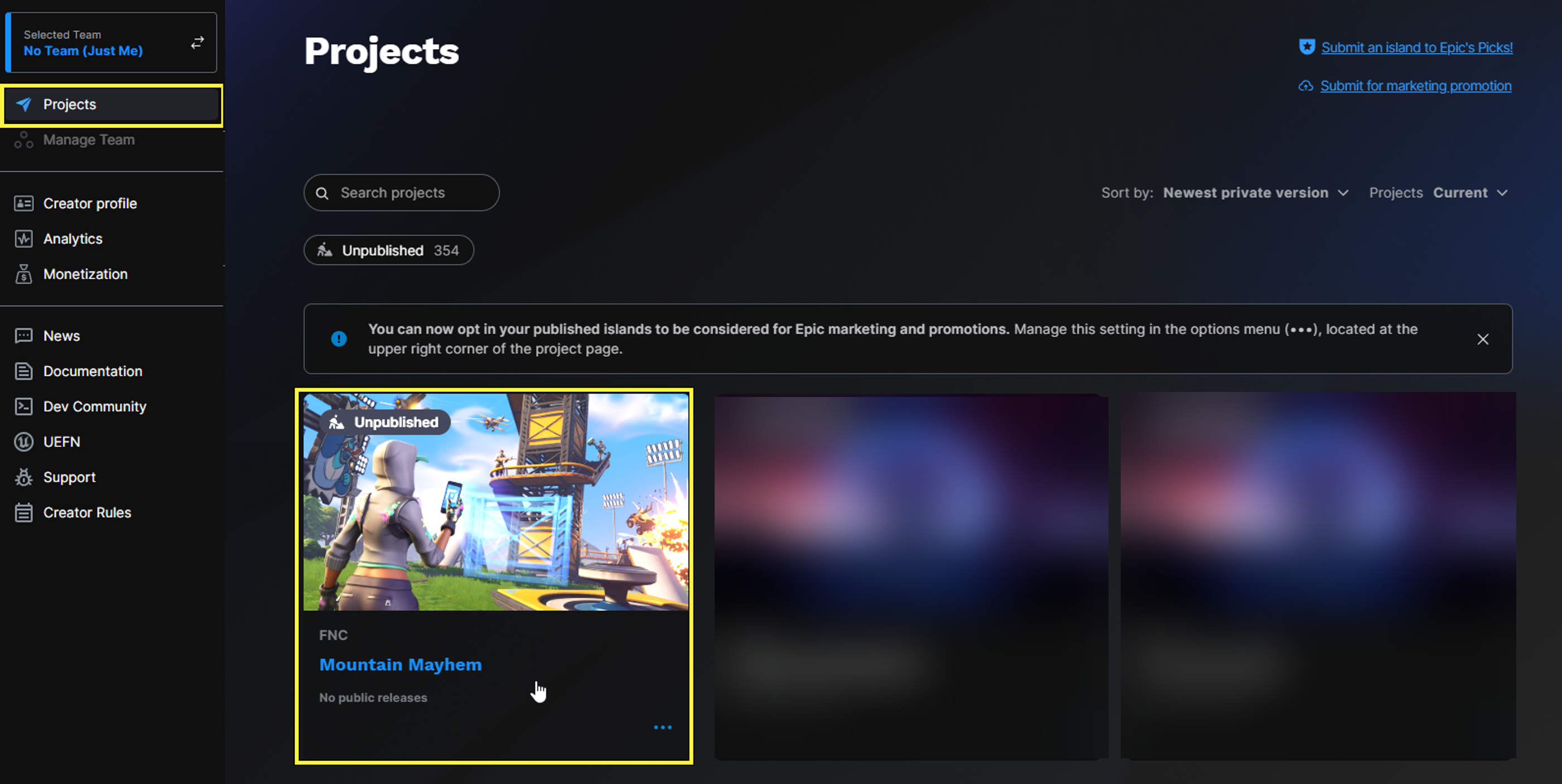
Select a project on the Projects page.
Selecting a project opens the project's Publishing page. You will see the project navigation menu displayed in the left sidebar.
The following team roles can change the listing status from the project navigation menu:
- Owner
- Administrator
- Publisher
Team members who have the Collaborator project role won’t be able to change a project's listing status.
Navigation Menu
The image below shows the project navigation menu, with a table describing each menu option. You can also see that the account-level navigation menu has been minimized to a toolbar to the left of the project navigation menu.
You're reading a preview
The full reference is free for BrainDeadGuild Discord members — sign in to read it all, or open the original at the source.
Sign in with your BrainDead.TV / BrainDeadGuild Discord account for full access.