
Modifying Clothing Assets in Unreal Editor for Fortnite
In this guide, you will learn how to modify your clothing material to add additional color variety to the same asset. In addition, we will explain how to modify the material textures outside of UEFN to achieve a similar effect.
Import your MetaHuman into UEFN and set up a clothing asset by following the steps outlined in the Import your Clothing Assets to UEFN guide.
Modify the Clothing Material
Follow these steps to modify the material associated with your clothing asset:
-
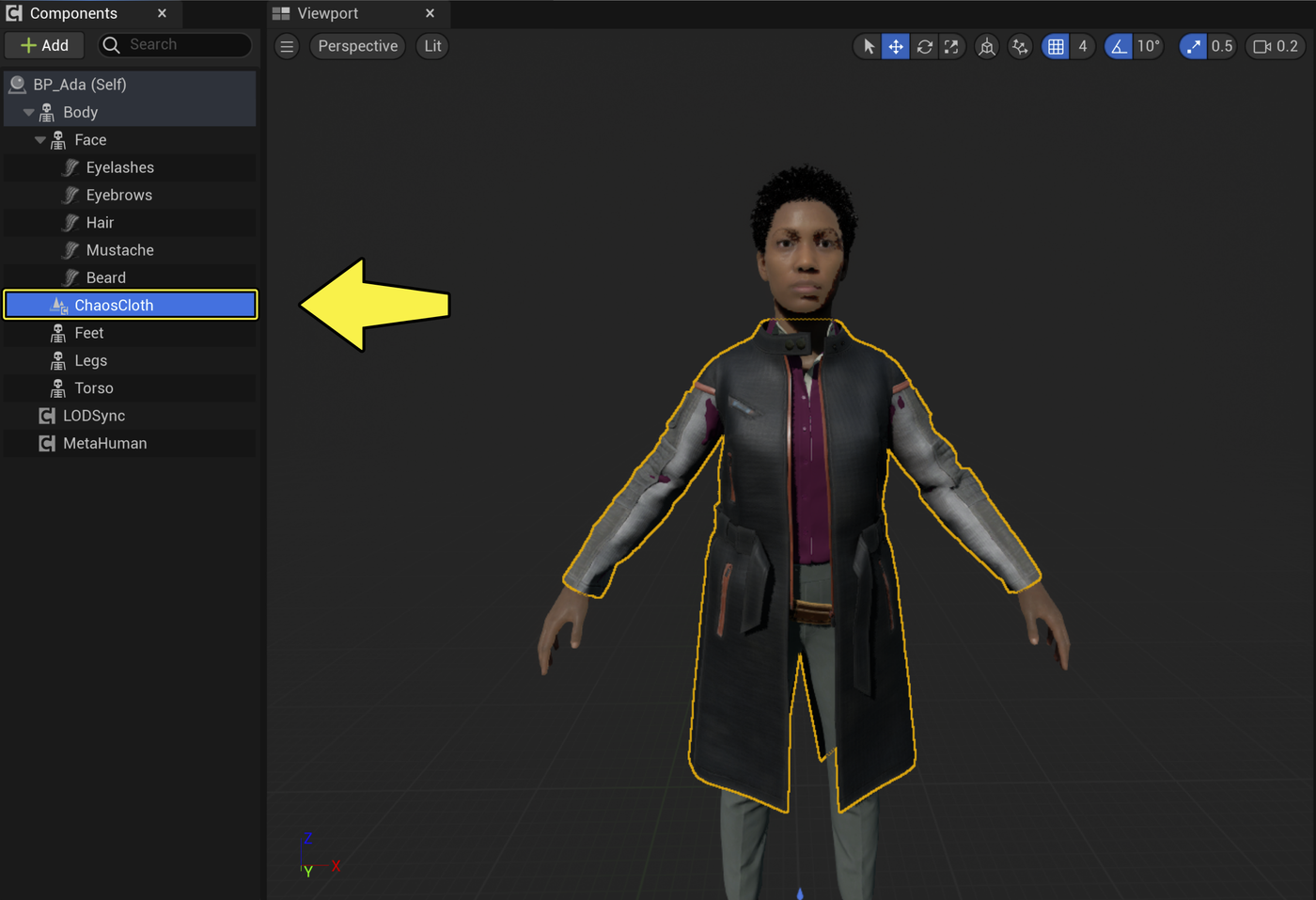
Open your MetaHuman Blueprint and select the ChaosCloth component in the Components window.
-
Go to the Details panel and scroll down to the Materials section.
- Locate the material you want to modify. In this example, we want to change the material in Element 0.
- Click the Browse button to navigate to the material in the Content Browser.
You're reading a preview
The full reference is free for BrainDeadGuild Discord members — sign in to read it all, or open the original at the source.
Sign in with your BrainDead.TV / BrainDeadGuild Discord account for full access.