
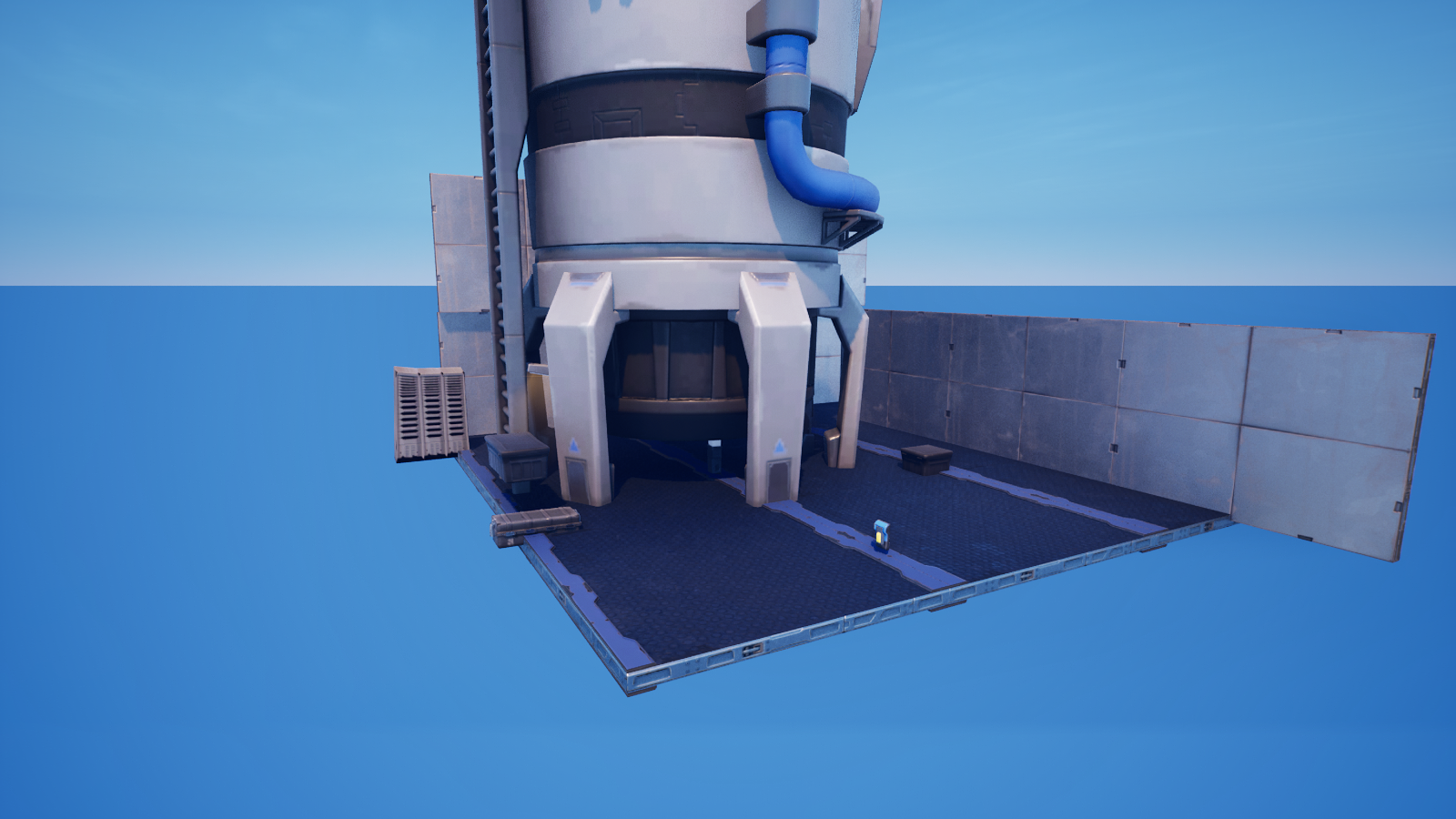
The Grand Reveal: Orchestrating a Sequenced Show
The Grand Reveal: Orchestrating a Sequenced Show
This is the capstone for Skeletal & Sequenced Animation. You've met all three Verse-drivable animation surfaces:
- the Animated Mesh device (Part 1) — a skeletal performer,
- the Cinematic Sequence device (Part 2 and Part 3) — a full Sequencer shot,
- and the Character device — a mannequin host that can
PlayEmote().
Now we make them take turns. One Button kicks off a timed, multi-beat show: the camera flies through, then the skeletal performer animates, then the host bows, then a fanfare. The hard part isn't any single call — it's the choreography, making beats happen in order and on cue.
The orchestration problem
<!-- section-art:the-orchestration-problem -->
Sequenced Conductor
An event handler like OnGo cannot wait — it has to return right away so the game keeps running. But our show needs to wait: beat 2 shouldn't start until the cinematic in beat 1 actually finishes. The fix is the pattern that powers every timed system in Verse:
spawna<suspends>coroutine. The handler launches it and returns instantly; the coroutine runs the beats in order, waiting between them withAwait()andSleep().
RunReveal()<suspends> : void =
    Cine.SetPlaybackTime(0.0)
    Cine.Play(Agent)              # beat 1: the camera flythrough
    Cine.StoppedEvent.Await()     # WAIT here until the sequence ends
    Statue.Play()                 # beat 2: the skeletal mesh performs
    Sleep(3.0)                    # let it run for 3 seconds
    Mannequin.PlayEmote()         # beat 3: the host bows
Cine.StoppedEvent.Await() is the star: in Part 2 we subscribed to StoppedEvent; here we await it. Same event, different verb — Await() parks the coroutine right on that line until the cinematic stops, then execution falls through to beat 2. Sleep(3.0) then holds beat 2 for three seconds before the host emotes. The beats can't race because the coroutine literally pauses between them.
The full reveal device
The capstone ideas, all earned across the series:
spawn { RunReveal(Presser) }—OnGocan't<suspends>, so it spawns the coroutine and returns.RunRevealis where the waiting happens.Cine.Play(Agent)— note the agent form. The capstone passes the instigating player, so the cinematic plays whether the device is set to Everyone or to an instigator. (Part 2 used the no-agent form.)Cine.StoppedEvent.Await()— the coroutine parks until beat 1's cinematic ends. This is sequencing: beat 2 cannot start early.Sleep(PerformerSeconds)— hold beat 2 for a tunable duration, thenPause()the performer.Host.PlayEmote()— the Character device's public emote call: the host bows for the finale.var Running+if (not Running?)— a re-entry guard. Mash the button mid-show and the second press is ignored, so two reveals never overlap. (Reading alogicvalue uses the?—Running?succeeds when it'strue.)
This device is compile-verified in UEFN 5.8 (the whole project builds clean with it installed). Grab it as 03-device.verse, then wire all five @editable slots: a Button, your Cinematic Sequence device, an Animated Mesh device, a Character device, and an Audio Player (set to Heard by Everyone).
What you built
<!-- section-art:what-you-built -->
Sequential Sync
You now have a single device that choreographs three independent animation systems on one timeline — the exact skill behind boss intros, level-complete celebrations, and trailer-quality reveals. The trick was never one fancy call; it was the spawn + <suspends> + Await/Sleep pattern that lets a show wait its turn.
Recap
- Event handlers can't wait;
spawna<suspends>coroutine and do the timed work there. StoppedEvent.Await()parks a coroutine until the cinematic ends — that's how you sequence beat 2 after beat 1.Sleep(seconds)holds a beat for a set duration before the next one.- Use the agent form
Cine.Play(Agent)so it works in either device mode. - The Character device's
PlayEmote()is a public, Verse-drivable emote. - A
var Runningguard (if (not Running?)) stops overlapping shows.
That's the domain. You can find a body, move it, react to it, and now stage a full animated production around it — all in compile-clean Verse.
Get the complete code — free
You've read the full walkthrough. The complete, copy-paste-ready Verse solution is free for members — sign in to unlock it.
Free with your BrainDead.TV / BrainDeadGuild Discord account. The walkthrough above is always free.
Verse source files
- 01-fragment.verse · fragment
- 03-device.verse · device
Check your understanding
Test yourself with an interactive quiz and track your progress + earn XP — free for members.
Turn this into a guided course
Add UEFN Verse capstone — spawn + <suspends> coroutine, StoppedEvent.Await, Sleep, choreographing animated_mesh_device + cinematic_sequence_device + character_device.PlayEmote, re-entry guard to your free study plan — we'll suggest related pages and stitch the lot into one compile-checked, self-guided lesson with worked examples and quizzes.
References
Original tutorial generated by Verse Island from the Verse/UEFN knowledge base, with references to the Epic Games sources above. Code is validated against the knowledge base.