
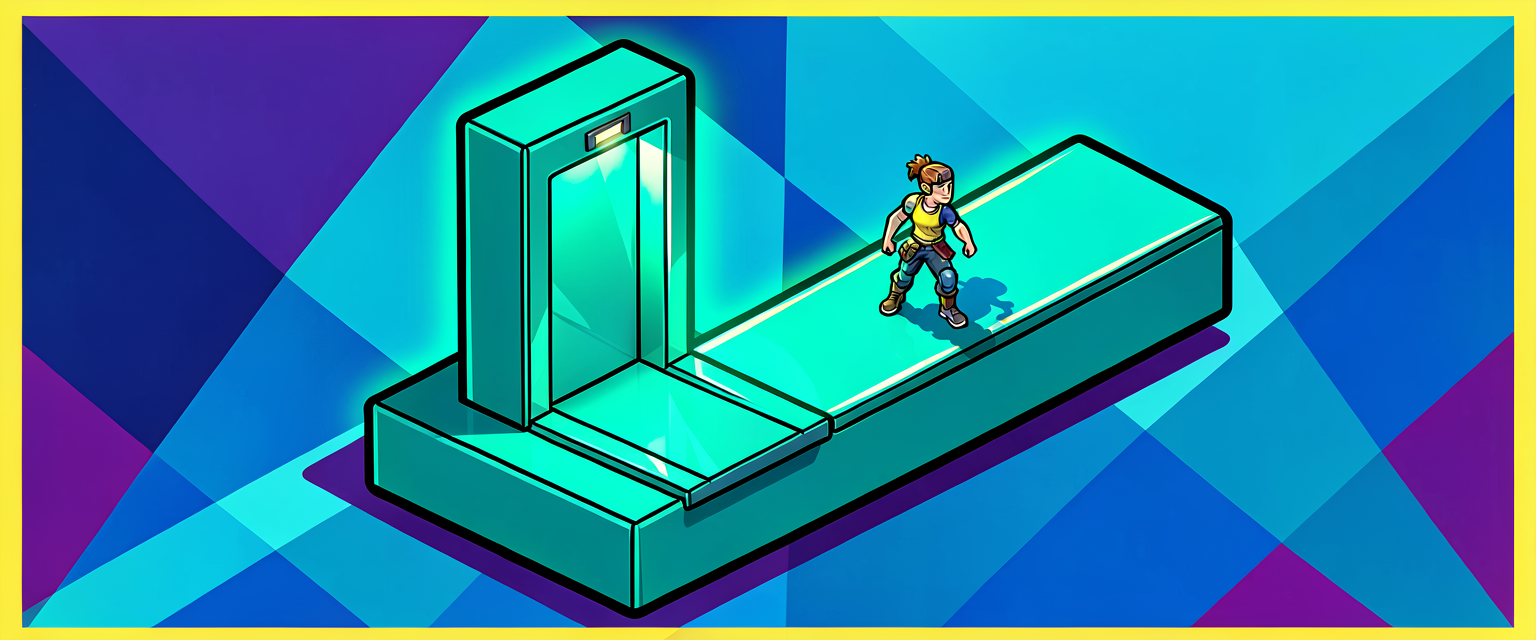
Capstone: Build a Moving Platform Players Can Ride
Capstone: Build a Moving Platform Players Can Ride
This is where the series pays off. You can glide (Part 1), spin (Part 2), and chain routes with events (Part 3). Now we build the thing every action map needs: a platform the player can stand on and ride — a vault elevator that rises, slides across, and returns, forever.
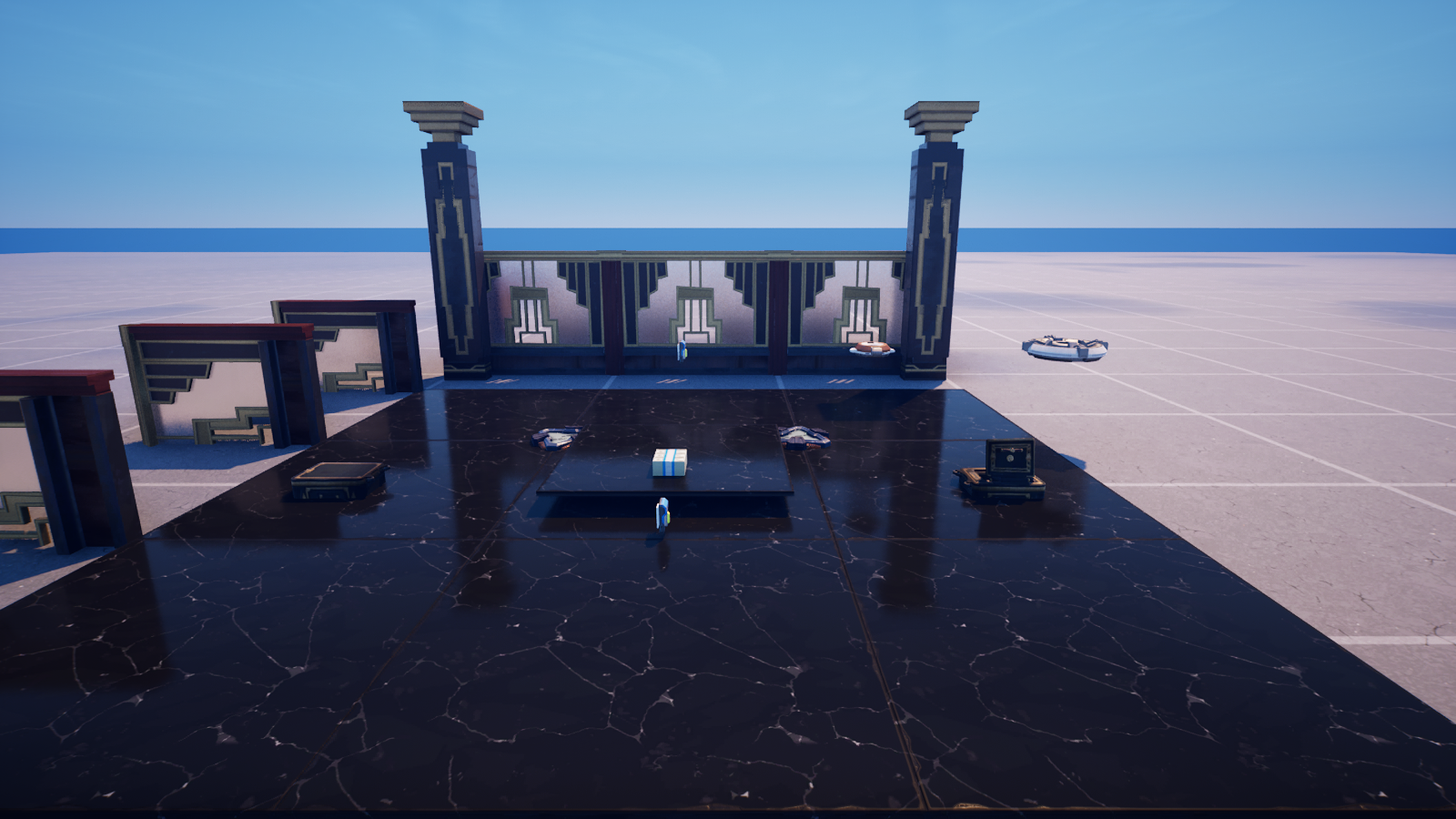
The insight: a rideable platform is just an animated floor
<!-- section-art:the-insight-a-rideable-platform-is-just-an-anima -->

Riding the Floor
Here's the part that surprises people. There's no special "rideable" flag and no per-frame code to drag the player along. The keyframed movement component animates the entity in the engine's pre-physics phase — before the physics step that decides where standing players end up. So when an animated floor mesh moves, anyone standing on it is naturally carried with the surface.
Animating the floor IS building the elevator. Make a floor entity move, and the player rides it. That's the whole trick.
So everything you already know applies directly. We just point it at a floor mesh.
A multi-leg elevator route
We want a richer motion than a straight line: rise up, hold a beat so riders can settle, slide across at the top, hold again — then ping-pong the whole thing back down. That "hold" is a neat idiom: a keyframe with zero movement is just a timed pause.
# A rideable platform is just an animated mesh entity. Because the Keyframed
# Movement component moves the entity in the pre-physics phase, anything
# standing ON the surface — including a player — is carried along for the ride.
# So "make a platform a player can ride" is really "animate a floor entity."
RiseLeg := keyframed_movement_delta:
    Duration := 3.0
    Easing := ease_in_out_cubic_bezier_easing_function{}
    Transform := transform:
        Translation := vector3{ Up := 400.0, Left := 0.0, Forward := 0.0 }
Now the full capstone component, which stitches four legs into the elevator's route:
Everything here is something you've already learned, now combined:
- Transforms & relative translation (Part 1) — each leg moves relative to where it stopped, so the platform never needs world coordinates.
- Easing for weight (Parts 1–2) —
ease_in_outon the moving legs makes a heavy slab feel heavy;linearon the holds keeps the pause dead still. - The hold idiom — a delta with zero translation and a
Durationis just a timed wait, baked right into the animation. - A stacked sequence (Part 3) —
array{ Rise, Hold, Slide, Hold }traces the elevator's whole path. - Ping-pong (Part 3) — the platform retraces its route back to the start, forever, with no return-trip code.
Wiring it up in the editor
The build, end to end:
- Place a floor mesh for the platform (in our vault, a polished marble tile).
- With it selected, Add Component → Keyframed Movement (the mover the code looks for).
- Add Component → Verse, and attach
riding_platform_component. - Tune the
@editableknobs —RiseHeight,SlideDistance, the timings — right in the Details panel, no recompile needed. - Press play, hop on, and ride.
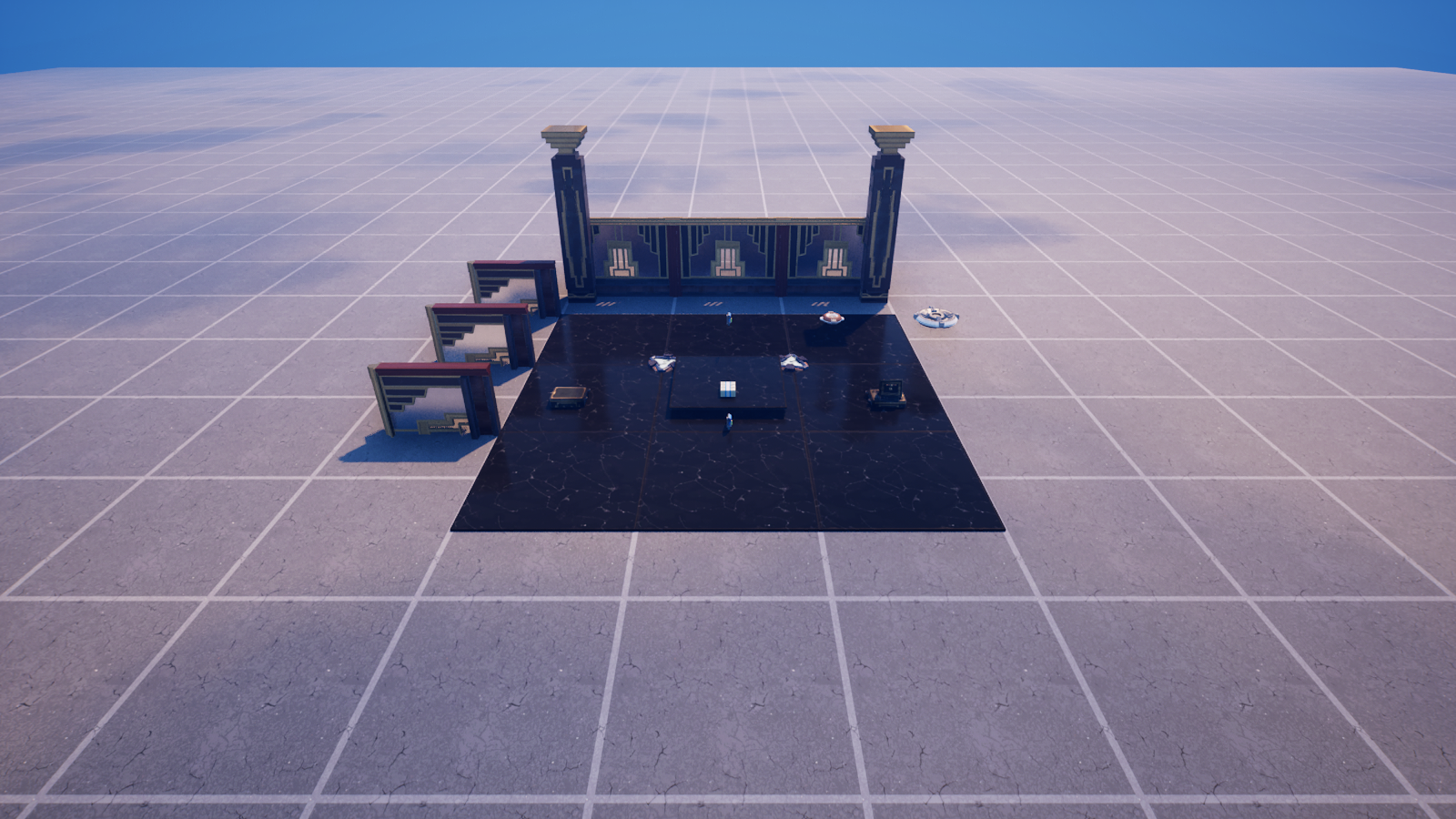
The button beside the platform in the scene is a marker for where a rider boards. As an extension, wire the platform to only run when the button is pressed: have the component subscribe to a button event and call Mover.Play() there instead of in OnBeginSimulation — an on-demand elevator.
You did it
<!-- section-art:you-did-it -->
Riding Success
You started this series able to describe where a thing sits. You can now make things glide, spin, patrol, and carry the player — all by handing the Scene Graph a short list of keyframes and choosing how it plays back. That same toolkit drives moving hazards, rotating doors, sweeping lasers, elevators, conveyor belts, and a hundred other mechanics. The vault was just the stage.
Recap
- A rideable platform is an animated floor — the mover runs in the pre-physics phase, so standing players are carried automatically. No special flag, no per-frame drag code.
- A zero-movement keyframe with a
Durationis a clean timed hold. - The capstone combines everything: relative transforms, easing for weight, a stacked multi-leg sequence, and ping-pong for the automatic return.
- All the knobs are
@editable, so designers tune the ride in the editor with no code changes.
Get the complete code — free
You've read the full walkthrough. The complete, copy-paste-ready Verse solution is free for members — sign in to unlock it.
Free with your BrainDead.TV / BrainDeadGuild Discord account. The walkthrough above is always free.
Verse source files
- 01-fragment.verse · fragment
- 02-standalone.verse · standalone
Check your understanding
Test yourself with an interactive quiz and track your progress + earn XP — free for members.
Turn this into a guided course
Add Verse Scene Graph — rideable platforms, pre-physics movement, multi-leg routes, ping-pong to your free study plan — we'll suggest related pages and stitch the lot into one compile-checked, self-guided lesson with worked examples and quizzes.
References
Original tutorial generated by Verse Island from the Verse/UEFN knowledge base, with references to the Epic Games sources above. Code is validated against the knowledge base.